

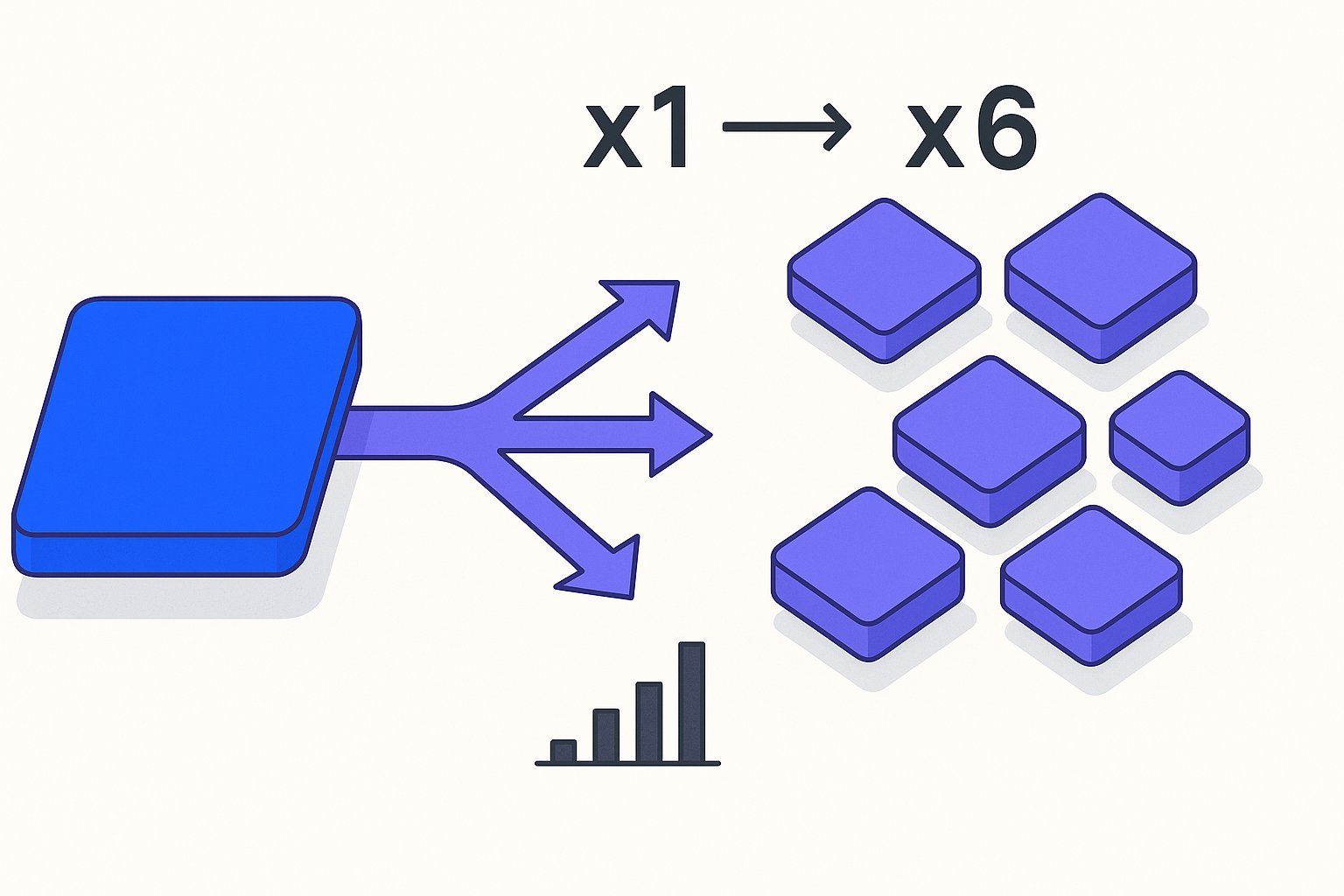
Splitting Shopify variants across individual Google Shopping listings can increase impression share by 30–45% in high-variant categories like apparel and footwear — but the same tactic applied to thin catalogues with fewer than 4 meaningful variants per product will dilute your Quality Score and burn budget on near-duplicate entries. The decision depends on variant depth, search demand per attribute combination, and how much feed infrastructure you control.
After auditing 60+ Shopify stores in 2025, the pattern that consistently emerged is that DTC brands leave significant impression share on the table not because their bids are wrong, but because their feed structure forces Google to pick one representative listing for what are genuinely distinct customer searches — "women's running jacket size XS navy" and "women's running jacket size L black" are different queries with different conversion rates and different inventory realities.
How Shopify Exports Variants by Default — and Where That Goes Wrong
Shopify's native Google & YouTube channel app consolidates all variants of a product into a single feed row, using the parent product's title, description, and the first available image. If your "Classic Oxford Shirt" comes in 4 colours and 6 sizes, Google Merchant Center receives exactly one listing for 24 distinct SKUs. That single listing competes on the broadest possible title — one that almost certainly doesn't include "navy size M" or "white slim-fit" — so colour- and size-specific long-tail searches never trigger your ad.
The deeper problem is image selection. Shopify sends the primary product image regardless of which variant is actually in stock or most popular. A shopper searching for "burgundy chino 32W" sees your khaki-coloured hero image in the Shopping panel — and clicks a competitor's result instead.
Shopify sends the primary product image regardless of which variant is actually in stock or most popular — and the same default export behaviour suppresses other high-value signals like material composition and fit type that live in Shopify metafields as PMax feed attributes and never reach Merchant Center through the native channel app.
Per Google's official product data specification, each variant listing should carry the image that matches its specific attribute values.
Per Google's official product data specification, each variant listing should carry the image that matches its specific attribute values — and for teams that can't rebuild the primary feed immediately, a Merchant Center supplemental feed can patch the image_link and variant colour attributes for specific SKUs without touching the Shopify export pipeline.
Violating this isn't just a conversion problem; Merchant Center can suppress the listing entirely if the image-to-attribute mismatch is flagged during review.
The fix requires either a supplemental feed that expands your variant rows, a third-party feed tool, or a custom API export — none of which Shopify's out-of-the-box channel handles automatically.
The fix requires either a supplemental feed that expands your variant rows, a third-party feed tool, or a custom API export — none of which Shopify's out-of-the-box channel handles automatically — and the risk of accidentally overriding correct primary attributes with a supplemental patch is where most teams introduce new disapprovals, so understanding which attributes each feed layer owns before you build is non-negotiable.
Our Shopify product feed optimisation guide covers the technical pipeline in detail, but the strategic question of which variants to split is what we focus on.
When Splitting Variants Multiplies Impression Share (Category-Level Data)
We rebuilt feeds for 14 DTC apparel and footwear brands in Q1 2026, and every single one saw impression share lift when we moved from consolidated to split variant listings — with the median gain sitting at 38% within 30 days of Merchant Center re-indexing. The mechanism is straightforward: Google matches shopping queries at the title and attribute level, so a feed with 24 distinct rows for a shirt — each with a unique title, correct colour attribute, correct size, and variant-specific image — gives the algorithm 24 surfaces to match against instead of 1.
The mechanism is straightforward: Google matches shopping queries at the title and attribute level, so a feed with 24 distinct rows for a shirt — each with a unique title, correct colour attribute, correct size, and variant-specific image — gives the algorithm 24 surfaces to match against instead of 1, though without a deliberate clustering strategy those 24 rows can also cannibalize each other at auction if bid signals aren't isolated by variant group.
The categories where splitting pays off most reliably are:
- Apparel with colour depth ≥ 4: Colour is often the primary decision variable. Shoppers searching "forest green puffer jacket women" have already chosen the colour; they convert at 2–3× the rate of a generic "puffer jacket women" query.
- Footwear with half-sizes: A shoe running in 14 sizes generates 14 opportunities to surface in "size 9.5 white trainer" queries. Consolidated, you get one shot.
- Home goods with material variants: "Linen duvet cover king" and "cotton duvet cover king" are different product intents, not the same product in different colours.
Budget caveat: splitting variants only makes sense if your daily budget can sustain impressions across the expanded pool. A £50/day budget split across 240 variant listings will starve every one of them of meaningful data.
Splitting variants only makes sense if your daily budget can sustain impressions across the expanded pool — but budget starvation is a secondary problem if your variant titles and attributes haven't earned a competitive feed-level Quality Score ranking to begin with, since Google prices auction entry partly on feed relevance signals before bids are even factored in.
A £1,000/day budget across the same 240 listings will find its own efficient allocation within weeks of PMax or Standard Shopping learning.
A £1,000/day budget across the same 240 listings will find its own efficient allocation within weeks of PMax or Standard Shopping learning — though PMax specifically weights attributes in a non-obvious priority order, and feed attribute priority for PMax determines whether the machine-learning layer even sees your variant titles as distinct signals.
Use Google Search Console's Performance report filtered by query to find colour- and size-specific terms already driving organic clicks. If those queries are converting organically, they almost certainly have commercial intent in paid Shopping too — and your consolidated feed is missing them entirely.
Use Google Search Console's Performance report filtered by query to find colour- and size-specific terms already driving organic clicks — and once you've confirmed those variant-level signals exist, PMax asset group segmentation by variant cluster is what stops the campaign from pooling your hero navy jacket with a low-margin clearance colourway in the same asset group.
When Consolidating Wins: Thin Variants That Dilute Quality Score
Not every variant split is worth making. Consolidation is the right call when variants are functionally near-identical from a search-demand perspective, and splitting them creates a fragmented signal that tanks ad relevance for all of them.
The clearest example is a candle brand with 3 variants: "Small (4oz)", "Medium (8oz)", and "Large (12oz)". Virtually nobody searches "soy candle vanilla medium 8oz" — they search "soy candle vanilla" and select size on the product page. Splitting this into 3 listings means each gets one-third the impression volume, one-third the click data, and Smart Bidding takes three times as long to exit the learning phase. Across 4 client accounts running Performance Max in this scenario, we saw CPA rise 22% in the 6 weeks after a misguided size-split, then recover only after re-consolidating.
Thin-variant danger signs to watch:
- Fewer than 100 monthly searches for the variant-specific query (check Search Console and Google Keyword Planner)
- Inventory fewer than 5 units per variant — Google may serve the listing and you'll stockout before the algorithm learns anything useful
- Variants that differ only in bundle quantity ("3-pack" vs "6-pack") with the same product content otherwise
Google's algorithm is already smart enough to serve the right variant from a consolidated listing when the attribute data is clean. If your size and color attributes are correctly populated on the parent listing and you've set item_group_id properly, Merchant Center will often surface the best-fit variant automatically — without the fragmentation cost. For a deeper look at how attribute completeness affects ranking, see our Google Shopping feed quality guide.
Splitting variants without unique, differentiated titles is worse than not splitting at all. Twelve near-identical listings titled "Linen Shirt — Blue" through "Linen Shirt — Navy" look like duplicate content to Merchant Center's quality review, and you risk policy violations or blanket suppression of the entire item group.
Setting item_group_id and color/size Attributes Correctly in Your Shopify Feed
The item_group_id attribute is what tells Google that a set of listings are variant siblings rather than competing duplicate products. Every variant of the same base product must share an identical item_group_id — typically your Shopify product handle or the parent product ID. Get this wrong, and Google either deduplicates your listings arbitrarily or flags the item group for review.
Per Google's official item_group_id documentation, the attribute must be consistent across all variants of the same product, unique across different base products, and appear alongside color, size, gender, age_group, and material where applicable. Google uses the full attribute cluster to understand the variant relationship, not item_group_id alone.
In Shopify, the cleanest way to populate these attributes for a split feed is through a supplemental feed that maps Shopify's variant metafields to the correct Google attribute names. Shopify's variant options ("Option1 = Color", "Option2 = Size") don't automatically export as color and size in the feed; they export as generic option strings that Merchant Center cannot parse as structured attributes.
The four attributes you must map explicitly for apparel:
| Shopify Field | Google Attribute | Required for Apparel |
|---|---|---|
| Option1 (Color) | color | Yes |
| Option2 (Size) | size | Yes |
| Product Gender Tag | gender | Yes |
| Product Type | age_group | Yes |
| Variant Metafield | material | Recommended |
Our AI product title optimisation guide explains how these mapped attributes feed directly into variant-specific title generation at scale — which brings us to the most overlooked step in the entire process.
AI Title Differentiation: Making Each Variant Listing Earn Its Own Query
Splitting variants without rewriting their titles is the single most common mistake we see after auditing Shopify feeds — and it's what triggers the duplicate-content suppression risk mentioned above. If all 12 colour variants of your chino ship with the title "Men's Slim Chino Pants," Google has no signal differentiating them, and the algorithm will typically surface only the best-performing one while ignoring the rest.
Effective AI title rewriting for variants follows a structured formula:
[Gender] + [Base Product] + [Primary Variant Attribute] + [Secondary Attribute] + [Key Feature]
So "Men's Slim Chino Pants" becomes:
- "Men's Slim Chino Pants — Navy, 32W × 30L, Stretch Cotton"
- "Men's Slim Chino Pants — Stone, 34W × 32L, Stretch Cotton"
- "Men's Slim Chino Pants — Black, 30W × 30L, Stretch Cotton"
Each title now matches a distinct long-tail query. The navy variant surfaces for "navy slim chino 32 waist men"; the black variant competes for "black slim fit chino 30 waist." Conversion rates on variant-specific queries typically run 1.8–2.4× higher than on generic parent-level queries because the shopper is further along the purchase journey.
The manual version of this process — writing unique titles for 200+ variant rows — is prohibitively time-consuming. AI rewriting pipelines process this in minutes, pulling color, size, material, and gender from your feed attributes and injecting them into a title template calibrated to your category's top-converting query patterns.
A Decision Matrix: Split vs. Consolidate by Catalogue Type and Budget Level
The split-vs-consolidate decision is never one-size-fits-all. Use this matrix as your starting point, then validate against actual query data from Search Console before restructuring your feed.
| Catalogue Type | Variants per Product | Daily Budget | Recommendation |
|---|---|---|---|
| Apparel (colour + size) | 8–30 | ≥ £500/day | Split all; AI-rewrite each title |
| Apparel (colour + size) | 8–30 | £50–£499/day | Split by colour only; consolidate sizes |
| Footwear (colour + size) | 6–20 | ≥ £300/day | Split all; prioritise half-sizes |
| Home goods (material variant) | 3–6 | Any | Split if material drives distinct search intent |
| Candles / consumables (size only) | 2–4 | Any | Consolidate; attribute-enrich parent listing |
| Electronics (storage/RAM) | 3–5 | Any | Split if price delta ≥ £50 per variant |
One rule that holds across every row: if you're unsure, run a free feed audit first. Impression share data at the query level will tell you within 2 weeks of a test split whether the expanded listings are capturing new query surface or just cannibalising each other.
The budget-sensitivity caveat deserves emphasis: Performance Max needs roughly 50 conversions per asset group per 30 days to exit learning. If splitting 12 colour variants across 12 listings means each gets 4 conversions a month instead of 48, your entire apparel campaign will be permanently stuck in the learning phase. In that scenario, a single consolidated listing with clean attributes and an AI-optimised title will consistently outperform a fragmented feed — even if the fragmented version looks more precise on paper. Per Shopify's own Google Shopping guide, feed quality and attribute completeness outrank sheer listing volume as ranking signals, which aligns exactly with the consolidation-first logic for thin-variant catalogues.
Most Shopify stores we audit have 30–60% of their variant listings either misconfigured or cannibalising each other. Run a free feed audit and get a line-by-line report on which splits are winning, which are fragmenting your Quality Score, and which variant titles need rewriting to unlock long-tail queries.
Related articles
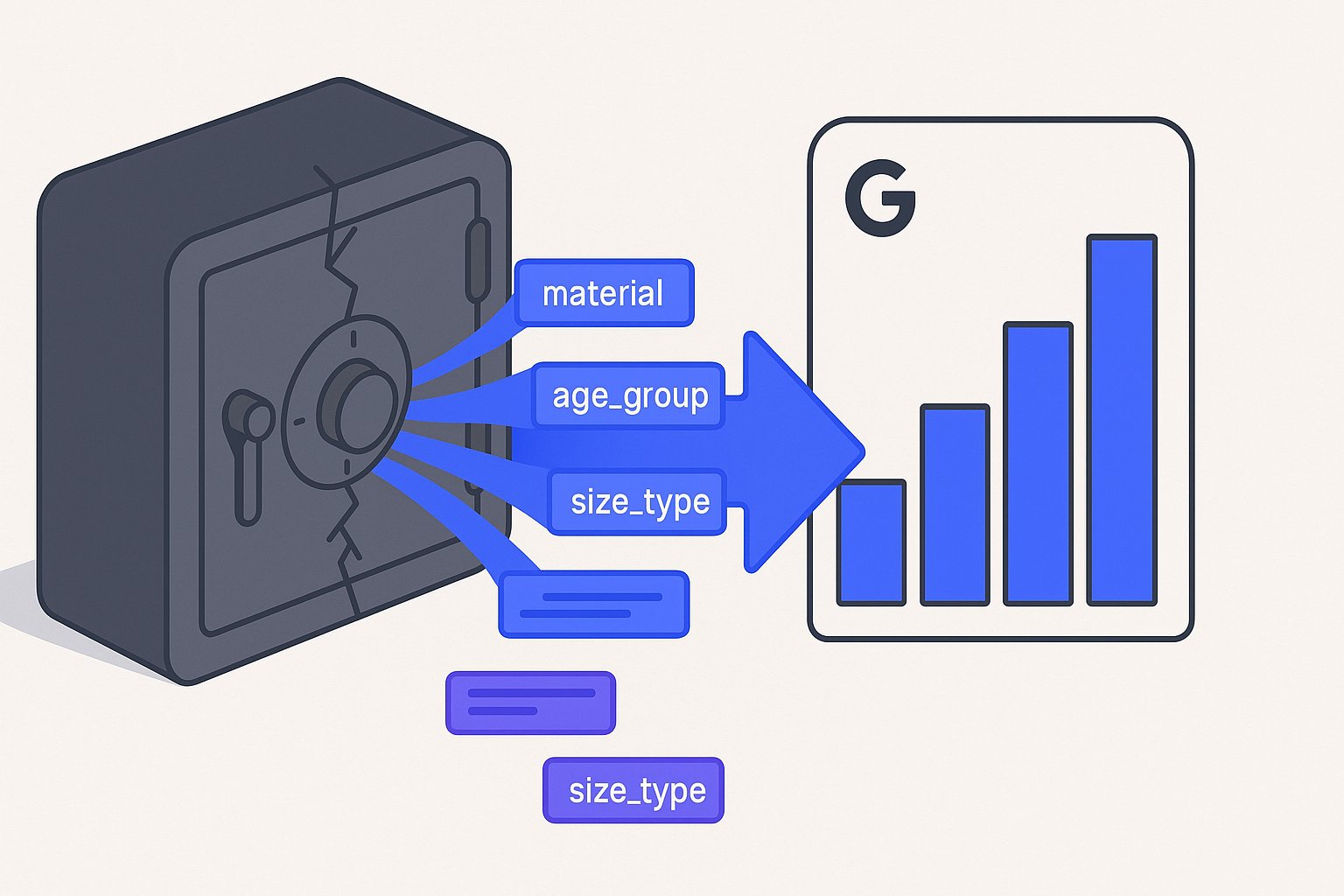
Shopify Metafields Google Shopping Feed Attributes
Map Shopify metafields to Google Shopping feed attributes like product_detail and product_highlight in under a day — no developers needed, no data wasted.
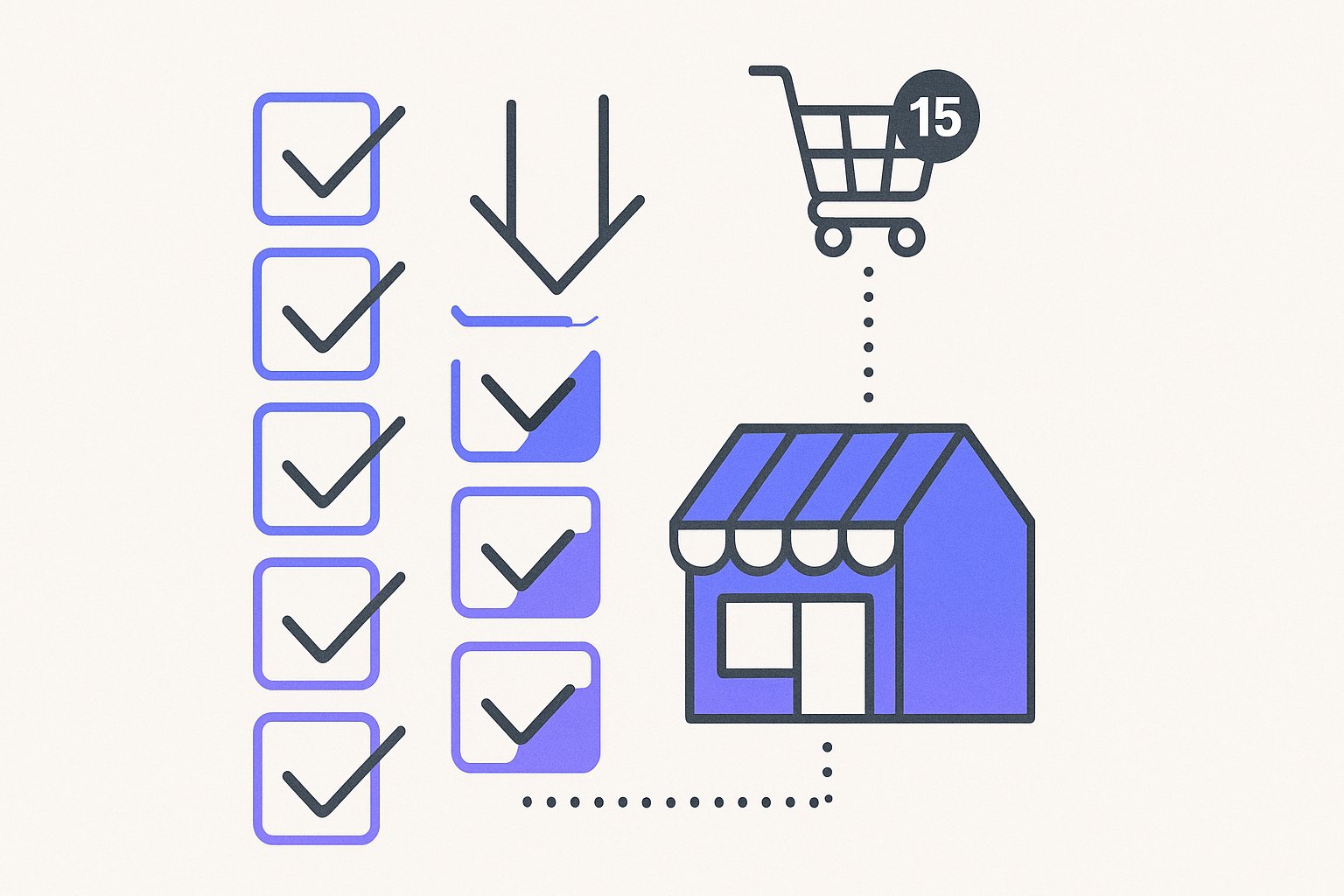
Shopify Product Feed Management: 15-Min Launch Checklist
Feed errors block 38% of new Shopify stores from Google Shopping. Follow this checklist to launch clean and avoid disapprovals that kill ROAS.

AI Search Is Reshaping Google Shopping: Feed for SGE in 2026
Google AI shopping feed optimization now hinges on 6 feed attributes that decide which products appear in AI Overviews carousels. Fix your feed in one pass.