

A disciplined google merchant center supplemental feed strategy can resolve up to 40% of primary feed attribute errors without a single line of Shopify back-end code — making it one of the highest-leverage levers a PPC manager controls outright.
Most teams treat supplemental feeds as emergency patches, slapped together when a campaign goes dark. Used systematically, they become a permanent, versioned override layer that sits above your primary feed and shapes what Google actually sees.

Why Primary Feed Errors Survive Feed Rules — and What Supplemental Feeds Fix Instead
Feed Rules in Merchant Center are powerful for transforming values that already exist in the primary feed — stripping suffixes, appending category strings, uppercasing brand names. What they cannot do is inject net-new attribute values that were never submitted in the first place. That structural gap is exactly what supplemental feeds were built to close.
Consider a common scenario: your Shopify store sends 8,000 SKUs through a primary feed. Around 1,200 of them are missing product_type, 600 have malformed color attributes written as hex codes, and 300 lack size entirely because the variant metafield was never mapped. Feed Rules can reformat what's there, but they can't manufacture a size value for a variant that submitted nothing.
Per Google's official Merchant Center supplemental feed documentation, supplemental feeds exist precisely to "add or override" attributes the primary feed does not supply correctly.
Feed rules and supplemental feeds are not competing tools — they occupy different layers of the same stack. Feed rules run first, on the primary feed data. Supplemental feed values arrive as a second pass and override any attribute they target. This means you can use feed rules for string transformations while reserving the supplemental feed for structural gaps and net-new attribute injection.
That override hierarchy also creates a real risk: a supplemental feed targeting the wrong attributes can silently overwrite correct primary feed values — a failure mode covered in detail in our guide to avoiding accidental attribute overrides.
To understand how feed rules and supplemental feeds fit into a broader optimization workflow, see our breakdown of core feed optimization techniques for Google Shopping.
One Shopify apparel brand we audited had a 73% approval rate with feed rules alone. After adding a supplemental feed targeting age_group, gender, and size, approval climbed to 91% within one refresh cycle — without a single ticket raised to their dev team.
The 6 Attribute Classes Worth Routing Through a Supplemental Feed
Not every attribute is worth the overhead of maintaining a supplemental feed row. The ROI is concentrated in six categories where the primary feed reliably fails and where the attribute has measurable downstream impact on impression eligibility.
1. Missing GTINs on own-brand products. Google will suppress products lacking GTINs in most categories. If you manufacture your own label, the GTIN either doesn't exist yet or wasn't added to Shopify's barcode field. A supplemental feed carrying your EAN/UPC assignments fixes this without waiting for a Shopify CSV import.
If your own-label products genuinely have no registered EAN or UPC yet, the GTIN workaround landscape changed sharply in January 2026 — Google's new GTIN exemption enforcement now rejects 73% of exemption requests that sailed through in 2025.
2. Fragmented color and size attributes. Shopify's default color and size option names are free-text — "Midnight Blue / L" in a single string is common. Google needs these as discrete color and size values. A supplemental feed can carry the parsed, normalised values keyed to each variant ID.
Parsing Shopify's combined option strings into discrete color and size values also intersects with a broader variant architecture decision: splitting variants into individual listings can increase impression share by 30–45% in apparel, but only when each variant carries fully resolved attributes.
3. Product category (google_product_category). This is the attribute with the single highest impact on Shopping impression eligibility. Google's taxonomy has approximately 6,000 nodes. Most Shopify stores submit either nothing or a top-level node like "Apparel & Accessories". Submitting the correct leaf node through a supplemental feed — for example, Apparel & Accessories > Clothing > Tops — directly expands auction eligibility.
If your store runs Performance Max, the attribute priority order matters beyond simple eligibility — PMax feed attribute sequencing determines which machine-learning signals Google uses to match queries, making supplemental feed accuracy a direct ROAS lever.
4. Age group and gender. These are required attributes for any apparel product. Shopify has no native fields for them, so they almost never appear in a default primary feed export. A supplemental feed is the fastest path to compliance without a metafield migration project.
Submitting age_group and gender through a supplemental feed does more than achieve compliance — populated age and condition feed attributes create distinct auction segments where CPCs routinely drop 30–60% against competitors who leave those fields blank.
5. Custom labels. custom_label_0 through custom_label_4 are not product data — they are campaign segmentation tools. Assigning margin tiers, seasonal flags, or clearance status via a supplemental feed lets your bidding strategy react to business logic without touching the product catalog.
Margin tier labels routed through a supplemental feed unlock a further optimization layer: margin-aware feed segmentation prevents Google's algorithm from maximising revenue on the SKUs that erode profit fastest — a pattern found in 50+ Shopify audits.
Margin tiers and seasonal flags become significantly more powerful when your custom label taxonomy is built around profitability thresholds rather than intuition — the three-tier custom label framework used by 8-figure DTC brands is a strong starting template.
6. Shipping weight and dimensions. Carriers and Google's estimated shipping cost model both depend on accurate package dimensions. These are rarely mapped in Shopify's feed output. A supplemental feed carrying shipping_weight, shipping_length, shipping_width, and shipping_height can unlock the estimated delivery date badge in Shopping results.

How to Set Up a Supplemental Feed in Google Sheets in Under 2 Hours
The fastest production-ready path is a Google Sheets supplemental feed connected directly to Merchant Center. No third-party tool required.
Step 1 — Export your current disapproved and limited products. In Merchant Center, navigate to Products > Diagnostics. Filter by "Needs attention" and export the full list as CSV. This becomes your working data set.
Step 2 — Create a Google Sheet with the correct schema. Your sheet must include id (matching the item IDs in your primary feed exactly) as the first column, followed only by the attributes you intend to override. Do not include attributes you are not overriding — blank cells in a supplemental feed can nullify existing primary feed values in some configurations.
Step 3 — Populate the override values. Use the diagnostics export to identify which id values need which attribute fixes. For google_product_category, use Google's official taxonomy numeric IDs rather than text strings to avoid matching errors.
Step 4 — Connect the sheet to Merchant Center. Go to Feeds > Add supplemental feed > Google Sheets. Paste your sheet URL, map the fetch schedule (hourly is available; daily is sufficient for most stores), and save.
Step 5 — Trigger a manual fetch and monitor. After connecting, trigger an immediate fetch from the feed settings panel. Check the processing tab for schema errors within 15 minutes. Full propagation to product status typically completes within one Merchant Center refresh cycle (up to 24 hours).
A well-structured supplemental feed covering the six attribute classes above consistently moves approval rates from the 70–75% range into the high 80s or low 90s — the threshold where Shopping campaigns begin to scale predictably.
Supplemental Feed Maintenance: Keeping Your Override Layer Accurate Over Time
The most common failure mode for supplemental feeds is not setup — it is drift. As your primary feed catalog grows, new SKUs arrive that are not covered by your supplemental feed rows. Without a maintenance process, your approval rate recovers initially and then slowly erodes as uncovered products accumulate disapprovals.
Building a sustainable maintenance workflow requires three practices:
Scheduled audits tied to feed diagnostics. Set a recurring calendar task — weekly for high-velocity catalogs, bi-weekly for stable ones — to re-export the diagnostics report and cross-reference it against your supplemental feed sheet. Any id appearing in the diagnostics export that does not appear in the supplemental sheet is a gap requiring a new row.
Version control for the sheet. Google Sheets' built-in version history is sufficient for most teams. Before any bulk edit session, name a version snapshot. This creates a restore point if a column mapping error wipes out previously correct values.
A clear ownership rule. Supplemental feeds fail organizationally when it is unclear whether the PPC manager or the catalog manager owns the sheet. Designate one owner. The owner's name and last-reviewed date should live in a comment in cell A1 of the sheet.
Treating the supplemental feed as a living document rather than a one-time fix is what separates teams that sustain 90%+ approval rates from those that drift back to 70% within a quarter.
Sources & References
- Google Merchant Center Help — Directly supports the article's core claim about supplemental feeds being designed to 'add or override' attributes the primary feed does not supply correctly.
- Google Merchant Center Help — Supports the explanation of feed rules functionality and their limitations in transforming only existing attribute values rather than injecting net-new attributes.
- Google Merchant Center Help — Supports the discussion of required and optional product data attributes such as product_type, color, size, age_group, and gender that the article identifies as high-ROI targets for supplemental feed correction.
Related articles
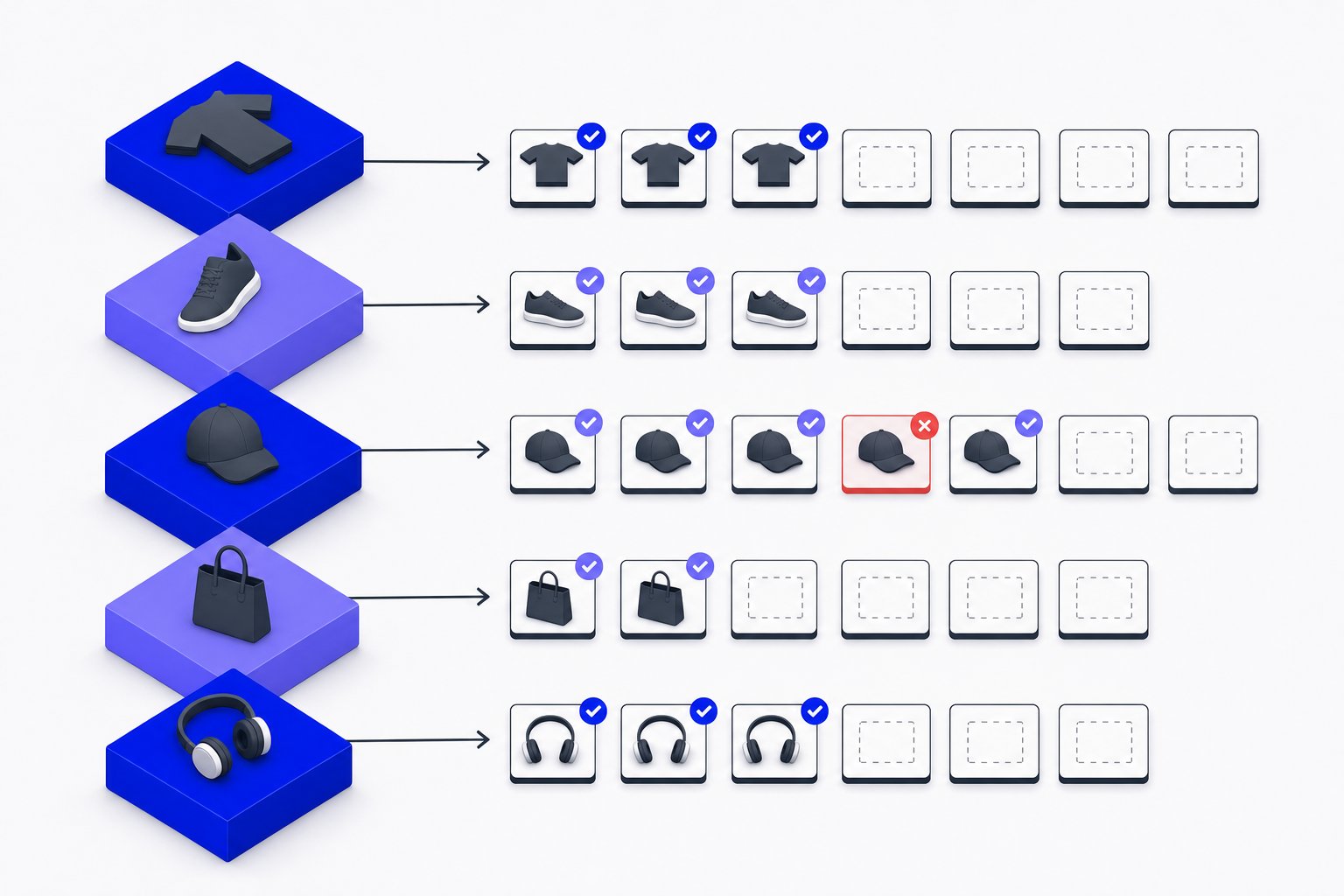
additional_image_link for Variants: Mapping Extra Images per SKU
How to assign and format additional_image_link at the variant level in a Shopping feed, with format rules and constraints.
Color Attribute in Product Feeds: Format Rules and Variant Grouping
Exact character limits, multi-value syntax, prohibited terms and how color ties into item_group_id variant grouping.

excluded_destination Feed Attribute: Accepted Values and Format
Control which Google surfaces show your products using excluded_destination and included_destination feed attributes.