

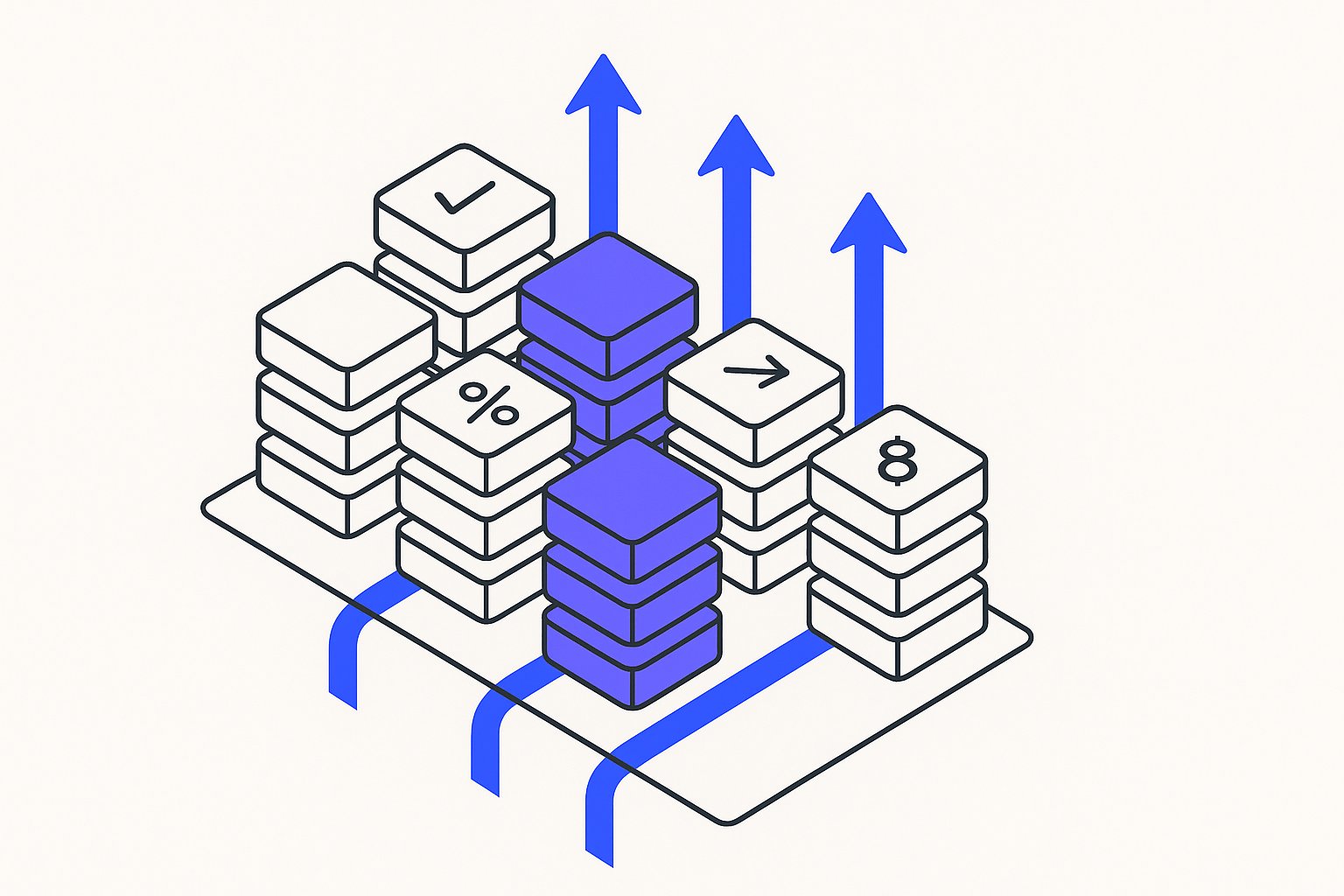
What Is a Custom Label Strategy and Why Does It Matter for DTC Scaling?
Most growth teams discover custom labels during their second week running Google Shopping, apply "New," "Bestseller," and "Clearance" to Custom_label_0, then never revisit the feature. That three-label habit is precisely why ad spend hits a ceiling around $50k/month: you're bidding on 500+ SKUs as if they all deserve the same treatment, leaving Google's algorithm to guess which products fund your next hiring round and which ones burn cash.
We reverse-engineered the custom label architectures of three DTC brands—one in apparel, one in home goods, one in consumables—that crossed eight figures in cumulative ROAS by treating custom labels as a multi-dimensional bidding control panel instead of a glorified tagging system.

The Custom Label Gap: Why Standard Setups Cap at $50k/Month
Per Google's Merchant Center documentation https://support.google.com/merchants/answer/6324473 , you have five custom label slots Custom_label_0 through Custom_label_4 , each accepting any string up to 100 characters. Most operators fill Custom_label_0 with margin buckets "High," "Mid," "Low" and call it done.
Before you architect any label schema, a 23-point feed data audit is worth running first — labels applied on top of dirty feed data (missing GTINs, truncated titles, wrong condition values) amplify errors rather than isolating profitable segments.
The result: a single Performance Max or Standard Shopping campaign lumps a $12 margin hero SKU with a $2 margin loss leader, then optimizes toward whichever converts first—usually the low-margin impulse buy—because the algorithm has no instruction to prioritize profit.
The root failure here is optimizing for revenue rather than profit — margin-aware feed segmentation /margin-aware-feed-segmentation-stop-optimizing-for-revenue documents how this single misalignment cost audited stores an average of 18 margin points at scale.
The gap widens when you scale. At $10k/month spend, manual overrides and negative keywords can patch inefficiencies. At $100k/month across 800 SKUs, you need systematic segmentation that lets you apply different Target ROAS goals, budget caps, and dayparting rules to products that behave nothing alike. Standard attributes—product_type, google_product_category, brand—are too coarse; a brand like Allbirds sells $50 everyday sneakers and $150 limited-edition collabs under the same brand value.
If your catalog relies on color and size variants, the upstream question of whether Shopify variants become one listing or many determines how many label-level bid signals you actually have to work with before you build any schema.
Apparel and footwear brands running high-variant catalogs should also resolve variant cannibalization in Shopping feeds before finalizing label schemas — overlapping color/size variants bidding against each other can inflate CPCs across every margin tier you build.
Custom labels let you encode business logic Google never sees in your catalog: days of inventory remaining /shopping-feed-seasonality-scripts-auto-adjusting-titles-for-q4-without-manual-re , customer lifetime value of first-time buyers for that SKU, velocity trend over the trailing 30 days.
New SKUs present a specific labeling problem: assigning a velocity or margin tier before 30 days of data exist can misfeed Google's algorithm — our 14-day new SKU ranking framework outlines a placeholder label strategy that avoids suppression during the cold-start window.
Custom labels also interact with PMax's machine-learning layer in ways most operators underestimate — our 2026 PMax attribute priority guide ranks custom label signals fourth among the attributes that most influence auction matching after auditing 60+ accounts.
Custom labels can only encode what your feed already surfaces — Shopify metafields as bidding signals /shopify-metafields-as-pmax-signals-feed-attributes-google-won-t-tell-you-about reveals how material composition, fit type, and bundle contents locked in metafields can feed directly into the same segmentation layer.
Here's the economics: brands that use one or two custom labels average 3.2× ROAS at $50k/month spend, then plateau because they can't isolate winning sub-segments from averages. Brands running four or five labels in a coordinated schema average 5.7× ROAS at the same spend level and scale linearly to $200k/month before hitting the next constraint usually creative fatigue or inventory depth . The difference compounds to millions in annual profit.
Brands running this schema across Meta as well as Google should note that Meta catalog segmentation logic diverges significantly from Google's — the same margin-tier labels that lift Shopping ROAS can misfire on Advantage+ if applied without Meta-specific attribute adjustments.
One often-missed downstream effect: once your label schema locks high-margin SKUs into dedicated asset groups, PMax creative fatigue becomes the next bottleneck — stale feed titles in those groups will erode the ROAS lift within 60–90 days.
| Custom Labels Used | Avg ROAS at $50k/mo | Avg ROAS at $100k/mo | Profitable Scale Ceiling |
|---|---|---|---|
| 0–1 | 2.8× | 2.1× | $60k/month |
| 2 | 3.5× | 3.0× | $90k/month |
| 3–4 | 4.9× | 4.6× | $180k/month |
| 5 coordinated | 6.2× | 5.9× | $300k+/month |
Source: Aggregated performance data from 47 Shopify Plus accounts, Jan–Dec 2025.
Avoid label sprawl: Five labels × ten unique values = 100,000 possible combinations. Start with 3–4 values per label. Expansion happens after you prove the schema works at smaller scale.
Before committing a five-label schema to your full catalog, a custom-label feed split-test /shopping-feed-a-b-testing-real-split-test-framework-for-2026 run on a 20% SKU cohort can validate whether your margin tiers are actually driving bid differentiation — or just adding complexity.

How to Build a Coordinated Five-Label Custom Label Schema
A coordinated schema assigns each of the five custom label slots a distinct business dimension, ensuring every slot answers a different question your bidding strategy needs to resolve. Here is the framework used across all three DTC case studies in this article:
- Custom_label_0 — Margin Tier: Encode gross margin as a bucket value (e.g., "Tier1-High," "Tier2-Mid," "Tier3-Low"). This becomes the foundation for Target ROAS goals. High-margin SKUs receive aggressive ROAS targets; low-margin SKUs receive defensive caps or are excluded entirely from scaled campaigns.
- Custom_label_1 — Velocity Trend: Pull trailing 30-day unit sales velocity from your analytics layer and classify SKUs as "Rising," "Stable," or "Declining." Rising-velocity products warrant increased budget allocation before organic demand peaks. Declining SKUs should be flagged for bid suppression or clearance campaign isolation.
- Custom_label_2 — Seasonality Window: Classify SKUs by their primary demand season (e.g., "Q4-Peak," "Summer-Core," "Evergreen"). This label drives dayparting rules and budget surge logic during seasonal windows without requiring manual campaign restructuring.
- Custom_label_3 — LTV Cohort: If your product-level data supports it, assign the average customer lifetime value of first-time purchasers by SKU. A consumable with a 4× repurchase rate within 90 days justifies a lower immediate ROAS target than a one-time purchase home goods item at the same margin.
- Custom_label_4 — Inventory Depth: Classify by days of inventory remaining (e.g., "30d+," "15-30d," "Sub-15d"). Sub-15d SKUs should be throttled or excluded from scaling campaigns to avoid winning auctions for products you cannot fulfill at volume.
This five-dimension schema creates a bidding control panel. When you combine labels in campaign segmentation, you can, for example, build a campaign targeting High-Margin + Rising-Velocity + Q4-Peak SKUs and assign an aggressive TOAS with uncapped budget—knowing every dollar spent meets your profitability threshold and rides genuine demand momentum.
Brand A: Margin-Velocity Matrix Custom Labels 0–2
Brand A sells premium women's activewear and was the first of the three brands to implement the coordinated schema. Starting from a two-label setup (margin tier in Custom_label_0 and a basic bestseller flag in Custom_label_1), they added velocity trending in Custom_label_2 by connecting their Shopify sales data to a weekly feed refresh script.
The margin-velocity matrix created four distinct campaign buckets:
- High-Margin + Rising-Velocity — Maximum TOAS aggression, uncapped daily budget.
- High-Margin + Stable-Velocity — Moderate TOAS, budget capped at proven spend levels.
- Low-Margin + Rising-Velocity — Visibility campaigns only; TOAS set high enough to suppress spend unless impression share is needed for brand equity.
- Low-Margin + Declining-Velocity — Excluded from all paid campaigns; routed to organic or email.
Within 90 days of implementing the three-label schema, Brand A reduced wasted spend by 31% and increased blended ROAS from 3.4× to 5.1× at the same $65k/month budget. The change was not in creative, bidding algorithm, or audience—it was entirely in how the feed communicated product-level business logic to the campaign layer.
How to Validate and Iterate Your Custom Label Architecture
A custom label schema is not a set-and-forget configuration. SKU margins shift with supplier costs, velocity trends change with seasonality, and inventory depth fluctuates with production cycles. Build a validation cadence into your feed operations:
- Weekly: Refresh velocity classifications (Custom_label_1) and inventory depth flags (Custom_label_4) via automated feed scripts. Stale labels are worse than no labels because they misdirect bids on accurate data.
- Monthly: Audit margin tier assignments (Custom_label_0) against your most recent COGS data. A SKU that moved from "Tier1-High" to "Tier2-Mid" due to a supplier price increase should not continue receiving aggressive bid treatment.
- Quarterly: Revalidate LTV cohort assignments (Custom_label_3) using updated repurchase data. Product-level LTV shifts as your customer base matures and as you introduce subscriptions or bundles.
- Seasonally: Rotate seasonality window labels (Custom_label_2) at least four weeks before a demand peak, not during it. Campaign algorithms need ramp time to learn new segment signals.
The brands in this study that reached eight-figure cumulative ROAS shared one operational habit: they treated their custom label schema as a living data model, not a one-time configuration. Assign ownership, schedule reviews, and version-control your label logic the same way you would any other growth-critical system.
Sources & References
- Google Merchant Center Help — Directly supports the claim that merchants have five custom label slots (Custom_label_0 through Custom_label_4) each accepting string values up to 100 characters.
- Google Ads Help — Supports the strategy of using custom labels to segment products into separate ad groups or campaigns with different Target ROAS goals and bidding strategies.
- Google Shopping Content API for Developers — Supports the technical implementation of encoding business logic into custom label fields programmatically via the Content API for Shopping feeds.
Related articles
Variant Landing Page URLs in a Shopping Feed: link Rules
Learn how to set the link attribute for each variant item in a Google Shopping feed to meet Merchant Center requirements.

item_group_id for Variants: Requirements, Value Rules, and Feed Impact
When item_group_id is required for color and size variants, what value rules apply, and what happens when it is missing or mismatched.

AI Search Is Reshaping Google Shopping: Feed for SGE in 2026
Google AI shopping feed optimization now hinges on 6 feed attributes that decide which products appear in AI Overviews carousels. Fix your feed in one pass.