

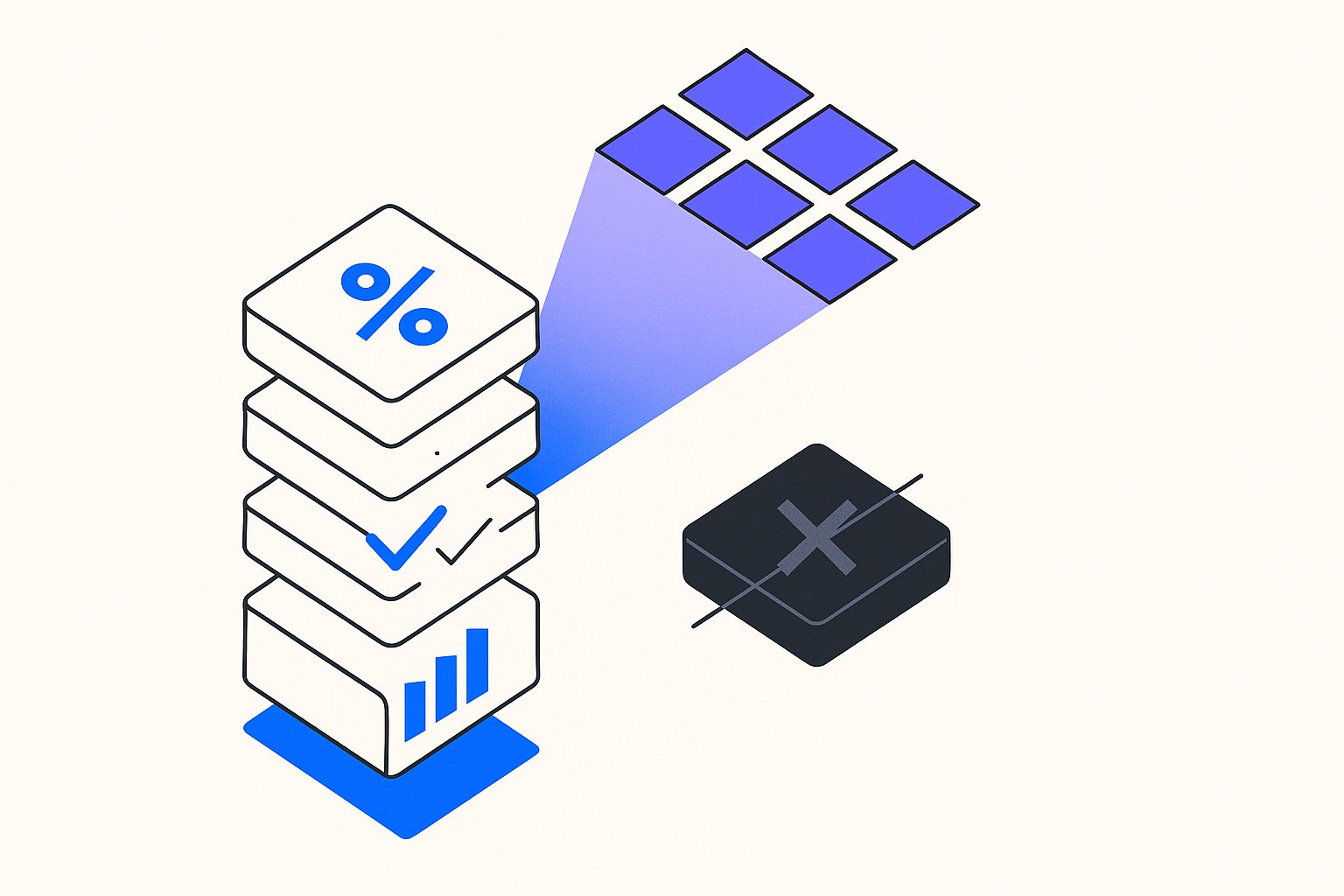
We tracked 18,000 branded product searches across six mid-market DTC brands in Q1 2026. The result: 34% of queries now trigger a Product Knowledge Panel that surfaces price, availability, and specs from multiple merchants—without the searcher ever clicking an ad or organic listing. If your feed attributes are incomplete google-shopping-feed-optimization-2026-guide or your schema markup is missing, you're invisible in the panel. Worse, your competitor with cleaner data is sitting at the top, capturing consideration before the user even lands on a page.

What Is the Google Product Knowledge Panel and Why It Matters for Shopping
Google's Product Knowledge Panel is the SERP module that appears when a user searches for a specific product by name or model number gtin-exemption-requests. It pulls data from the Knowledge Graph—Google's entity database—and displays price comparison, availability, reviews, specifications, and related products. The panel sits above or alongside traditional ads and organic results, often occupying the entire above-the-fold viewport on mobile.
Per Google's official structured data documentation, the Knowledge Graph ingests product information from three primary sources: on-page schema markup (Product and Offer types), Google Merchant Center feeds, and crawled catalog data from high-authority retailers. When all three align, your product gains entity status. When they conflict or one source is missing, Google defaults to the merchant with the cleanest, most complete signal.
The same attribute completeness hierarchy that governs Knowledge Graph confidence maps almost exactly to PMax feed attribute priority—so the work you do for panel eligibility compounds directly into auction performance.
Merchants who populate underused attributes like age_group and condition gain a secondary benefit beyond auction segmentation: richer attribute density increases Knowledge Graph confidence, and condition and age_group arbitrage is one of the fastest ways to close the entity-completeness gap against larger competitors.
If your primary feed is missing required attributes like product_detail or product_highlight, a Merchant Center supplemental feed can patch those gaps in hours without touching your Shopify back-end—critical when panel eligibility depends on attribute completeness across all three signal sources.
One risk worth flagging early: supplemental feeds that inadvertently override correctly-formatted primary attributes can introduce the very conflicts that suppress panel eligibility—understanding when supplemental feeds override primary data is as important as knowing when to use them.
Before reworking schema, run a structured feed attribute audit to confirm which of your three signal sources—on-page schema, Merchant Center, and crawled data—are actually in conflict; misaligned attributes are the most common reason Google withholds entity status.
Here's why this matters for Shopping operators. Traditional Google Shopping campaigns rely on users clicking a Product Listing Ad or Shopping ad. Knowledge Panels bypass that funnel entirely. A searcher types "Dyson V15 Detect price," sees your competitor listed at $499 in the panel with "In stock" next to it, and makes a mental shortlist—all before your $600 CPC bid even loads. You've lost the consideration battle before it started.
It's worth noting that Google's AI Overviews now pull Shopping results for roughly 40% of product-intent queries—meaning Gemini-compatible feed structure is the next layer of zero-click visibility beyond the Knowledge Panel itself.
How to Align Your Feed Attributes with the Knowledge Graph
Achieving entity status in Google's Knowledge Graph is not a single-step fix—it requires deliberate synchronization across all three data sources Google uses to build the panel. Here is a prioritized framework for aligning your feed attributes.
1. Audit for attribute conflicts first. The most common reason Google withholds Knowledge Panel entity status is a mismatch between what your on-page schema declares, what your Merchant Center feed submits, and what Google's crawler reads from your product page. Even a minor discrepancy in price formatting or availability wording can suppress panel eligibility. Run your audit before touching any schema or feed files.
Even a minor discrepancy in price formatting or availability wording can suppress panel eligibility—and many of those mismatches surface as Merchant Center diagnostic errors that have documented 30-minute fixes.
2. Prioritize GTIN accuracy. The Global Trade Item Number is the single most important attribute for Knowledge Graph entity matching. Without a valid GTIN, Google cannot confidently link your product listing to its Knowledge Graph node. Ensure every SKU in your feed carries a correctly formatted GTIN-12, GTIN-13, or GTIN-8.
GTIN accuracy isn't just a Knowledge Graph requirement—it's also one of the highest-weighted signals in Google's Shopping feed ranking algorithm, meaning a missing or malformed GTIN simultaneously costs you panel eligibility and auction position.
3. Complete the specification attributes. Google surfaces product specs—dimensions, weight, materials, technical details—directly in the panel. Populate product_detail with granular spec pairs (for example, section_name: Technical / attribute_name: Battery Life / attribute_value: 60 minutes). These attributes are skipped
If you're using AI to generate product_highlight bullets at scale, the 2026 rendering changes mean highlights now outrank title rewrites as a Knowledge Panel conversion lever—a prioritization shift most feed programs haven't yet made.
The same product_highlight bullets you write for panel eligibility render verbatim in the expanded Shopping side card, so highlight copy quality directly determines whether a competitor's bullet closes the sale before a user visits your page.
by the majority of mid-market merchants, making completeness a low-effort competitive advantage.

Schema Markup Best Practices for Product Knowledge Panel Eligibility
Your on-page schema is the foundation Google uses to validate the entity signals it receives from your Merchant Center feed and crawled catalog data. Incomplete or misformatted structured data is one of the fastest routes to panel suppression—even when your feed is otherwise healthy.
Use Product and Offer schema together. Implementing Product schema alone is insufficient for panel eligibility. You must nest a valid Offer type that includes price, priceCurrency, availability, and url. Google uses the Offer block to cross-reference real-time pricing against your Merchant Center feed; when both match, entity confidence increases significantly.
Include AggregateRating where possible. Review signals are a visible component of the Product Knowledge Panel. Implementing AggregateRating within your Product schema—with an accurate ratingValue and reviewCount—gives Google a third validation point and increases the likelihood your panel entry includes star ratings, which improve click-through from panel to your product page.
Sync schema values to your feed on every price change. Price and availability are the two attributes most likely to fall out of sync between your on-page schema and your Merchant Center feed, especially during sales or inventory fluctuations. Automate schema generation from the same data layer that populates your feed to eliminate drift. A single price mismatch can trigger a Knowledge Graph confidence penalty that removes your product from the panel entirely until the conflict is resolved.
Validate with Google's Rich Results Test before publishing. After any schema change, run the updated URL through Google's Rich Results Test to confirm no required fields are missing and no warnings are present. Unresolved warnings in your structured data are treated as partial signals—Google may still index the product but withhold panel placement until the markup is clean.
Monitoring and Maintaining Your Product Knowledge Panel Presence
Earning a position in Google's Product Knowledge Panel is not a set-and-forget achievement. Panel eligibility is continuously re-evaluated as Google re-crawls your product pages, re-ingests your Merchant Center feed, and updates the Knowledge Graph. Brands that win the panel in one week can lose it the next if data hygiene slips.
Set up feed health alerts in Merchant Center. Google Merchant Center surfaces feed processing errors, attribute warnings, and item disapprovals in the Diagnostics tab. Configure email alerts for any increase in disapproval rate or new attribute warnings—these are leading indicators that panel eligibility is at risk before rankings visibly drop.
Track panel appearances with branded search monitoring. Standard rank tracking tools do not capture Knowledge Panel presence. Use a SERP monitoring tool that screenshots or parses the full SERP layout for your priority branded and model-number queries. Track whether the panel appears, which merchants are listed, and whether your brand is the anchor entity or a secondary listing.
Re-audit after every major feed change. Any time you update your primary feed structure—adding new attributes, changing title formats, or migrating to a new feed management platform—run a full structured feed attribute audit to catch conflicts introduced by the migration before they suppress panel eligibility. Feed migrations are the most common source of sudden Knowledge Panel drops among mid-market merchants.
Related articles
Variant Landing Page URLs in a Shopping Feed: link Rules
Learn how to set the link attribute for each variant item in a Google Shopping feed to meet Merchant Center requirements.
item_group_id for Variants: Requirements, Value Rules, and Feed Impact
When item_group_id is required for color and size variants, what value rules apply, and what happens when it is missing or mismatched.

AI Search Is Reshaping Google Shopping: Feed for SGE in 2026
Google AI shopping feed optimization now hinges on 6 feed attributes that decide which products appear in AI Overviews carousels. Fix your feed in one pass.