

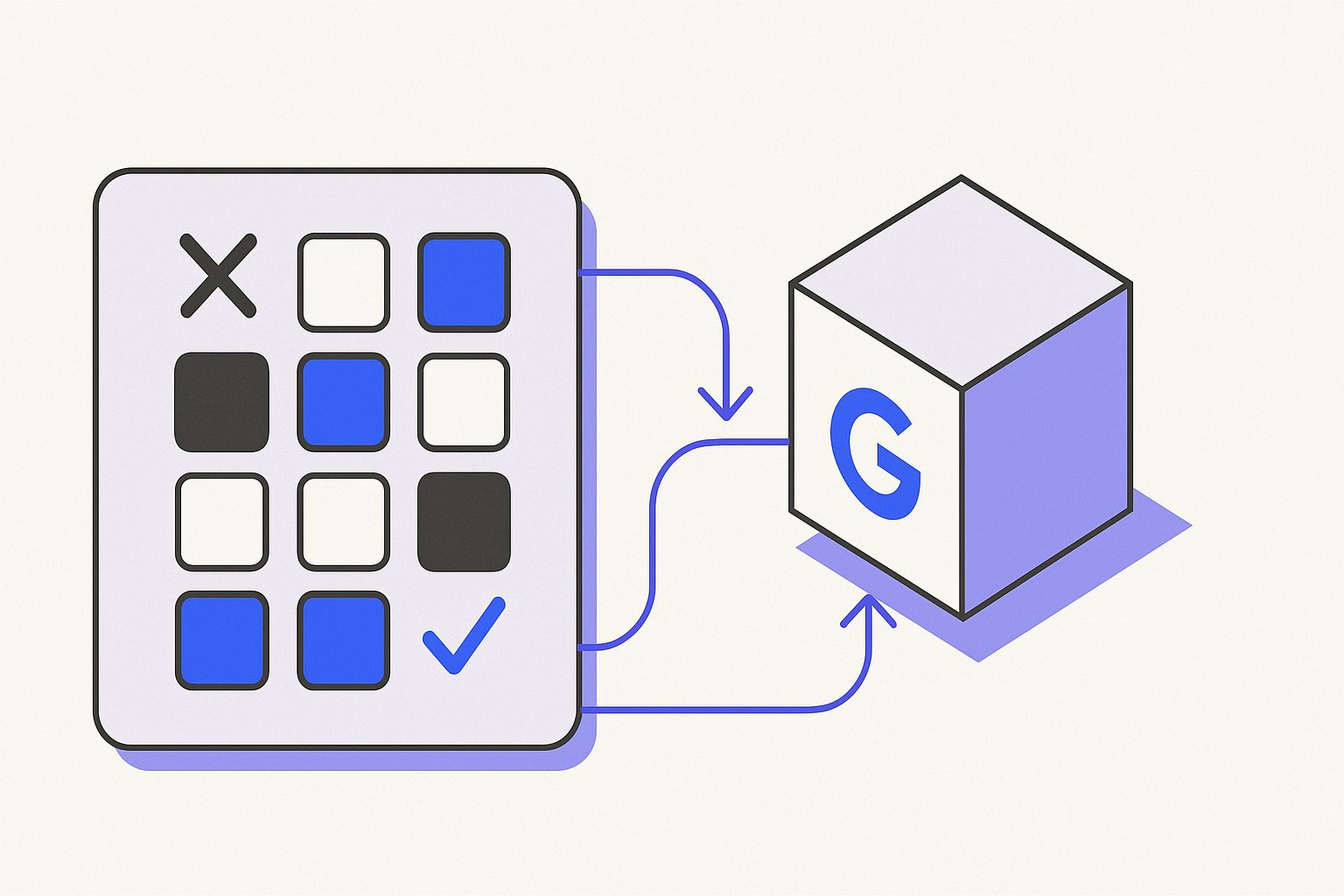
Catalog operators often assume that submitting a product to Google Merchant Center automatically makes it eligible for every available surface — Shopping ads, free listings, dynamic remarketing, and more. That is not the case. Two optional attributes, excluded_destination and included_destination, let you explicitly control which Google surfaces a product appears on. Getting the accepted values and formatting right is essential; a typo in either attribute can silently block a product from a surface you want, or allow it to appear somewhere you do not.
This article covers the exact accepted values for these attributes, the formatting rules that apply, and how to use supplemental feeds or feed rules to manage destinations at scale.
What excluded_destination and included_destination Do
Google's product data specification lists destinations as a distinct section of the feed. Google documentation states that product data includes attributes covering "Shopping campaigns and other configurations" and "Destinations" as separate configuration layers. The destinations attributes sit within that layer and tell Merchant Center which surfaces are in scope for each item.
excluded_destination: Removes a product from one or more specific surfaces, even if it would otherwise be eligible.included_destination: Restricts a product to only the surfaces you name. Any surface not listed is implicitly excluded.
These are both optional attributes. If you submit neither, Google determines eligibility based on your account-level and feed-level settings. Submitting one or both overrides that default at the item level.
Accepted destination values
Google publishes a fixed list of accepted values for these attributes. Submitting an unrecognized string is treated as an error and the attribute is ignored. The commonly documented accepted values include:
Shopping_ads— standard Shopping ad placementsBuy_on_Google_listings— Buy on Google surfaces (availability varies by country)Display_ads— dynamic display remarketingLocal_inventory_ads— local inventory ad placementsFree_listings— free product listings across Google surfacesFree_local_listings— free local product listingsYouTube_shopping— product listings on YouTube
Values are case-sensitive and must be submitted exactly as documented. Submitting shopping_ads (all lowercase) instead of Shopping_ads may not be recognized correctly.
Formatting rules
Both attributes are repeated fields, meaning a single product can carry more than one destination value. How you express multiple values depends on your feed format:
| Format | Single value | Multiple values |
|---|---|---|
| Text (TSV) | Shopping_ads | Shopping_ads,Display_ads (comma-separated, no spaces) |
| XML | <g:excluded_destination>Shopping_ads</g:excluded_destination> | Repeat the element for each value |
| Merchant API | Follow the API resource schema | Submit as a repeated field |
Google documentation specifies the general rule for attribute names with multiple words: "Use an underscore when submitting an attribute name with multiple words." Apply that same convention to the destination values themselves — Free_listings, not freelistings or free listings.
Common Use Cases for Destination Control
Understanding why you would use these attributes helps you decide which approach to take.
Separating Shopping ads from free listings
Some merchants want paid Shopping traffic controlled through campaign budgets and bid strategy, without the same products appearing in free listings at the same time — for example, during a margin-sensitive promotion. Setting excluded_destination to Free_listings for those items keeps them in Shopping ads only.
Excluding products from dynamic remarketing
Certain product types may be inappropriate for display remarketing — for example, items in sensitive categories or products that are out of stock. Adding Display_ads to excluded_destination prevents those items from appearing in dynamic remarketing campaigns while leaving their Shopping ad eligibility intact.
Restricting a product to a single surface
Using included_destination with a single value like Free_listings tells Merchant Center to make the product eligible only for that surface. This is a stricter approach than exclusion, because it implicitly excludes every surface not listed. Use this only when you have a clear operational reason, because over-restricting can reduce reach unexpectedly.
Applying Destination Attributes at Scale: Supplemental Feeds and Feed Rules
Setting excluded_destination or included_destination product by product inside a primary feed is practical for small catalogs. For larger catalogs, there are two scalable approaches.
Supplemental feeds
A supplemental feed can add or overwrite destination attributes for a subset of products matched by their id. This is useful when your primary feed is generated by a platform such as Shopify or WooCommerce and you cannot modify the output directly. You create a separate file containing only the id column and the destination column you want to set, then connect it as a supplemental feed in Merchant Center. The supplemental feed values overwrite the primary feed values for matched items.
Accurate and correctly formatted product data is essential for creating successful ads and free listings, as Google documentation notes: "Incorrect, inaccurate, or missing product information can cause disapprovals, limited eligibility, incorrect displays for your products, or other Issues in Merchant Center."
Feed rules
Merchant Center feed rules let you set a destination attribute conditionally based on other attribute values — for example, setting excluded_destination to Shopping_ads for every product where availability equals out of stock. Feed rules are processed after the feed is ingested, so they work with both primary and supplemental feeds. They do not change the underlying feed file.
Hypothetical Example: Excluding Out-of-Stock Items from Shopping Ads Only
The following is a hypothetical example for illustration. It is not a measured result or a documented customer outcome.
Imagine a home goods catalog with 4,000 SKUs. Approximately 300 items are out of stock at any given time but remain in the feed with availability set to out_of_stock. The merchant wants those items to stay visible in free listings so customers can see them, but not to consume Shopping ads budget.
Approach using a supplemental feed (TSV format):
id	excluded_destination
SKU-10042	Shopping_ads
SKU-10089	Shopping_ads
SKU-10201	Shopping_ads
Each row matches the id of an out-of-stock item and sets excluded_destination to Shopping_ads. The value uses the correct case and underscore format. The Free_listings destination is not touched, so those items remain eligible for free listings.
The supplemental feed is uploaded and linked to the primary feed in Merchant Center. After the next feed processing cycle, the affected items show Shopping_ads under their excluded destinations in the diagnostics view.
What to check after applying:
- Confirm the
idvalues in the supplemental feed exactly match the primary feed identifiers. - Verify the destination value string —
Shopping_adsnotshopping_ads. - Review the Merchant Center Issue Details Page (IDP) for any processing errors on the supplemental feed.
Price Requirements Still Apply on Each Included Surface
One area where merchants sometimes conflate issues: destination filtering does not bypass other eligibility requirements. A product excluded from Shopping_ads but included in Free_listings still needs to meet the full set of requirements for free listings — including accurate pricing. Google documentation is explicit: "Submit an amount and currency that match the price on your landing page and the checkout pages." A destination attribute cannot rescue a product that fails a price mismatch check on its target surface.
This matters operationally: if you use destination attributes to route products across surfaces, audit the requirements for each surface independently. A product cleared for Display_ads may still be disapproved for Free_listings due to a data quality issue unrelated to its destination settings.
Keeping Destination Attributes Maintainable
Destination attributes are easy to overlook during catalog migrations. If you are moving from one feed tool to another, check whether the outgoing tool was setting any destination attributes that your new setup does not replicate. A product that was intentionally excluded from a surface in the old setup may become eligible again after migration — or vice versa.
Magicfeedpro supports destination attribute management through supplemental feed workflows, letting you apply or overwrite destination values for selected products without modifying your primary catalog export. This is useful when the primary feed is generated automatically by a Shopify or WooCommerce integration and the platform does not expose destination attribute controls natively.
The key operational discipline is treating excluded_destination and included_destination as feed data that needs the same version control and audit process as any other attribute — not as a one-time configuration that can be forgotten after setup.
Related articles
product_type vs google_product_category in Your Feed
Understand what each category attribute does, how to format both correctly, and when each one controls bidding.

Custom Label Product Feed: Rules, Value Constraints, and Structure
Learn the rules governing custom_label_0–4 in a Shopping feed, value constraints, and how to decide what data to encode.
description Attribute Rules for Google Shopping Feeds
Length limits, formatting restrictions and prohibited content rules for the description attribute in a Google Shopping feed.