

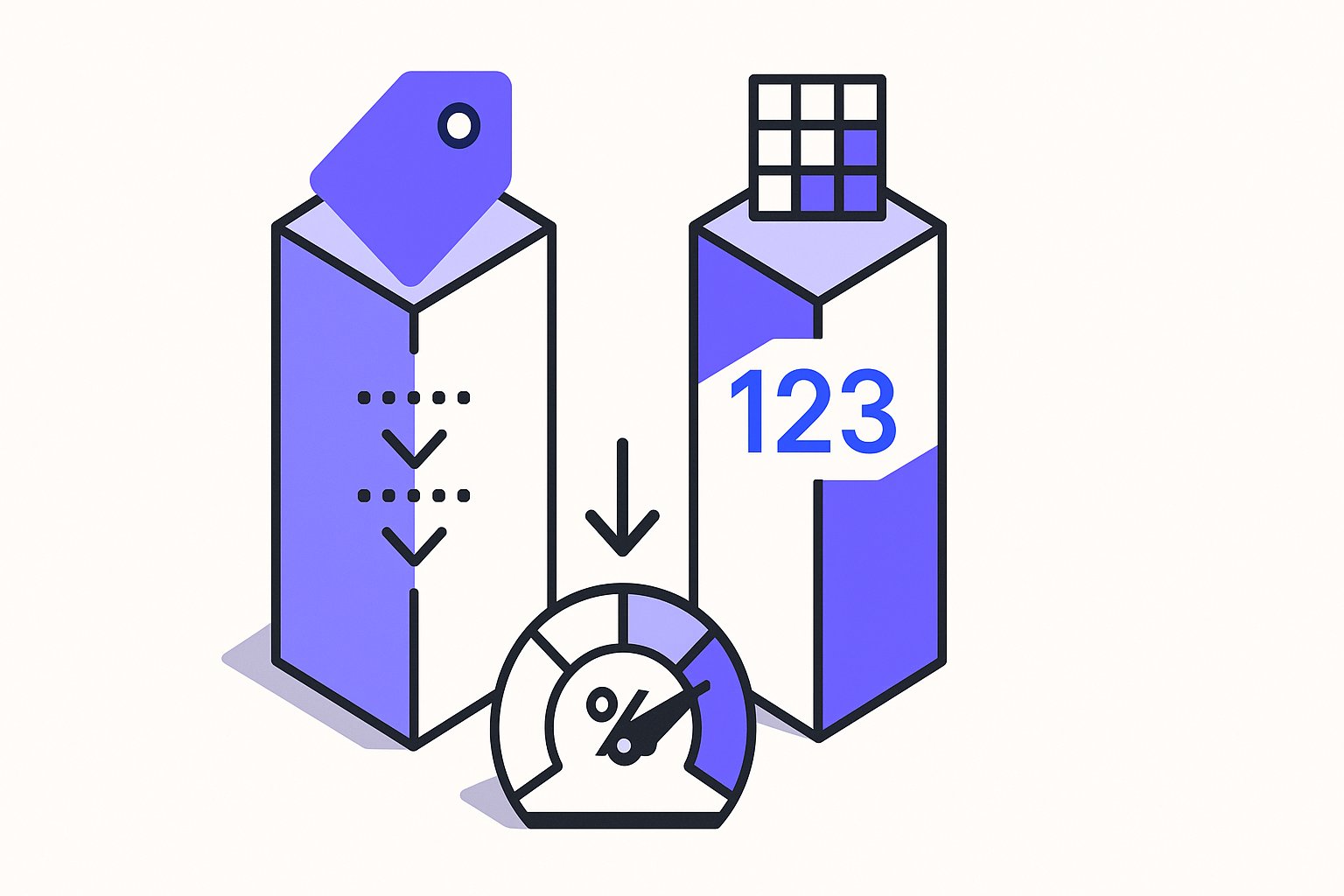
Two category attributes appear in almost every Google Shopping feed, yet merchants regularly mix them up or omit one entirely. product_type and google_product_category serve different purposes, have different formatting rules, and carry different consequences when wrong. This article explains what each attribute does, the formatting checks you need to run, and a clearly labelled example showing both attributes together.
What Each Attribute Actually Does
product_type is your own internal taxonomy. You define the values to match how your store is organised — your site navigation, your warehouse categories, whatever makes sense for your business. Google documentation describes it as allowing you "to include your own internal product categorization system in your product data" and notes it is "optional for each product."
google_product_category, by contrast, uses a predefined, standardised taxonomy maintained by Google. Google documentation explains that "all products are automatically assigned a product category from Google's continuously evolving product taxonomy" and that the attribute can be used "to override Google's automatic categorization in specific cases."
The key practical difference: Google will auto-assign a google_product_category if you leave it blank, but it will never invent a product_type value for you. If you want product_type populated, you must supply it.
When the google_product_category override matters
Google only accepts a google_product_category override in specific situations, not as a general optimisation lever. According to Google documentation, accepted override cases include: enforcement of category-specific attribute requirements (for example, Apparel & Accessories, Mobile Phones, or Software impose additional required fields), targeting of Google Ads campaigns based on product categories, and correct classification of alcoholic beverages for policy compliance.
If Google auto-assigns your product to an Apparel category and your product is not apparel, you may receive unexpected required-field errors in Merchant Center — size, age group, gender and so on. Supplying the correct google_product_category value removes those spurious requirements. That is the primary reason to override automatic categorisation, not aesthetic preference.
Formatting Rules and Limits for Each Attribute
The two attributes have distinct formatting specifications. Getting these wrong causes the feed to submit incorrect data silently — no disapproval, just miscategorised products.
product_type formatting:
- Type: String, Unicode characters; ASCII recommended
- Limit: 0–750 characters per value
- Repeated field: submit up to 5 values, but Google documentation confirms "only the first value will be used to organize bidding and reporting in Google Ads Shopping campaigns"
- Separator: use
>with a space on each side to denote hierarchy levels
Text/TSV example: Home > Women > Dresses > Maxi Dresses
XML example: <g:product_type>Home > Women > Dresses > Maxi Dresses</g:product_type>
Note the XML entity encoding: > becomes >. Submitting a literal > in XML will cause a malformed feed.
google_product_category formatting:
- Repeated field: No — submit only one value
- Accepted formats: the numeric ID (for example
2271) or the full path string (for exampleApparel & Accessories > Clothing > Dresses), but not both in the same field - If the taxonomy is not available in your language, use English values or the numeric ID
Text/TSV examples: 2271 or Apparel & Accessories > Clothing > Dresses
XML examples: <g:google_product_category>2271</g:google_product_category> or <g:google_product_category>Apparel & Accessories > Apparel > Dresses</g:google_product_category>
A common mistake is submitting a product_type-style invented string into google_product_category. Google will not recognise a custom value; you must use a predefined category from Google's taxonomy list.
Bidding, Reporting, and Country Availability
This is where the two attributes diverge most sharply for PPC managers.
product_type is the only attribute you can use to organise Shopping campaign product groups for bidding in countries outside a specific set. Google documentation states: "For all other countries, you can only use the product type [product_type] attribute to help organize your product groups for bidding in your Shopping campaign." The countries where google_product_category can be used for campaign organisation are Australia, Brazil, France, Germany, Italy, the Netherlands, Norway, Sweden, Turkey, the United Kingdom, and the United States.
If you sell globally and rely on google_product_category for bid segmentation in a market not on that list, your campaign structure will not work as expected. product_type is the safer cross-market segmentation attribute.
For product_type bid segmentation specifically, Google recommends submitting only one value. If you have submitted five product_type values for variety and are relying on the third for bid segmentation, your campaigns are reading the wrong value.
Hypothetical Example: A Sports Equipment Store
The following is a hypothetical example for illustration only. It does not represent a real merchant or measured outcome.
Imagine a store selling gym equipment. Their Shopify navigation has: Equipment > Cardio > Treadmills. They also sell protein supplements under Nutrition > Protein > Whey.
Treadmill product — feed attributes:
| Attribute | Value |
|---|---|
product_type | Equipment > Cardio > Treadmills |
google_product_category | Use the predefined path or numeric ID from Google's taxonomy list for treadmills |
Protein supplement product — feed attributes:
| Attribute | Value |
|---|---|
product_type | Nutrition > Protein > Whey |
google_product_category | Identify the correct predefined numeric ID or full path from Google's taxonomy for sports nutrition |
In this hypothetical setup, the PPC manager uses product_type values to split Shopping campaigns — one campaign targets Equipment > Cardio > Treadmills, another targets Nutrition > Protein > Whey. Because this store sells in markets outside the US/UK list, google_product_category cannot be used for that bid segmentation. If the merchant submitted five product_type values per product, only the first would control campaign segmentation.
Note also: it is acceptable to submit the same value for both attributes, but only if that value is a valid predefined Google product category. Submitting a custom invented string in google_product_category in an attempt to mirror product_type is not supported.
Best Practices Checklist Before You Publish
- Use
>with spaces on both sides inproduct_typepaths.Home>Women>Dresses(no spaces) is not the recommended format. - Include full breadcrumb paths in
product_type.Maxi Dressesalone is less useful thanHome > Women > Dresses > Maxi Dresses. - Submit only one
product_typevalue if you use it for bid segmentation. Put the most specific, campaign-relevant path first. - Validate your
google_product_categoryvalue against Google's published taxonomy before submitting. Custom strings will not be recognised. - Do not submit both the numeric ID and the full path for
google_product_categoryin the same field. - Check for category-specific required fields after overriding
google_product_category. Changing a category can add or remove required attributes.
Managing these two attributes consistently across hundreds or thousands of SKUs is where feed tooling earns its place. Magicfeedpro is built to help merchants maintain accurate attribute values at catalog scale, so mismatches between your store taxonomy and your destination feed are caught before they reach Merchant Center.
Related articles
excluded_destination Feed Attribute: Accepted Values and Format
Control which Google surfaces show your products using excluded_destination and included_destination feed attributes.
Custom Label Product Feed: Rules, Value Constraints, and Structure
Learn the rules governing custom_label_0–4 in a Shopping feed, value constraints, and how to decide what data to encode.
description Attribute Rules for Google Shopping Feeds
Length limits, formatting restrictions and prohibited content rules for the description attribute in a Google Shopping feed.