

Why Shopify PMax Feed Segmentation Determines Your ROAS
Shopify Performance Max feed segmentation is the single structural decision that determines whether Google's automation amplifies your best SKUs or quietly burns budget on deadweight inventory. Across high-spend accounts running $30k–$150k/month on PMax, the pattern is consistent: merchants who segment by feed signal — margin tier, velocity, AOV, return rate — recover an average of 15–22% of wasted spend within 60 days. Those who keep one catch-all campaign give Google's algorithm a contradictory signal mix and wonder why ROAS plateaus.
Why One PMax Campaign for Your Whole Shopify Catalog Is a Budget Bleed
A single PMax campaign with one asset group and "All Products" in the listing group is the most common structure we audit at $30k+/month spend — and it is almost always the root cause of erratic ROAS.
Google's PMax algorithm allocates budget across asset groups first, then down to individual products within a group. When 12,000 SKUs share one budget pool, the algorithm defaults to optimising for the path of least resistance: high-click-volume products that aren't necessarily your highest-margin ones.
The practical consequence is brutal. A $4.99 accessory with a 12% margin can cannibalise impression share from a $249 hero product with a 58% margin simply because it has more historical click data. Per Google's official Performance Max documentation, asset groups function as the primary budget-allocation unit, not individual products. That architectural reality means your segmentation logic at the asset-group level is the only lever you fully control.
We've seen Shopify stores lose 28% of their effective ROAS to this exact dynamic.
A deeper breakdown of this exact failure pattern — budget drift to low-margin SKUs despite acceptable aggregate ROAS — is documented in our PMax asset group audit across three eight-figure DTC brands that saw gross margin drop 18–22% quarter-over-quarter.
One fashion DTC running $80k/month had 9,400 SKUs in a single campaign. Their top 40 margin products — averaging $310 AOV and 61% gross margin — were getting 6% of total impressions. The bottom-of-catalog clearance items with $19 price points were consuming 44% of spend. The fix wasn't a bidding adjustment. It was a feed segmentation rebuild.
If you're weighing whether to restructure asset groups or simply adjust bids on your existing single-campaign setup, our controlled bid modifiers vs. feed segmentation ROI test shows the structural fix outperforms bid-layer adjustments at every spend level above $50k/month.
The 4 Feed Signals That Should Drive Your Asset Group Splits
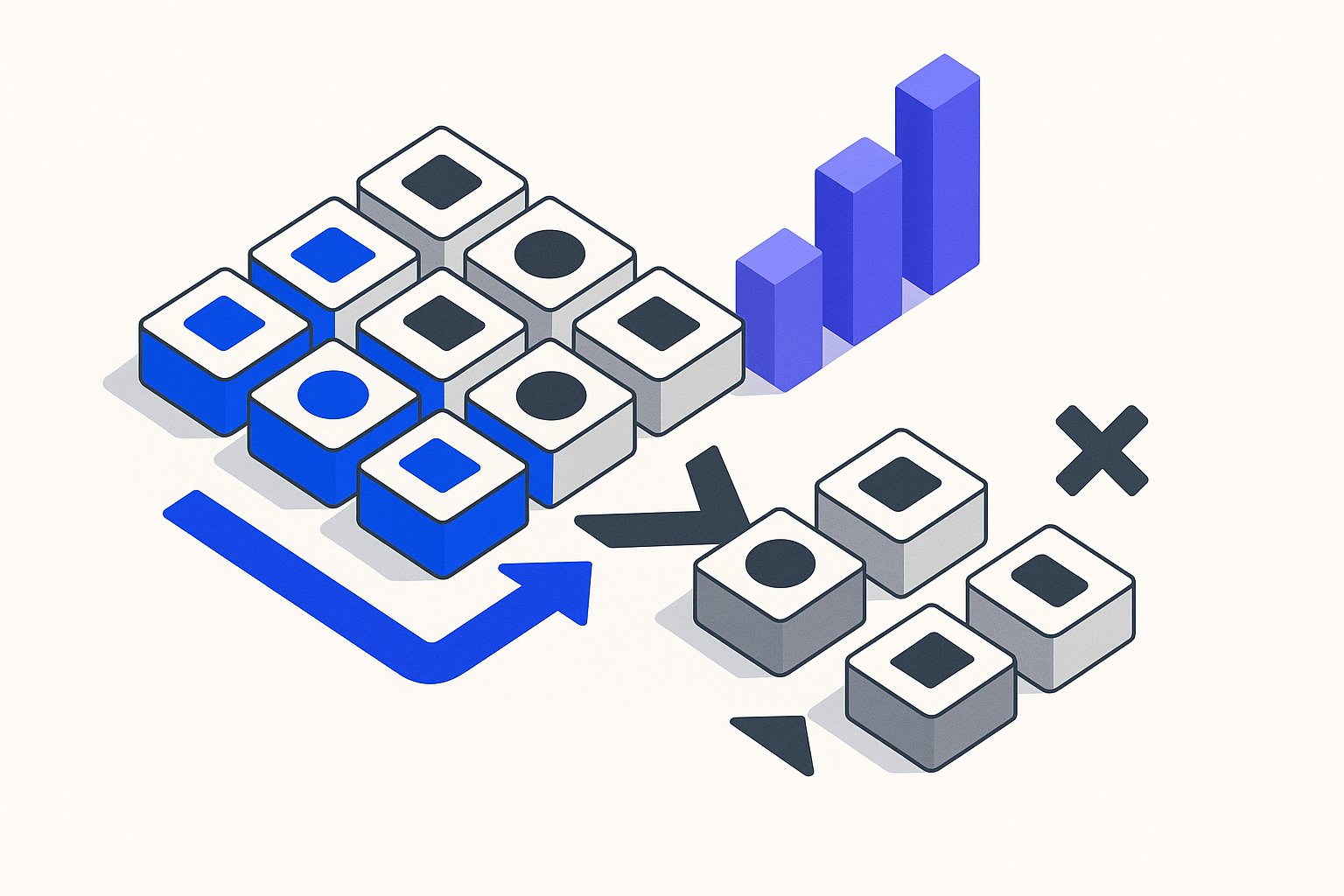
The best-performing PMax structures we've worked with use exactly four feed-derived signals to define segment boundaries: gross margin tier, 90-day velocity, average order value band, and trailing 30-day return rate. These four signals can be encoded directly into custom_label_0 through custom_label_3 in your Shopify product feed, giving Google's algorithm hard boundaries to work within.
Gross margin tier is the most important signal and the most frequently missing one from Shopify feeds. Most stores export cost of goods sold (COGS) from their inventory system but never map it to a feed attribute. Without a margin label, Google cannot distinguish a 70%-margin product from a 10%-margin one — they look identical at the feed level.
If you're mapping COGS to feed attributes for the first time, our margin-aware feed segmentation guide shows exactly why ROAS-only optimisation trains Google's algorithm to prioritise your lowest-margin SKUs — and how to reverse it.
We recommend three tiers: margin-high (50%+), margin-mid (25–50%), and margin-low (<25%).
Never use product type or Google product category alone as your segmentation axis for PMax. Categories tell Google what the product is, not what it's worth to your business. A $9 phone case and a $90 phone case can share the same category — and the same asset group — without any feed-level signal to differentiate budget allocation.
Step-by-Step: Exporting Shopify Product Data to Build a Segmentation Matrix
Before you restructure a single campaign, you need a segmentation matrix: a spreadsheet that maps every SKU to its four signal values. Building it from Shopify takes about 90 minutes the first time, and under 20 minutes on refresh once you have the export template configured.
Start with a bulk product export from Shopify Admin → Products → Export. Select "All products" and export as CSV. This file will contain your variant-level SKUs, prices, and any metafields you've configured — but not COGS or return rate by default. Those require a secondary pull from your inventory or analytics system.
Before enriching your feed with custom labels, it's worth running a 23-point feed data audit — stores audited in 2025 found an average of 9 fixable data problems that, left uncorrected, corrupt the margin and velocity signals you're about to encode.

Once you have the combined data in a single sheet, create four computed columns corresponding to your four custom label values. Use IF formulas or a short Python script to assign tier labels. The output of this matrix becomes the source of truth for your feed enrichment tool — whether that's DataFeedWatch, Feedonomics, or a native Shopify app — which will write the custom label values back into your Google Shopping feed before the next PMax campaign restructure.
Shopify metafields can extend this signal set further — material composition, fit type, and bundle contents stored in metafields can be surfaced as supplemental PMax feed attributes that sharpen audience matching beyond what custom labels alone achieve.
How to Structure Your PMax Asset Groups After Segmentation
With your segmentation matrix built and custom labels flowing into your feed, you are ready to translate signal tiers into a concrete campaign and asset group architecture. The recommended structure for most Shopify stores spending $30k–$150k/month is three to five asset groups per campaign, not one per product.
Asset Group 1 — Hero Margin Products: All SKUs tagged margin-high with 90-day velocity above your median. These are your highest-leverage products. Give this group your strongest creative assets, your highest tROAS target, and priority budget allocation. This group should receive a minimum of 40% of total PMax spend.
Asset Group 2 — High-AOV, Mid-Margin Products: SKUs with AOV in your top quartile but margin in the margin-mid band. These products drive revenue volume even if unit economics are tighter. They deserve visibility but not the same bid aggressiveness as Group 1.
Asset Group 3 — Clearance and Low-Velocity SKUs: Products tagged margin-low or with 90-day velocity below your 25th percentile. This group should either be excluded from PMax entirely or capped with a conservative tROAS target that reflects their lower margin contribution. Do not let this group share a budget pool with Groups 1 or 2.
Asset Group 4 (Optional) — High-Return-Rate Products: If your return rate data shows a cohort of SKUs with trailing 30-day return rates above 20%, isolate them. High return rates erode effective margin by 8–15 percentage points on average, meaning a product that looks like margin-mid in your feed is actually performing as margin-low after returns are accounted for.
Review asset group performance every 14 days for the first 60 days after restructuring. Google's PMax algorithm needs roughly two weeks of data per asset group to exit the learning phase, so resist the urge to make bid or budget changes in the first 10 days post-launch.
Common Shopify PMax Segmentation Mistakes to Avoid
Even with the right framework, several execution errors consistently undermine PMax feed segmentation results for Shopify merchants.
Mistake 1 — Stale custom labels: Custom labels are only as valuable as the data behind them. If you enrich your feed with margin labels in January and never refresh them, seasonal cost changes or new supplier pricing will silently invalidate your segment logic. Schedule a monthly COGS reconciliation to keep labels current.
Mistake 2 — Over-segmenting small catalogs: If your Shopify store has fewer than 200 SKUs, creating five asset groups will result in individual groups with too few products to generate statistically meaningful performance signals. For stores under 200 SKUs, two to three asset groups is the practical ceiling.
Mistake 3 — Ignoring listing group exclusions: After splitting asset groups, confirm that your listing group filters in Google Ads are correctly excluding overlapping SKUs. A product tagged margin-high that also satisfies the catch-all filter in a second asset group will split its impressions across both groups, diluting performance data and confusing the algorithm.
Mistake 4 — Conflating PMax asset groups with Standard Shopping ad groups: The bidding logic and creative serving behaviour differ significantly between the two campaign types. Segmentation rules that work in Standard Shopping do not transfer directly to PMax without adjusting for the asset group's creative signals and audience inputs.
Implementing these four corrections alongside the segmentation matrix rebuild is what moves Shopify PMax accounts from erratic ROAS to consistent, margin-aware performance growth.
Sources & References
- Google Ads Help — Directly supports the article's claim that asset groups function as the primary budget-allocation unit within Performance Max campaigns, validating the core architectural argument for feed segmentation.
- Shopify Developer Documentation — Supports the article's step-by-step instructions for exporting Shopify product data, including accessing product attributes such as cost of goods sold and variants needed to build a segmentation matrix.
- Google Merchant Center Help — Supports the article's recommendation to encode margin tiers and velocity signals into custom_label_0 through custom_label_3 in the Shopify product feed, as this is Google's official documentation defining the custom label attribute specification.
Related articles

AI Search Is Reshaping Google Shopping: Feed for SGE in 2026
Google AI shopping feed optimization now hinges on 6 feed attributes that decide which products appear in AI Overviews carousels. Fix your feed in one pass.

Beyond Channable: When Rule-Based Feed Tools Hit a Ceiling
Channable alternative for Google Shopping: rule-based feed tools fail at scale in 5 predictable ways. See the real cost and what AI rewriting fixes in under a day.

Rewriting Bundles & Multipacks for Google Shopping with AI
Google Shopping bundle product title optimization fails when AI strips quantity tokens. Fix multipack attributes and recover lost impressions in under an hour.