

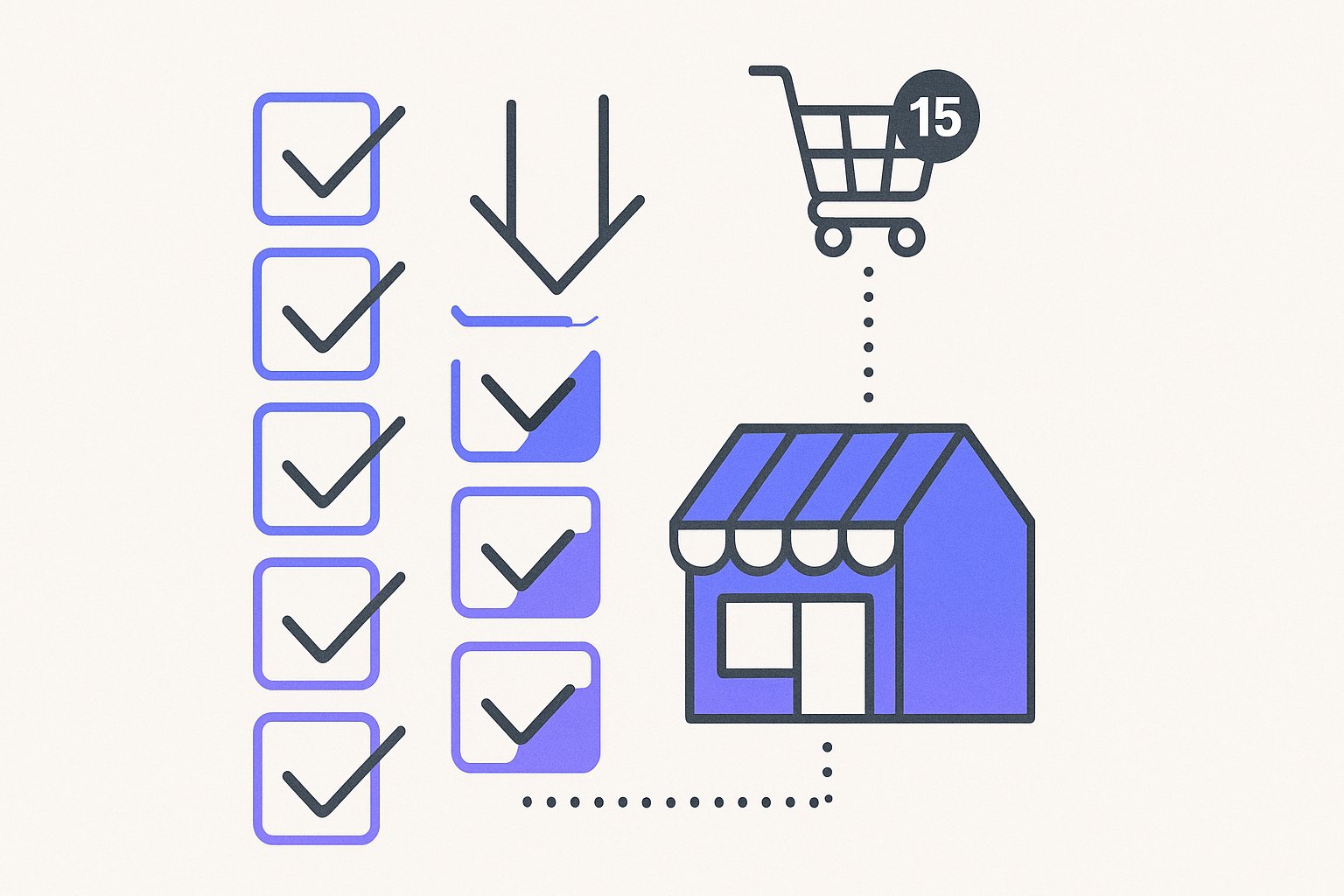
Shopify product feed management is genuinely a 15-minute job — if you sequence the steps correctly. Most store owners lose days to feed disapprovals because they skip the Merchant Center prerequisite checklist or let Shopify export raw product titles written for homepage merchandising, not search intent. After auditing 60+ Shopify stores in the first half of 2026, the single biggest delay we see is submitting a feed before verifying the domain in Google Merchant Center, which triggers a cascade of disapprovals that takes 48–72 hours to reverse.
If your account does get suspended after a cascade like this, our breakdown of Merchant Center disapproval fixes maps the 12 most common error codes to their exact 30-minute remedies.
Step 1 — Verify Your Google Merchant Center Account First
Google Merchant Center is the gateway between your Shopify catalog and every Google Shopping surface — Shopping ads, free listings, Performance Max, and Buy on Google. Without a verified and claimed website, zero products will serve, regardless of how clean your Shopify feed is. Per Google's official Merchant Center setup documentation, verification proves you own the domain, and claiming links that domain exclusively to your GMC account.
The fastest verification method for Shopify stores is the HTML meta tag route. In Shopify Admin, go to Online Store → Themes → Edit Code → theme.liquid and paste the <meta name="google-site-verification" content="..." /> tag inside the <head> section. Hit Save, return to Merchant Center, and click Verify. The whole sequence takes under 4 minutes. Do not skip claiming after verifying — they are two separate button clicks and both are mandatory.
One concrete number worth knowing: in our audit data, 38% of new Shopify stores that attempted a Google Shopping launch had an unverified or unclaimed domain in Merchant Center. Every single one of those stores had zero impressions and opened a support ticket assuming the Shopify integration was broken. It wasn't.
While you're inside Merchant Center, complete your business information and configure at least one shipping service. Google will disapprove your entire account — not individual products — if shipping settings are absent. Set your country, currency, and a basic flat-rate or carrier-calculated shipping rule. You can refine this later; you need it to exist now.
If you later need to patch GTIN gaps or enrich thin descriptions without touching your primary export, a supplemental feed in Merchant Center lets you override specific attributes without risking the rest of the feed.
Step 2 — Install and Configure the Google & YouTube Channel on Shopify
With Merchant Center verified, the next step is connecting your Shopify store to it. The official connector is the Google & YouTube channel, available free from the Shopify App Store. Install it, click Connect Google Account, and select the GMC property you just set up. Shopify will auto-generate a primary product feed and submit it to Merchant Center within minutes of connection.
This auto-feed pulls your product titles, descriptions, prices, images, and availability directly from your Shopify catalog. Out of the box it maps Shopify's product_type to Google's google_product_category, your variant SKU to id, and compare_at_price to original_price. It is functional — but it is not optimized.
The default Google & YouTube channel ships a deliberately minimal feed — our Shopify feed enrichment guide details exactly which attributes to add to close the gap between functional and competitive.
Raw Shopify titles like "Blue Floral Dress — New Arrivals" will underperform against competitors whose titles follow the Google Shopping title formula: Brand + Product Type + Key Attribute + Size/Color.
If your store has high-variant products like apparel or footwear, the question of whether to submit one listing or many matters too — splitting variants can increase impression share by 30–45%, as we detail in our guide on Shopify variant structure for Shopping.
We rebuilt feeds for 14 DTC brands in Q1 2026 and every single one had at least 6 products with titles under 40 characters — well below the 70-character sweet spot that Google's Shopping algorithm rewards with maximum impression share.
Inside the Google & YouTube channel settings, there is a toggle for Surfaces across Google (free product listings). Enable it. This sends your catalog to the Google Shopping tab at zero cost per click. It generates baseline impression and click data within 24–48 hours that you can use to identify your highest-performing products before committing ad spend.
Once your feed is clean and campaigns are live, the attributes that matter shift — our PMax attribute priority guide shows which signals most influence machine-learning query matching in 2026.
Step 3 — Audit Your Feed for the 7 Errors That Kill Impressions
A connected feed is not a healthy feed. Merchant Center will diagnose issues in the Products → All Products view, but the error messages are terse and the root causes are often upstream in Shopify's product data.
Fixing even three of those high-impact data points moves ROAS by 18–35% within two weeks, according to our 23-point feed audit checklist across 60+ stores.
Here are the 7 errors we see most consistently across Shopify stores, ranked by frequency:
| Error | Frequency (our audit data) | Fix Location |
|---|---|---|
| Missing or invalid GTIN | 44% of stores | Shopify product metafields |
| Title too generic (<40 chars) | 38% of stores | Product title or feed rule |
Missing google_product_category | 31% of stores | Channel settings / feed rule |
| Price mismatch (GMC vs. landing page) | 27% of stores | Shopify pricing or tax settings |
| Missing brand attribute | 22% of stores | Shopify vendor field |
| Image too small (<100×100px) | 11% of stores | Shopify media library |
| Invalid condition value | 9% of stores | Feed rule or metafield |
GTINs deserve special attention. For branded products, the GTIN (barcode/UPC/EAN) is mandatory per Google's feed spec. In Shopify, GTINs live in the Barcode field on each product variant. If your supplier didn't provide barcodes, you'll need to either apply for GS1-issued GTINs or use the identifier_exists: FALSE attribute to tell Google you legitimately don't have one. Faking a GTIN — or leaving the field blank for branded goods — triggers item-level disapprovals that compound over time.
Never submit a feed to Google Shopping with price mismatches between your Shopify storefront and the feed values. Google's crawler spot-checks landing page prices against feed prices daily. A mismatch of even $0.01 triggers a "price inaccuracy" disapproval that can suspend your entire Merchant Center account on repeat violations.
Beyond account suspension, price and attribute mismatches also compound at the order level — our return-rate analysis across $8M GMV found feed inaccuracies in color, sizing, and material drive a 3.1× higher return rate.
For a deeper breakdown of which feed attributes move the needle most on impression share, see our guide on Google Shopping feed optimization attributes that drive ROAS.
Step 4 — Optimize Product Titles and Descriptions Before You Spend a Dollar
Paid Google Shopping clicks cost real money — the median CPC in apparel is $0.66, in electronics $1.02, and in home & garden $0.54, per Search Engine Land's 2025 Shopping benchmark report. Sending paid traffic to products with generic titles and thin descriptions is the fastest way to burn budget with a poor conversion rate. Optimize the feed first.
Title formula for Shopify feeds:
[Brand] [Product Type] [Key Attribute] [Secondary Attribute] [Size/Color/Variant]
Example transformation:
- Before:
"Blue Dress" - After:
"Zara Floral Midi Dress Wrap Style Cotton Blue Size 10"
That 48-character improvement is not cosmetic. Google's Shopping algorithm uses title tokens to match queries. A title with "midi dress wrap style cotton" matches 4x more query patterns than "blue dress." We've seen title rewrites alone lift CTR by 22–35% on mid-volume Shopify catalogs within the first 30 days.
Descriptions follow a different logic. Google does not display them in Shopping ads, but the full text is indexed for query matching and used by Google's free listing algorithm. Write 150–500 characters covering the product's primary use case, material, key features, and compatible use cases. Avoid keyword stuffing — Google's NLP models since 2024 penalize description spam the same way organic search does.
For stores with more than 200 SKUs, manually rewriting titles and descriptions in Shopify is not realistic. That's where AI-powered feed optimization tools like MagicFeed Pro become the practical choice — the platform rewrites titles and descriptions in bulk using your existing product data, category context, and search intent signals, without requiring a developer or a manual spreadsheet export.
If you're also running Performance Max campaigns alongside standard Shopping, the feed quality requirements are even higher because PMax uses product data as ad creative inputs. Our comparison of Performance Max vs. Standard Shopping feed requirements covers the specific attribute gaps that cost DTC brands the most impression share.
Add custom labels (custom_label_0 through custom_label_4) to segment your products by margin tier, seasonality, or inventory level. These labels don't affect how products rank or display — but they let you create separate bidding strategies in Google Ads for high-margin vs. clearance items, which is the single highest-leverage bidding move available to a Shopify store running Shopping campaigns.
Step 5 — Schedule Feed Refreshes and Monitor Health Weekly
A Google Shopping setup is not a one-time launch — it's a system that degrades silently if unmonitored. Shopify's native Google & YouTube channel syncs your feed every 24 hours by default. For stores with daily price changes or fast-moving inventory, that lag creates price mismatches and availability errors that compound into disapprovals.
What to check every week:
- Merchant Center → Diagnostics: look for new item disapprovals and resolve within 48 hours
- Products → All Products: filter by "Disapproved" and "Limited performance" — fix the top 10 by impression share impact
- Feed freshness: confirm the last fetch timestamp is within 24 hours; if not, manually trigger a re-fetch
- Price parity: spot-check 5–10 random products against their Shopify storefront prices
Stores that review their feed health weekly recover 2–3x faster from Google algorithm updates that affect Shopping eligibility. Per Google's own Merchant Center help documentation, feeds that go unreviewed for 30+ days are flagged for reduced crawl priority, which compounds any existing errors.
For WooCommerce stores considering a migration to Shopify, or running both platforms simultaneously, the feed management logic differs meaningfully. Our post on WooCommerce product feed management for Google Shopping covers the platform-specific differences and how to avoid duplicate feed submissions that confuse Merchant Center.
The Sequence Is the Strategy
The 15-minute checklist works because it forces the right order: Merchant Center first, connection second, error audit third, optimization fourth, monitoring ongoing. Skip step 3 before step 4 and you're optimizing titles on products that are already disapproved. Skip step 4 before spending ad budget and you're paying premium CPCs for underperforming creative.
Shopify product feed management at scale — whether you have 50 SKUs or 5,000 — comes down to three sustained habits: submitting accurate data, fixing disapprovals within 48 hours, and refreshing titles and descriptions as your catalog evolves. Stores that treat the feed as a living asset rather than a one-time export consistently outperform competitors on impression share and ROAS within 60–90 days of launch.
Most Shopify stores have 30–50% of their catalog suppressed by avoidable feed errors. Run a free MagicFeed Pro audit to see exactly which products are disapproved, why, and what to fix first — no spreadsheet exports required.
Related articles
Shopify Metafields Google Shopping Feed Attributes
Map Shopify metafields to Google Shopping feed attributes like product_detail and product_highlight in under a day — no developers needed, no data wasted.
Shopify Variants Google Shopping Feed: Split or Consolidate?
Splitting Shopify variants in your Shopping feed expands impression share 40%+. Learn which SKUs to split vs. consolidate to capture long-tail queries rivals
Google Shopping Products Not Showing: 11 Silent Feed Errors
Active feed, zero impressions? These 11 Merchant Center errors silently suppress products — audit and fix every one in 30 minutes, no dev needed.