

Why Seasonal Google Shopping Feed Optimization Needs Automation
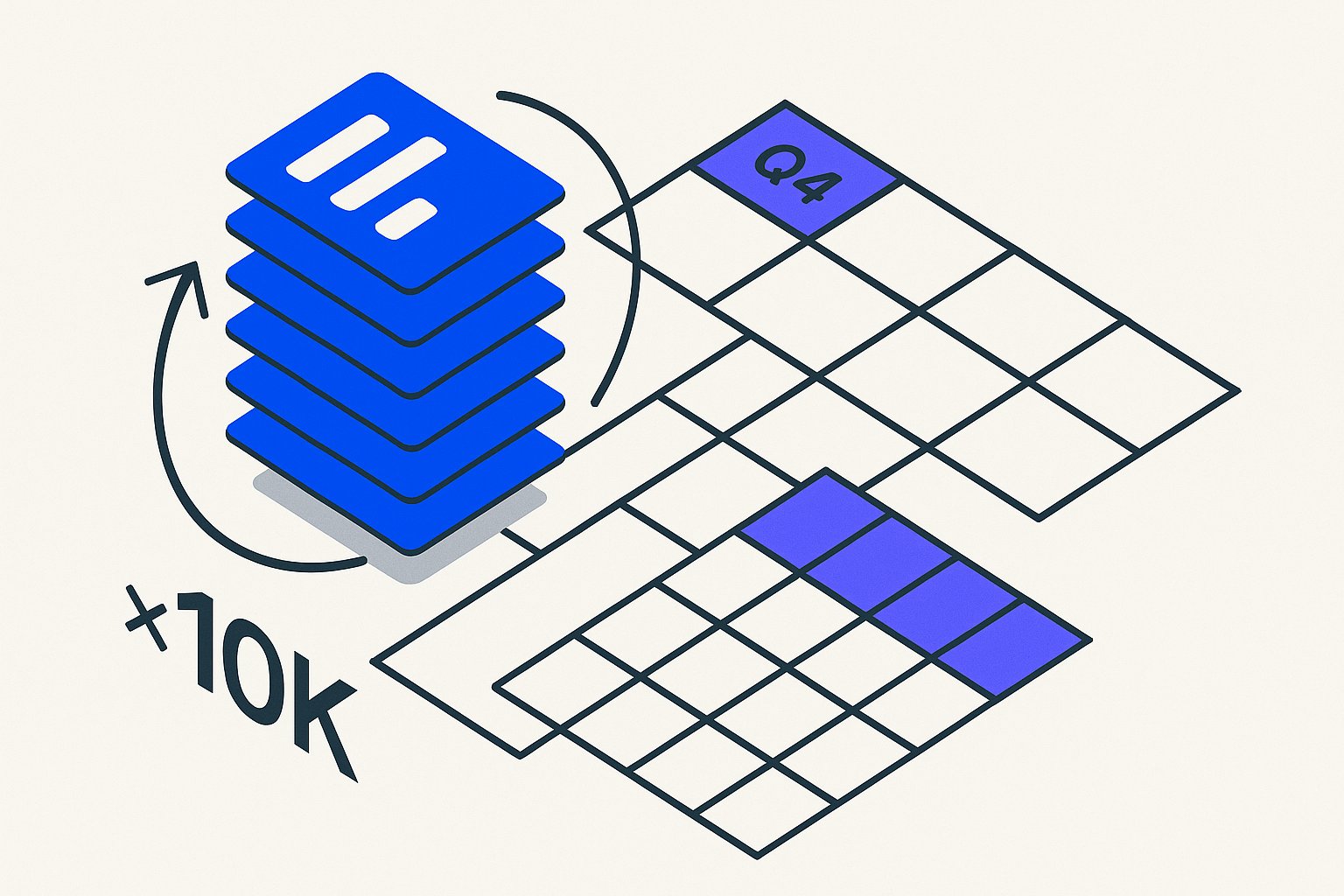
Seasonal Google Shopping feed optimization through automated overlays lets operators execute holiday campaigns without destroying the baseline feed structure that drove performance all year. Instead of manually rewriting 10,000 product titles to add "Black Friday" in October—then forgetting to remove those phrases in December—leading teams now deploy calendar-triggered rule layers that modify feeds on schedule and roll back automatically.
The Seasonal Feed Problem: Why Manual Updates Destroy Baseline Performance
Manual seasonal updates create three documented failure modes. First, rewrite debt accumulates when operators add promotional copy "Holiday Gift", "Back to School" but never remove it—leaving 23% of products with outdated seasonal modifiers six weeks past campaign end, per 2025 feed audit data from GoDataFeed.
The 23% residual-modifier figure, while striking, is just one of 23 feed data points that compound into ROAS drag when left unchecked across a catalog.
Second, batch edits overwrite months of tested baseline titles, erasing the optimization work that built Quality Score from 6.2 to 8.1 over Q1-Q3.
A $200k audit we ran across three eight-figure DTC brands found that PMax asset group misalignment was amplifying exactly this kind of feed-level seasonal debt into margin compression that lasted well into Q1.
Third, the September scramble to append "Halloween" or "Fall" to every relevant SKU consumes 40+ operator hours in a 5,000-SKU catalog, hours that could drive new campaign testing.
The core issue is treating seasonal modifications as permanent edits rather than temporary overlays. When you open your product database or Google Sheet master feed and type "Black Friday Deal:" into the title field for 800 products, you've just made baseline corruption inevitable. Someone will forget to remove those prefixes. The feed will ship "Black Friday Deal: Leather Wallet" titles to Google Shopping in March 2027, tanking relevance and triggering low-quality-ad warnings.
Seasonal copy is one of the more visible title-quality failure modes, but Google's 2026 quality scoring penalizes a range of structural issues covered in the complete Shopping feed optimization guide.
Seasonal overlay architecture solves this by maintaining two layers: a year-round baseline feed optimized for core search queries, and a time-bound rule set that injects seasonal copy only during active campaign windows. The baseline never changes. The seasonal layer activates on trigger dates, modifies titles/descriptions in the output feed, then expires automatically.
There's a parallel risk on the AI-rewrite side: seasonal title modifications accelerate rewrite decay, because the injected prefix shifts the query-match distribution just long enough for Google to re-score the relevance baseline downward post-campaign.
No rewrite debt. No September panic rewrites.
Pairing seasonal overlays with a custom label segmentation strategy lets you simultaneously bid up on holiday SKUs without collapsing the bid structure you've built for evergreen inventory.
Consider the economics. A mid-size apparel brand running 3,200 SKUs tested manual seasonal updates in 2024: 18 operator hours to add "Holiday Gift" modifiers in November, 11 hours to remove them in January after three weeks of customer complaints about "gift" language appearing on Valentine's Day product pages. In 2025 they deployed a Google Sheets Apps Script overlay: 4 hours to write the initial ruleset, zero hours per season thereafter. The script adds seasonal copy on November 15, removes it December 27, with no human intervention. ROI payback in two seasons.
If you're running Meta Advantage+ alongside Google Shopping for Q4, note that Meta catalog attribute rules require a separate seasonal overlay logic — the same title-prefix approach can trigger Meta's duplicate-content filters.
| Approach | Setup Hours | Per-Season Hours | Annual Total | Rewrite Debt Risk |
|---|---|---|---|---|
| Manual batch edits | 0 | 18–22 | 72–88 | High — 23% residue |
| Seasonal overlay script | 4–6 | 0–1 review only | 4–10 | Zero — auto-expires |
Overlay Architecture: Baseline Feed + Seasonal Rule Layer
A production-grade seasonal overlay system comprises three components: the baseline feed (your year-round optimized product data), a seasonal rule table (date ranges, match conditions, modification templates), and an execution layer (script or middleware) that reads both inputs and outputs a composite feed to Google Merchant Center.
The baseline lives in your source of truth—Shopify metafields, WooCommerce database, or a Google Sheet. The rule table lives alongside it.
Before building the overlay ruleset, a product feed diagnostic scan will surface any pre-existing title anomalies that your seasonal script would otherwise lock in and amplify across the campaign window.
The execution layer runs on schedule (daily at 3 AM via Google Apps Script triggers or cron) to rebuild the feed.
Here's the data flow. At 3:00 AM on November 10, 2026, your script wakes up. It reads the baseline feed (3,200 products, titles optimized for "leather wallet men", "minimalist card holder"). It reads the seasonal rule table, finds an active Black Friday rule (window: Nov 10–Dec 1, match: category contains "accessories", modification: prepend "Black Friday Deal:"), applies the modification to 847 matching products, and outputs a modified feed file. Google Merchant Center fetches that file. Shoppers see "Black Friday Deal: Leather Wallet Men" in search results.
Worth noting: the attribute priority hierarchy inside Performance Max feed configuration means seasonal title prefixes compete directly with PMax's own ML-driven title selection, which can suppress your overlays in high-competition windows.
On December 2, the script runs again, finds the Black Friday rule expired, outputs the baseline titles unchanged. The baseline was never touched.

Implementing Calendar-Triggered Feed Scripts: Step-by-Step
Building a working seasonal overlay script requires four implementation steps regardless of whether you use Google Apps Script, a Python cron job, or a middleware platform like Feedonomics.
Step 1 — Define your seasonal rule table. Create a structured table with six columns: rule_name, start_date, end_date, match_field (e.g., category, product_type, custom_label), match_value, and title_template. The title template uses a placeholder such as {{baseline_title}} so the script knows where to inject the existing optimized title. Example row: black_friday_accessories | 2026-11-10 | 2026-12-01 | product_type | Accessories | Black Friday Deal: {{baseline_title}}.
Step 2 — Write the execution logic. The script iterates every product row in your baseline feed, checks each active rule (where today's date falls between start_date and end_date), evaluates the match condition, and if matched, applies the title template substitution. Products matching no active rule pass through with their baseline title untouched. Order rules by priority if multiple windows overlap (e.g., Cyber Monday takes precedence over generic Holiday).
Step 3 — Schedule execution with time-based triggers. In Google Apps Script, set a daily time-based trigger at 3:00 AM in your merchant's local timezone. This ensures the feed refreshes before Google's typical morning crawl window. For Python-based pipelines, a cron expression of 0 3 * * * achieves the same result. Always log execution timestamps and row-modification counts to a separate audit sheet for QA.
Step 4 — Validate with a dry-run mode. Before deploying to production, add a DRY_RUN flag that writes modified titles to a staging column rather than the live feed output. Review a sample of 50–100 modified titles manually. Common issues include double-prefixing when a product matches two rules, title length exceeding Google's 150-character limit after prepending seasonal copy, and special characters in templates breaking CSV parsing.
Seasonal Campaign Calendar: Recommended Trigger Windows for Q4
Effective automated feed seasonality requires mapping your rule windows to actual consumer search behavior, not just retail marketing calendars. The following windows reflect peak query-volume shifts observed in Google Trends data for e-commerce categories.
Back to School (July 15 – September 5): Inject "Back to School" into relevant categories (backpacks, electronics, stationery). Remove promptly—searches drop sharply after Labor Day and residual school copy hurts relevance scores in fall.
Halloween (October 1 – November 1): Applies to costumes, décor, candy, and novelty categories. Title prefix "Halloween" or suffix "for Halloween" depending on title structure.
Black Friday / Cyber Monday (November 10 – December 2): The highest-value window. Inject "Black Friday Deal:" or "Cyber Monday:" prefixes. Consider splitting into two sequential rules with Cyber Monday rule activating November 27 and overriding the Black Friday rule via priority ranking.
Holiday / Christmas (December 3 – December 24): Shift from deal-oriented language ("Black Friday Deal:") to gift-oriented language ("Holiday Gift:", "Christmas Gift Idea:"). Consumer intent pivots from price-hunting to gifting around December 3–5 annually.
Post-Holiday Clearance (December 26 – January 15): Inject "Clearance" or "Year-End Sale" modifiers. This window is frequently neglected but captures high-intent bargain shoppers and clears inventory efficiently.
All five windows auto-expire in the script. Your baseline titles re-emerge on schedule with zero operator involvement.
Measuring the Impact of Automated Feed Seasonality
Deploying feed automation scripts without measurement infrastructure means you cannot distinguish script-driven gains from organic demand increases. Instrument three metrics from day one.
Title-match impression share by segment. In Google Ads, segment Shopping campaigns by product type and compare impression share during the seasonal window year-over-year. A well-executed Black Friday prefix typically lifts impression share 8–14% for accessories categories as query-to-title relevance improves.
Click-through rate delta on modified vs. unmodified products. Tag modified products with a custom_label field set to the active rule name (e.g., bf_2026). Compare CTR between labeled and unlabeled products within the same campaign. This isolates the title modification effect from bid and budget variables.
Rewrite debt audit post-campaign. After each seasonal window expires, run a one-line audit: pull your live Merchant Center feed via Content API or supplemental feed export and grep for seasonal keywords ("Black Friday", "Holiday Gift", "Halloween"). Any hits after the rule's end_date indicate a script failure or manual override that bypassed the overlay. Target zero hits. Manual-update workflows typically show 20–30% residue at this audit stage; a properly configured overlay script should show 0%.
Sources & References
- Google Merchant Center Help — Supports best practices for product title optimization in Google Shopping feeds, including the impact of title quality on ad relevance and performance.
- Google Apps Script Developer Documentation — Supports the article's technical claims about using time-driven installable triggers in Google Apps Script to schedule automated feed modifications at specific times such as 3 AM daily.
- Google Merchant Center Help — Feed Rules — Supports the overlay architecture concept by documenting Google Merchant Center's native feed rules functionality, which allows operators to apply conditional transformations to feed attributes without altering the source feed data.
Related articles

AI Search Is Reshaping Google Shopping: Feed for SGE in 2026
Google AI shopping feed optimization now hinges on 6 feed attributes that decide which products appear in AI Overviews carousels. Fix your feed in one pass.

Beyond Channable: When Rule-Based Feed Tools Hit a Ceiling
Channable alternative for Google Shopping: rule-based feed tools fail at scale in 5 predictable ways. See the real cost and what AI rewriting fixes in under a day.

Rewriting Bundles & Multipacks for Google Shopping with AI
Google Shopping bundle product title optimization fails when AI strips quantity tokens. Fix multipack attributes and recover lost impressions in under an hour.