


Managing availability correctly in your Google Shopping feed is one of the quieter sources of product disapprovals. Most merchants know the in_stock and out_of_stock values, but preorder and backorder each carry specific requirements that are easy to miss. This article walks through both values, the paired availability_date attribute, landing page obligations, and a labelled example showing what a correct feed entry looks like.
When to Use Preorder vs Backorder
The two values are not interchangeable. Google draws a clear line between them based on whether the product has ever been available for sale.
Preorder applies when you are accepting orders for a product that has not yet been released. Think of a new console, a book with a confirmed publication date, or a seasonal product that has not launched yet. Google documentation states that "The preorder [preorder] value should only be used for new products that haven't been released yet."
Backorder applies when a product has an existing sales history, is temporarily out of stock, and you are still accepting orders with the intention of shipping once stock returns. Google documentation is explicit: "Existing products that are out of stock and will be back in stock at a later date that you're accepting orders for should use backorder [backorder]."
Using preorder for a restocking situation is a mismatch that can lead to a disapproval. The practical test: has this product ever been sold? If yes and it is temporarily unavailable, use backorder. If no and it has not been released, use preorder.
One additional value worth knowing: out_of_stock is the correct choice when you are not accepting orders at all. If you want to temporarily hide a product rather than delete it, Google recommends using the pause attribute instead of deleting the item—deletion means the offer will take a significant amount of time to reappear once re-added.
The Availability Date Requirement
Both preorder and backorder require a companion attribute: availability_date. This is where many feeds fall short.
Google documentation defines the attribute as: "Required if you set the availability [availability] attribute to preorder or backorder." The field is otherwise optional—you only need it for these two availability states.
The format must follow ISO 8601: YYYY-MM-DDThh:mm[±hhmm] or YYYY-MM-DDThh:mmZ. The character limit is 1–25 characters. Examples of valid values:
- Text/TSV feed:
2025-03-15T09:00-0500 - XML feed:
<g:availability_date>2025-03-15T09:00-0500</g:availability_date>
If you supply a date without a time and timezone offset, the system defaults to 12 AM midnight UTC. For products with regional shipping cutoffs that matters, so including a timezone offset is good practice. Google also recommends against submitting date ranges—a single estimated date is acceptable, and you can update it as the confirmed ship date becomes clearer. The date can be up to one year in the future.
Not providing availability_date when availability is set to preorder or backorder will result in product disapproval.
Landing Page Requirements for Preorder and Backorder
The feed value alone is not enough. Google checks that your landing page is consistent with what you have submitted. For preorder and backorder items, the landing page must display the expected shipping date visibly. This is a platform requirement, not a recommendation.
From Google documentation: "For 'preorder' or 'backorder' items, the page must display the expected shipping date."
Additional landing page requirements apply regardless of availability value:
- The page must include a functional "Buy" or "Add to basket" button if the product is available for purchase (which it is, for both preorder and backorder).
- The availability shown on the landing page must match what is in the feed. A mismatch between your product data and your checkout pages is one of the most common causes of availability-related disapprovals.
- Any delivery restrictions—such as store pickup only—must be stated clearly on the page.
If you notice availability disapprovals in Merchant Center but cannot find the cause, check whether the expected ship date is actually visible on the product page, not buried in a FAQ or tooltip. For a broader look at common Merchant Center disapprovals, see Google Merchant Center Errors: 12 Common Fixes.
Hypothetical Example: Correct Feed Entries
The following is a hypothetical example for illustration only. Product names and dates are invented.
Scenario A – Preorder (new product, not yet released)
A merchant is selling a newly announced gaming headset that ships in February 2026. The product has never been listed before.
| Attribute | Value |
|---|---|
availability | preorder |
availability_date | 2026-02-10T09:00-0500 |
The landing page shows: "Ships February 10, 2026. Order now to secure yours." The "Add to Cart" button is active. This satisfies the landing page requirement to display the expected shipping date.
Scenario B – Backorder (existing product, temporarily out of stock)
The same merchant sold this headset last quarter. It sold out. They are awaiting a new shipment expected in March 2026 and are still accepting orders.
| Attribute | Value |
|---|---|
availability | backorder |
availability_date | 2026-03-01T09:00-0500 |
The landing page shows: "Currently on backorder. Ships by March 1, 2026." Using preorder here would be incorrect because the product already has a sales history.
What happens without availability_date?
If the merchant submits availability: backorder but omits availability_date, the product is eligible for disapproval. There are no minimum formatting exceptions—the attribute is required in this state.
Keeping Feed Values and Landing Pages in Sync
Availability mismatches between your feed and your storefront are a recurring source of disapprovals. A few practical steps:
- Update
availability_datewhen your ship date changes. If stock is delayed, update both the feed and the landing page. Stale dates cause mismatches. - Don't rely on a single daily feed refresh for volatile inventory. If products move in and out of backorder frequently, more frequent feed updates reduce the window where your feed disagrees with your site.
- Check the structured data markup on your product pages. Google uses Schema.org
Offer.availabilitymarkup as a machine-readable signal alongside your feed. The correct Schema.org type forpreorderisPreOrderorPreSale; forbackorderit isBackOrder. Keeping your on-page markup aligned with your feed value reduces the chance of a conflict. - Don't delete products to hide them. Use
pauseorout_of_stockas appropriate. Deleting and re-adding an offer introduces a significant delay before it can show again.
Managing these states across a large catalog—especially if products move between preorder, backorder, and in-stock regularly—is one of the practical challenges that a feed management tool like Magicfeedpro is designed to help with, by keeping your product data consistent across updates.
The core rule is simple: match the feed value, the availability_date, and the landing page display. All three must agree, or you risk a disapproval that removes the product from Shopping entirely until the issue is resolved.
Related articles
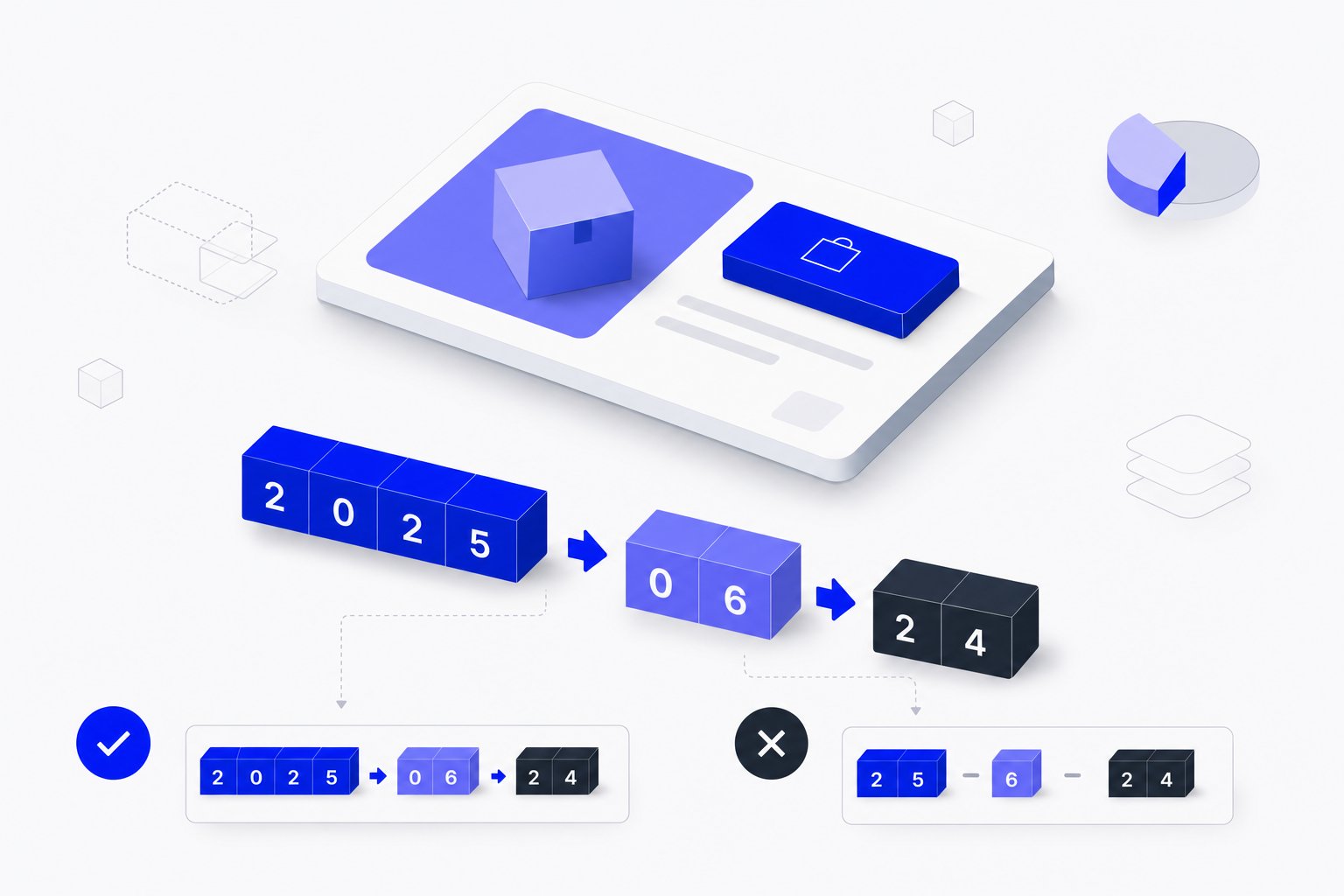
availability_date in Shopping Feeds: Format, Conditions and Errors
Learn when availability_date is required, how to format it correctly, and what happens when it is missing or malformed in your product feed.
size_type in Google Shopping Feeds: Values, Format and Rules
Learn when size_type is required, what values it accepts, and how it works with the size attribute to prevent apparel disapprovals.
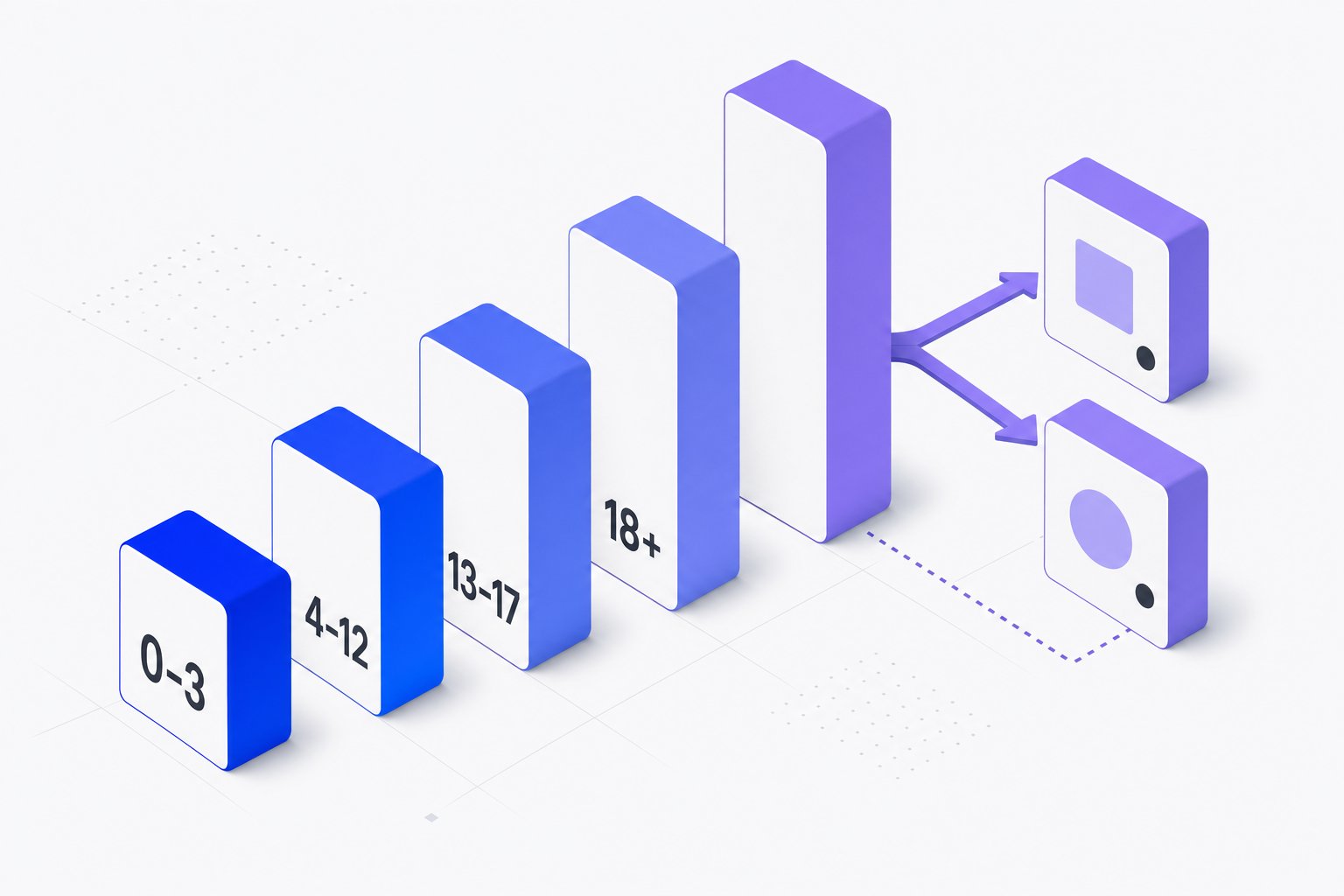
age_group in Google Shopping Feeds: Values, Rules and Variants
Learn which age_group values Google accepts, when submission is required, and how it works with item_group_id for apparel variants.