

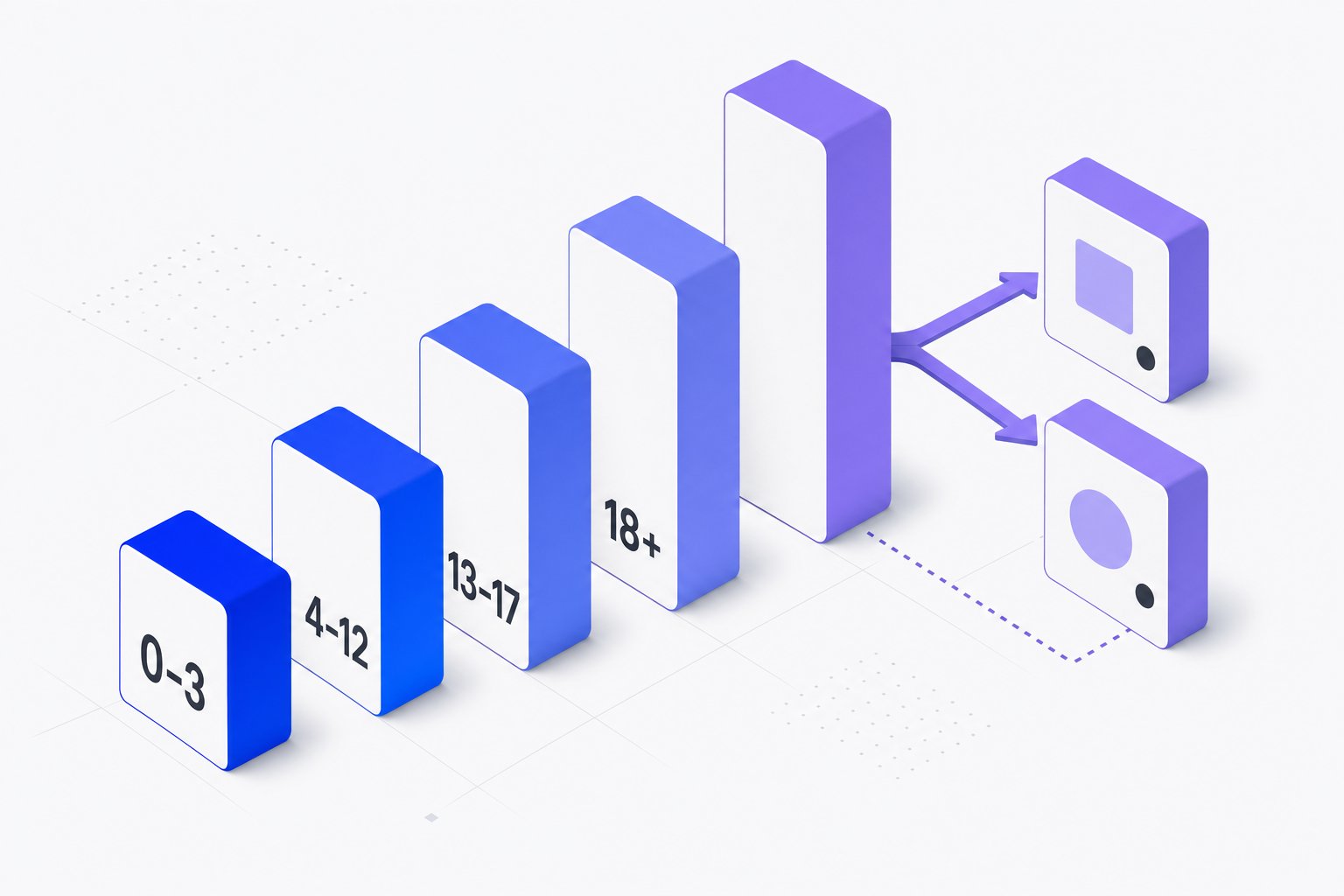
The age_group attribute tells Google which demographic a product is intended for. For apparel catalogs especially, getting this attribute right affects both eligibility and how variant groups are displayed. This article covers the accepted values, format rules, when submission is required versus optional, and how age_group interacts with item_group_id when you have size or color variants.
Accepted age_group Values and Format Rules
Google accepts a fixed set of values for age_group. You cannot submit free-text descriptions or abbreviations — the value must match one of the recognized terms exactly. The accepted values are:
newborninfanttoddlerkidsadult
The attribute is a string field. Submit only one age_group value per product. Submitting multiple values or comma-separated entries will cause only one value to be applied, and you may receive a warning in Merchant Center. Do not submit placeholder text such as n/a, none, or all ages — these are not recognized values and will cause the attribute to be ignored or the product to be disapproved.
If your product targets multiple age groups (for example, a unisex item sold in both kids and adult sizes), submit each size range as a separate product with the appropriate age_group value, and group them under the same item_group_id.
When age_group Is Required vs. Optional
The age_group attribute is required for apparel products in specific categories when targeting certain countries. For Shopping ads, this requirement applies when targeting Brazil, France, Germany, Japan, the United Kingdom, and the United States. For free listings, the requirement covers all Apparel & Accessories products in the relevant categories.
For products outside apparel — such as electronics, home goods, or sporting equipment — age_group is optional. Submitting it can still help Google surface your product in filtered results, but omitting it will not cause a disapproval for non-apparel items.
The same country-level requirement pattern applies to related apparel attributes. For example, Google documentation states that color is "Required for Shopping ads for Apparel Accessories (ID: 166 ) products when targeting these countries: Brazil France Germany Japan United Kingdom United States." The age_group attribute follows the same targeting logic for apparel categories.
If you sell globally, check whether each target country triggers the requirement. A product feed targeting only Canada or Australia, for instance, may not face the same mandatory apparel attribute rules as one targeting the US or UK — though submitting the attribute is still recommended for filtering and relevance.
How age_group Interacts with item_group_id for Apparel Variants
When a product comes in multiple variants — different sizes, colors, or age groups — each variant must be submitted as a separate product row in your feed. All variants that belong to the same base product must share the same item_group_id value. This is what tells Google they are related, so it can group them in the product listing.
The age_group attribute is one of the variant-identifying dimensions, alongside color, size, and gender. Google documentation specifies that for apparel products, you should "use this attribute when your product is a variant that is distinguished by its size" and also submit each variant as a separate product with the same item_group_id value. The same grouping logic applies when age_group is the distinguishing dimension.
If a brand sells the same hoodie style in both a kids cut and an adult cut, those are two different variant rows. Both rows share the same item_group_id, but each carries a different age_group value (kids vs. adult). They may also carry different size values appropriate to each age group's sizing system.
Note that as of May 2026, Google introduced a variant_option attribute. Google documentation notes that "If size is a variant-identifying property, then we recommend you provide it using both the variant option [variant_option] attribute and the size [size] attribute." If age_group is a key differentiator in your variant group, providing it consistently and accurately in every row is important for Google's systems to correctly understand your product relationships.
Hypothetical Example: Mapping age_group for a Children's and Adult Jacket Line
The following is a hypothetical example for illustration only.
Suppose a retailer sells a quilted jacket in both adult and kids versions. The adult version comes in sizes S, M, and L. The kids version comes in sizes 2 Toddler, 3 Toddler, and 6. Each size is a separate product row.
| id | item_group_id | age_group | size | color |
|---|---|---|---|---|
| jacket-adult-S | jacket-quilted-navy | adult | S | Navy |
| jacket-adult-M | jacket-quilted-navy | adult | M | Navy |
| jacket-adult-L | jacket-quilted-navy | adult | L | Navy |
| jacket-kids-2T | jacket-quilted-navy | toddler | 2 Toddler | Navy |
| jacket-kids-3T | jacket-quilted-navy | toddler | 3 Toddler | Navy |
| jacket-kids-6 | jacket-quilted-navy | kids | 6 | Navy |
All six rows share the same item_group_id. The age_group value correctly reflects the demographic for each row. If this feed targets the United States, color, size, age_group, and gender are all required attributes for the apparel category. Omitting age_group on any row could result in that product being disapproved.
For the toddler size values in the example, Google documentation lists "2 Toddler" and "3 Toddler" as accepted standard size examples under "Size followed by Toddler." Always verify your size values against the standard size tables for your target country and category.
Common Mistakes to Avoid
Submitting a non-accepted value. Values like children, youth, baby, or all are not in the accepted list. Use only newborn, infant, toddler, kids, or adult.
Omitting age_group from one variant in a group. If five of six jacket rows have age_group and one does not, the incomplete row may be disapproved independently. The attribute requirement applies at the product (row) level, not just the group level.
Applying age_group inconsistently with size. A row with age_group: kids should carry a size value appropriate to children's sizing for your target country, not an adult numeric size. Mismatches between attributes can confuse Google's classification systems.
Using age_group on non-apparel products to work around disapprovals. If a product is disapproved for a different reason, adding age_group to a non-apparel item will not resolve the underlying issue.
Managing age_group correctly is one part of building a clean, complete apparel feed. If you're auditing your catalog for attribute completeness, Magicfeedpro can help you map, validate, and push the right values across all your variant rows without manual row-by-row edits.
Related articles

is_bundle and multipack on the Same SKU: How to Submit Both Attributes
How to correctly set is_bundle and multipack on a single product that is both a retailer-defined kit and contains multiple units.
availability_date in Shopping Feeds: Format, Conditions and Errors
Learn when availability_date is required, how to format it correctly, and what happens when it is missing or malformed in your product feed.

size_type in Google Shopping Feeds: Values, Format and Rules
Learn when size_type is required, what values it accepts, and how it works with the size attribute to prevent apparel disapprovals.