

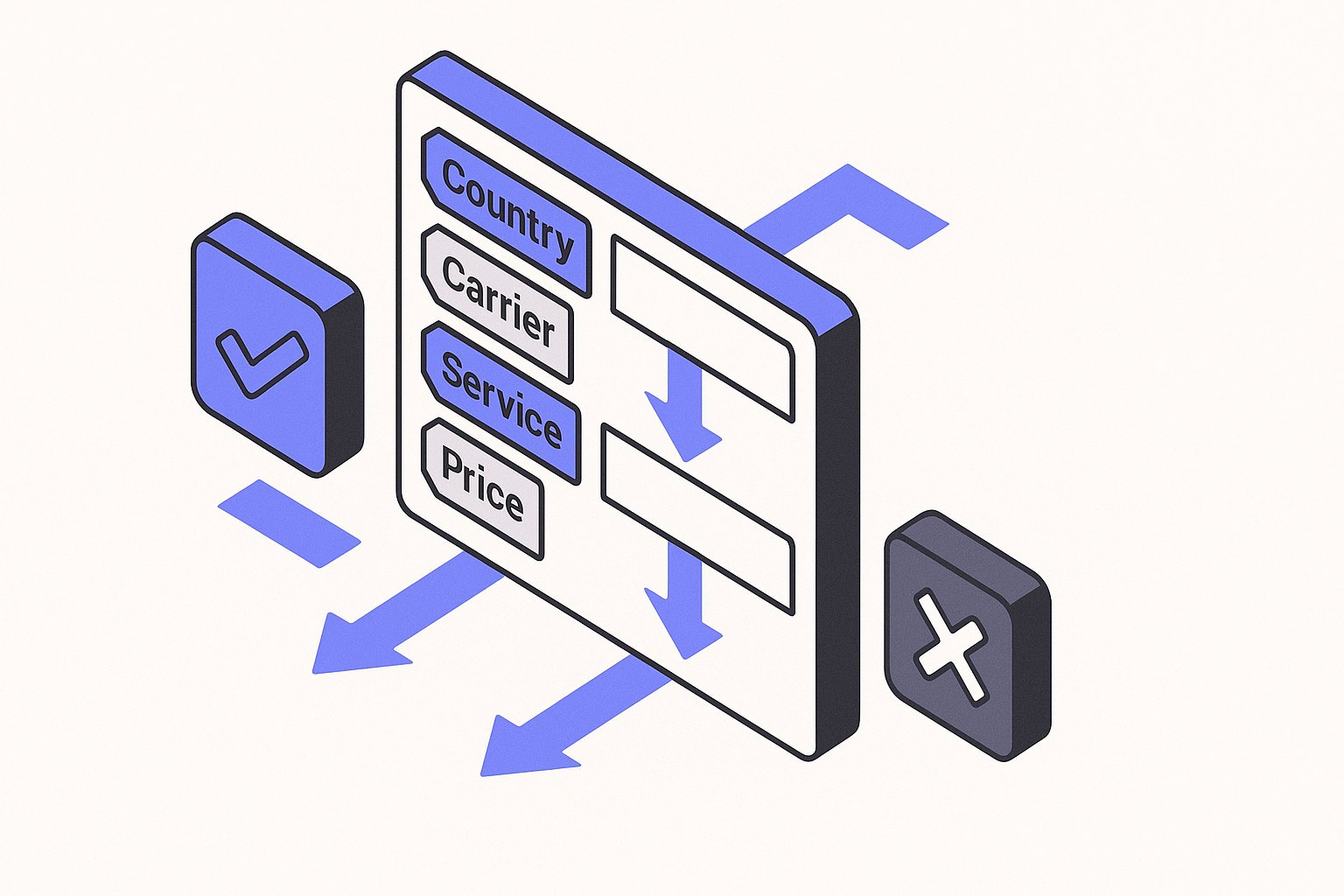
The shipping attribute is how you tell Google the cost and method of delivering each product to a buyer. Get the formatting wrong and Merchant Center will disapprove the affected items. This article covers what sub-attributes the attribute requires, when it is mandatory versus optional, and how to format carrier, service, country, and price values correctly.
What the shipping Attribute Actually Does
The shipping [shipping] attribute lets you declare product-level shipping information directly in your feed. According to Google documentation, incorrect or missing product information "can cause disapprovals, limited eligibility, incorrect displays for your products, or other issues in Merchant Center." Shipping data falls squarely in that category.
You have two ways to provide shipping costs to Google:
- Account-level shipping settings in Merchant Center — rules that apply across your whole catalog.
- Product-level
shippingattribute in the feed — rules that apply to individual items and override account-level settings for those items.
When you use the product-level attribute, it takes precedence. This makes it useful for products with unusual weights, fragile goods requiring special handling, or items that ship from a different warehouse.
Required Sub-Attributes and Their Formatting
The shipping attribute is a group attribute made up of several sub-attributes. Not all of them are required in every situation, but the combination must give Google enough information to calculate a complete shipping cost for the buyer.
country
The country sub-attribute identifies the country to which the shipping cost applies. Use a two-letter ISO 3166-1 alpha-2 country code — for example US for the United States, GB for the United Kingdom, or DE for Germany. Do not spell out the country name.
service
The service sub-attribute is a free-text label describing the delivery class. Common values include Standard, Expedited, and Overnight. This text is shown to users, so keep it clear and consistent with what appears on your landing page and checkout.
price
The price sub-attribute is the shipping cost shown to the buyer. Google documentation states that you must "submit an amount and currency that match the price on your landing page and the checkout pages." The same currency requirement applies to the shipping price: use ISO 4217 currency codes. For example, 5.99 USD or 4.50 GBP. Do not include the currency symbol; use the three-letter code instead.
Additionally, per Google documentation, charges such as "service, processing, activation, and handling fees" that you charge as a merchant "must be included within the total shipping cost you provide in the shipping [shipping] attribute, or through your Merchant Center shipping settings." That means if you charge a handling fee on top of carrier cost, you must roll it into the shipping price value — you cannot declare it separately outside of the feed.
Other Sub-Attributes
Depending on your setup, you may also submit:
min_handling_time/max_handling_time— the number of business days to process an order before it ships.min_transit_time/max_transit_time— the number of business days in transit after dispatch.carrier— the name of the shipping carrier (e.g.,UPS,FedEx,USPS).carrier_service— the specific service level offered by that carrier (e.g.,Ground,2-Day).
These sub-attributes are optional but recommended when you want to show accurate delivery date estimates on Shopping ads and free listings.
When Is the shipping Attribute Mandatory?
The shipping attribute is listed as "it depends" in Google's product data specification. As Google documentation explains, "it depends" means "you may or may not need to submit this attribute depending on the product or the countries in which your products show." Whether it is required depends on the country and whether you have account-level shipping settings already configured in Merchant Center.
- If your account-level shipping settings cover every product in your catalog with correct rates for the target country, you do not need to include the attribute in the feed for those products.
- If account-level settings do not cover a specific product — for example, an oversized item with a surcharge — you must include the
shippingattribute at the product level for that item. - Some countries require explicit shipping information in the feed as part of their local market requirements.
The safest approach for most catalog operators: configure accurate account-level shipping in Merchant Center, then use the product-level attribute only for exceptions.
Hypothetical Example: Formatting the Attribute in a TSV Feed
The following is a hypothetical example for illustration purposes only.
Suppose you sell a set of ceramic mugs that ship only within the United States via standard ground service at a flat rate, with a one-day handling time and a three-to-five-day transit window. In a text (TSV) feed, the shipping column for that product might look like this:
US::Standard:6.99 USD
The colon-separated format follows the order: country:region:service:price. When no region restriction applies, the region field is left blank but the colons remain as delimiters. The currency code USD follows the amount, separated by a space, consistent with the ISO 4217 format that Google documentation requires: the format is "Number plus currency (use ISO 4217)."
If you also want to pass handling and transit time sub-attributes in an XML feed, the structure would look like:
<g:shipping>
  <g:country>US</g:country>
  <g:service>Standard</g:service>
  <g:price>6.99 USD</g:price>
  <g:min_handling_time>1</g:min_handling_time>
  <g:max_handling_time>1</g:max_handling_time>
  <g:min_transit_time>3</g:min_transit_time>
  <g:max_transit_time>5</g:max_transit_time>
</g:shipping>
Do not add handling fee amounts to the price [price] attribute. As noted above, those fees belong inside the shipping cost value or in your account-level shipping settings.
Common Disapproval Patterns to Avoid
Most shipping attribute disapprovals come from a small set of formatting mistakes:
- Currency mismatch — The shipping price currency does not match the target country's required currency. Use ISO 4217 codes and verify the currency matches your landing page.
- Missing country code — Leaving the country sub-attribute blank or using a full country name instead of the two-letter code.
- Shipping cost not matching checkout — The fee declared in the feed differs from what the buyer sees at checkout. Google crawls landing pages and can detect mismatches. Per Google documentation, you must "submit an amount and currency that match the price on your landing page and the checkout pages."
- Hidden fees outside shipping — Service or handling charges that appear at checkout but are not included in the declared shipping price will create a mismatch.
- Omitting free shipping correctly — If you offer free shipping, submit
0.00 USD(or the relevant currency) as the price value. Do not leave the price sub-attribute blank.
For a broader look at Merchant Center disapprovals and how to resolve them, see the Google Merchant Center Errors: 12 Common Fixes guide.
Keeping Feed Shipping Data Accurate Over Time
Shipping rates change. Carrier surcharges, dimensional weight rules, and regional restrictions shift through the year. A feed that was accurate in January may trigger disapprovals by Q4 if your carrier rates have been updated but your feed values have not.
A practical maintenance routine:
- Review account-level shipping settings in Merchant Center whenever your carrier contract changes.
- Check product-level
shippingattribute values for any items with fixed overrides whenever you update rates. - Monitor Merchant Center diagnostics for shipping-related disapprovals after major feed uploads.
Magicfeedpro helps catalog operators manage and maintain product-level attributes like shipping across large catalogs, reducing the manual effort of keeping feed data aligned with live checkout conditions.
Related articles

Multipack Attribute in Google Shopping Feeds: When and How to Use It
Learn when the multipack attribute is required, what value format to submit, and how it differs from is_bundle in Google Shopping feeds.

is_bundle Attribute in Google Shopping Feeds: A Practical Guide
Learn when and how to submit the is_bundle attribute correctly to avoid disapprovals in Google Merchant Center.
Backorder vs Out of Stock: availability for In-Transit Stock
Learn which availability value to submit for products en route from your supplier, and what Google requires.