

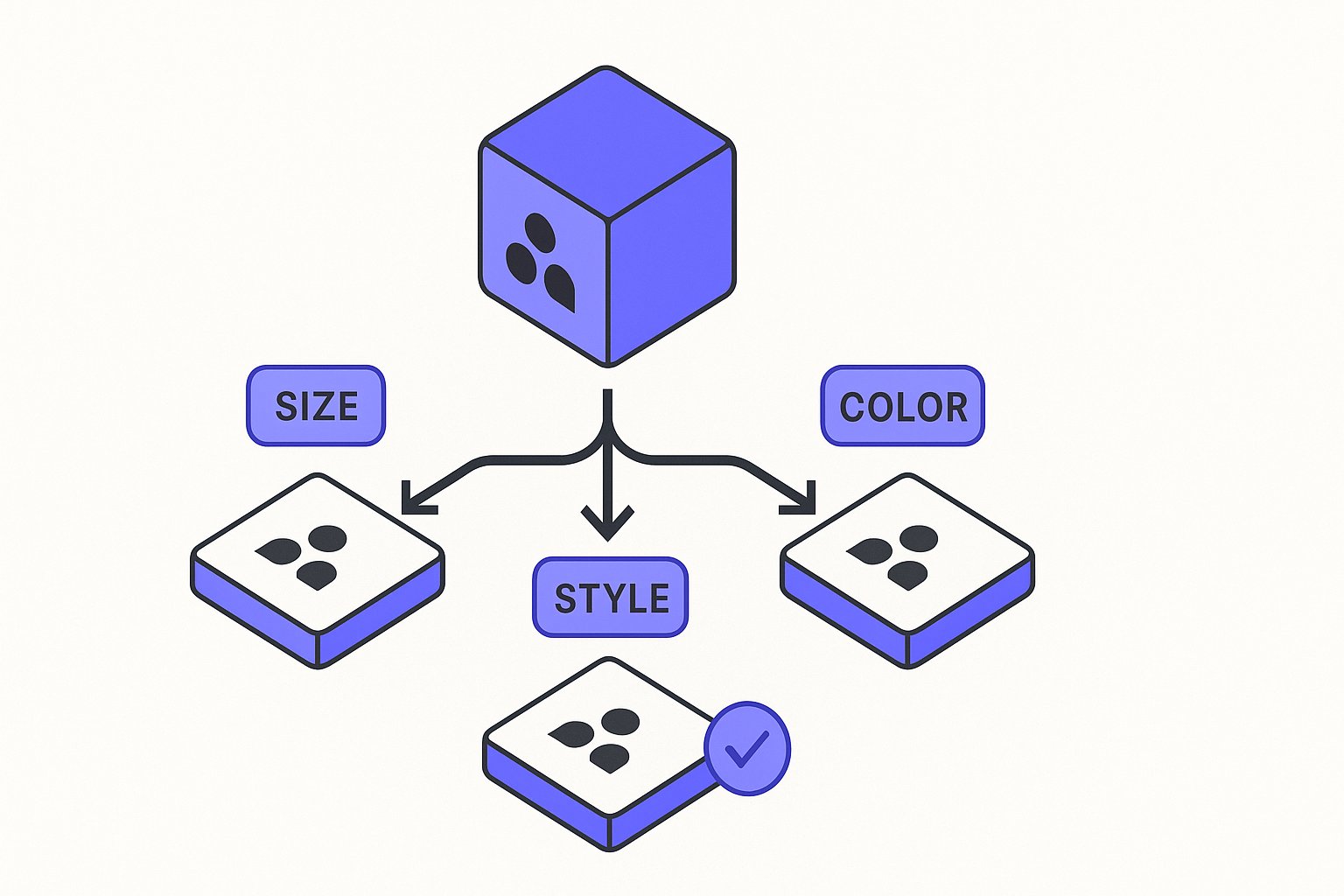
WooCommerce variable products present a specific challenge for feed operators: each variation must reach your destination platform as a fully formed, individual product row, yet all variations of the same product must be recognisably linked. Getting that balance right requires checks at three levels — your WooCommerce data structure, the API response you are reading, and the destination attributes you are mapping.
This article focuses on those checks using current source documentation. It does not cover Shopping ads bid strategy or title rewriting; see the Google Shopping Feed Optimization guide if you need those topics.
What Google Requires for Grouped Variants
The item_group_id attribute is the foundation of any variation feed. According to Google's item_group_id documentation, this attribute is required — not recommended — for free listings and Shopping ads for product variants targeting Brazil, France, Germany, Japan, the United Kingdom, and the United States.
The formatting rules are strict. The value must be Unicode characters (recommended: ASCII only — alphanumeric, underscores, and dashes) and between 1 and 50 characters, as stated in Google's item_group_id documentation. Casing is not treated as a distinguishing factor: "abc123" and "ABC123" are interpreted as the same product, so do not rely on casing to create distinct group IDs.
Beyond the ID itself, every variant in the group must share the same item_group_id value. Google's documentation states: "Use the same value for the item group ID [item_group_id] attribute for all variants of the same product." At the same time, each variant must carry a unique value for the id attribute — do not confuse the two. A common error is submitting the parent SKU as a separate product row in addition to using it as the item_group_id; the documentation advises against this.
Google also requires that each variant have its own landing page URL. The item_group_id documentation specifies that different landing page URLs should be submitted for each variant, with each URL using a different path segment and/or query parameters — for example, /t-shirt/green or /t-shirt?color=green&size=small.
Additionally, standard variant attributes — color, pattern, material, age_group, gender, and size — should be submitted in addition to variant_option when those attributes are part of what distinguishes the variant.
Retrieving Variation Data from WooCommerce
Before you can map data to feed attributes, you need to confirm what your WooCommerce store is actually returning. The WooCommerce REST API is the reliable path for this.
The WooCommerce REST API documentation states the API requires WooCommerce 3.5+, WordPress 4.4+, and pretty permalinks enabled in Settings > Permalinks. If those prerequisites are not met, your API calls will fail or return incomplete data, and downstream feed rows will be incomplete.
The API uses wc/v3 as the current version. Responses are returned in JSON format. According to the WooCommerce REST API documentation, "Any decimal monetary amount, such as prices or totals, will be returned as strings with two decimal places" — which matters for feed operators because your mapping logic must handle price values as strings, not numbers. Blank fields are generally included as null or empty string instead of being omitted, which also matters: a null color field is not the same as a missing field, and you need to map null values explicitly rather than assuming they will simply be absent from the response.
To retrieve variations, you query the product endpoint. A variation lives under its parent variable product. Pagination defaults to 10 items per page; you can override this with the ?per_page parameter or navigate pages with ?page=2. If you are processing a large catalog, check the X-WP-Total and X-WP-TotalPages response headers to confirm you have retrieved all pages before building your feed file.
For authentication, you generate REST API keys under WooCommerce > Settings > Advanced > REST API tab. The documentation notes that the secret is shown only once — if you navigate away before copying it, you must regenerate the key.
Hypothetical Example: A T-Shirt With 9 Variants
This is a hypothetical example for illustration only.
Suppose a store sells a classic crew-neck T-shirt in three sizes (S, M, L) and three colors (Red, Blue, Green), producing nine variations. This matches the structure described in Google's item_group_id documentation, which uses exactly this scenario: "a T-shirt comes in 9 variants: 3 sizes (small, medium, large) and 3 colors (red, blue, green). Submit each variant as a separate product (for a total of 9 separate products), and submit the same value for the item group ID attribute for each." The parent product has an internal SKU of TSHIRT-CREW.
In WooCommerce, each of the nine combinations is a separate variation with its own variation ID (for example, variation IDs 1001 through 1009, used here as illustrative integers only). When you query the REST API, each variation returns its own id, sku, price, stock_quantity, attributes array (containing color and size values), and permalink.
For the feed, each of these nine variations becomes a separate product row. The mapping looks like this:
| Feed attribute | Source in API response | Example value |
|---|---|---|
id | variation sku or id | TSHIRT-CREW-S-RED |
item_group_id | parent SKU | TSHIRT-CREW |
color | attributes array, name = "Color" | Red |
size | attributes array, name = "Size" | S |
price | price (returned as string) | "19.99" |
availability | derived from stock_quantity | in stock |
link | permalink | /t-shirt?color=red&size=s |
Note that item_group_id must be identical across all nine rows — TSHIRT-CREW in every case. If any row carries a different value, or if the parent product is also submitted as its own row with the same item_group_id, the grouping will be broken and Merchant Center may disapprove the affected items.
Also note that prices in the WooCommerce API are returned as strings with two decimal places, not as numbers. Your feed mapping logic must handle this correctly; do not apply arithmetic directly to the raw string before converting it.
Pre-Submission Checks
Before submitting your WooCommerce variation product feed, run through these checks:
item_group_idconsistency — All variations of the same product share one value; no two distinct products share a value. The value must be between 1 and 50 characters per the Google item_group_id specification.- Unique
idper row — Each variation row has its own identifier. - Per-variation landing page URLs — Each row links to a URL that pre-selects or identifies that specific variant using a distinct path segment or query parameters.
- Standard attributes populated —
color,size, and other applicable standard attributes are present, not just mapped throughvariant_option. - Price and availability per variant — Values come from the variation level in the API, not the parent product level. WooCommerce variations can have independent prices and stock; always read from the variation endpoint.
- Complete pagination — All pages of variations have been retrieved before feed generation. Check
X-WP-Totalto confirm the full count. - Null field handling — Fields returned as
nullby the API are either mapped to a valid value or excluded appropriately for the destination attribute.
For a broader look at items that trigger Merchant Center disapprovals, see the Merchant Center Errors guide.
Magicfeedpro is built to help merchants manage catalog imports and map WooCommerce variation data to destination feed requirements without manual row-by-row editing.
Related articles
Google Shopping Feed for WooCommerce: 2026 Config Guide
Feed misconfiguration costs WooCommerce stores 30%+ of eligible impressions. Map attributes, fix plugin errors, and optimize titles in one session.
Google Shopping Feed: 9 WooCommerce Mistakes Killing ROAS
WooCommerce Google Shopping feed misconfigurations cost stores an average 34% ROAS loss. Diagnose and fix the 9 most damaging errors in under an hour.

item_group_id for Variants: Requirements, Value Rules, and Feed Impact
When item_group_id is required for color and size variants, what value rules apply, and what happens when it is missing or mismatched.