

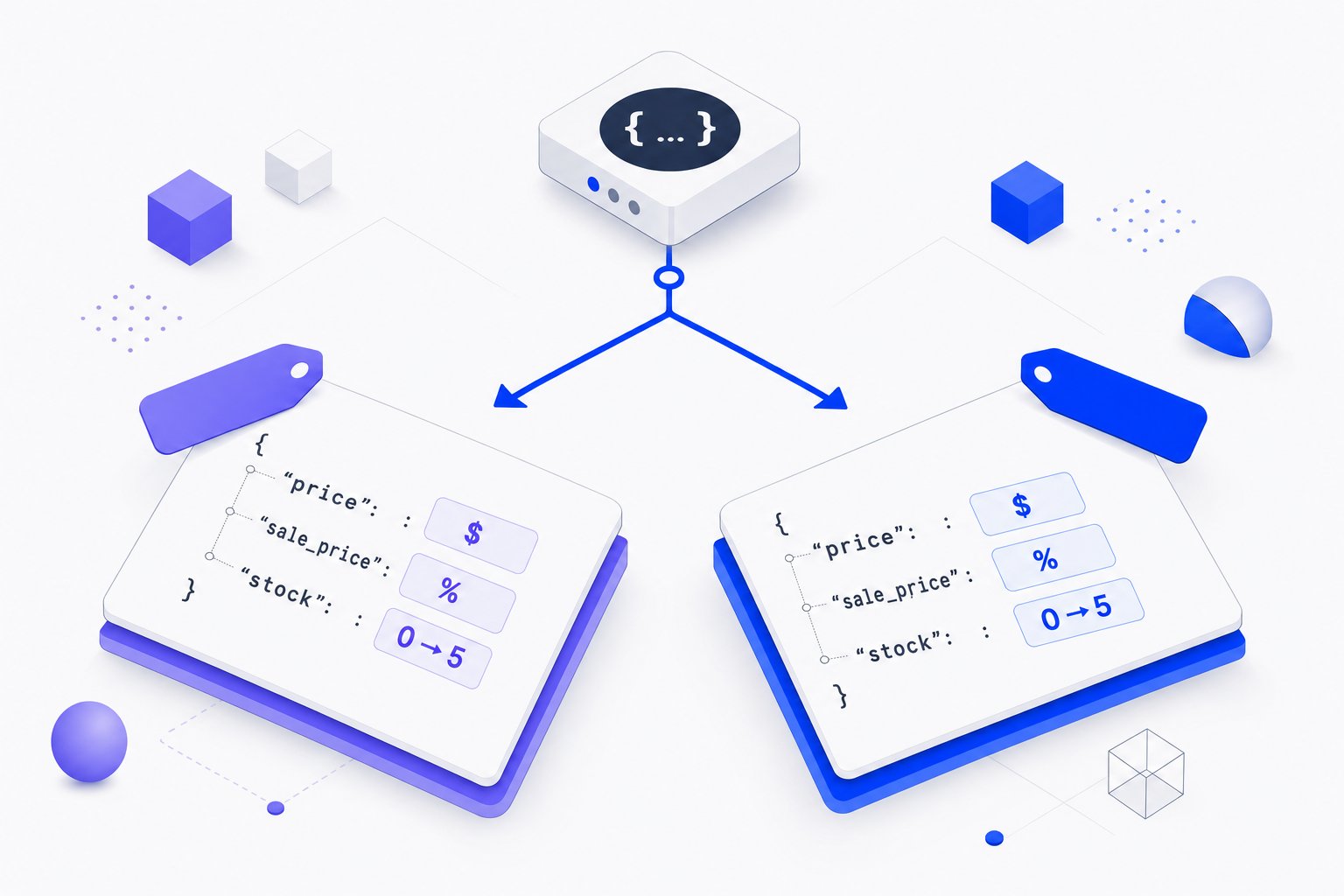
Building a Shopping feed from a WooCommerce store means pulling the right API fields — not just the ones that look right. The wrong field gives you a sale price when a regular price is expected, or a parent product's stock status instead of the variation's. This guide explains exactly which fields to read, endpoint by endpoint, and how to handle the difference between a simple product and a variation response.
How the WooCommerce REST API Returns Price and Stock Data
The WooCommerce REST API is available at version wc/v3 and returns product data as JSON. WooCommerce developer documentation confirms that "any decimal monetary amount, such as prices or totals, will be returned as strings with two decimal places" and that "other amounts, such as item counts, are returned as integers." This distinction matters immediately for feed construction: your price field arrives as a string like "29.99", while stock_quantity arrives as an integer like 4.
For a simple product, the relevant price fields in the GET /wp-json/wc/v3/products/{id} response are:
regular_price— the standard, non-sale price (string)sale_price— the discounted price when a promotion is active (string, may be empty)price— the currently active price; equalssale_pricewhen a sale is running, otherwise equalsregular_price(string)
For feed submission, map price to your price [price] attribute and regular_price to sale_price [sale_price] only when sale_price is non-empty. Never submit an empty string as a price value.
Stock fields on a simple product response:
stock_status— string, one ofinstock,outofstock, oronbackorderstock_quantity— integer ornull(null when per-product stock management is disabled)manage_stock— boolean; whenfalse,stock_quantityis alwaysnull
To populate the Google Merchant Center availability [availability] attribute, map instock → in_stock, outofstock → out_of_stock, and onbackorder → backorder. According to Google Merchant Center documentation, "availability [availability]" is "required for all products" and the values your data source submits "should always match the information on your website." A mismatch between the API value and your landing page can lead to product disapproval.
Simple Products vs. Variation Endpoints: Key Differences
A variable product in WooCommerce has a parent record and one or more child variation records. The parent endpoint (GET /wp-json/wc/v3/products/{id}) does not carry a purchasable price or accurate stock for individual variations. Each variation has its own endpoint:
GET /wp-json/wc/v3/products/{parent_id}/variations/{variation_id}
The variation response carries the same price and stock field names (regular_price, sale_price, price, stock_status, stock_quantity, manage_stock) but with values specific to that SKU. For a Shopping feed, you must fetch and submit each variation separately — one feed row per purchasable variant.
The parent response does include a variations array of variation IDs, so a typical catalog extraction sequence is:
GET /wp-json/wc/v3/products?type=variable&per_page=100— list all variable products and collect theidandvariationsarray from each.- For each variation ID, call
GET /wp-json/wc/v3/products/{parent_id}/variations/{variation_id}to fetch price and stock. - Build one feed row per variation using the variation-level
price,regular_price,sale_price,stock_status, andstock_quantity.
Pagination is important for large catalogs. The WooCommerce REST API documentation notes that "requests that return multiple items will be paginated to 10 items by default" and that you can use ?per_page and ?page parameters to control output. Use the X-WP-Total and X-WP-TotalPages HTTP response headers to determine how many pages to fetch rather than guessing.
Mapping API Fields to Merchant Center Attributes
Once you have the raw API response, the mapping to Shopping feed attributes is straightforward, but a few edge cases require care:
Price mapping
| API field | Feed attribute | Notes |
|---|---|---|
price | price [price] | Active price; always a decimal string |
regular_price | sale_price [sale_price] (original price) | Submit only if sale_price is non-empty |
sale_price | Used to determine if a sale is active | Empty string when no sale is running |
Note: Merchant Center expects a currency code alongside the numeric value (e.g., 29.99 USD). The WooCommerce API returns a bare decimal string; your feed builder must append the store's configured currency.
Availability mapping
stock_status API value | availability [availability] feed value |
|---|---|
instock | in_stock |
outofstock | out_of_stock |
onbackorder | backorder |
Google's documentation specifies that for backorder items, you are "required to provide the availability date [availability_date] attribute to indicate the day when it will be shipped." If your WooCommerce store does not expose a backorder date, you must decide whether to omit onbackorder products from the feed or suppress the backorder value until a date is known.
Hypothetical example — a variable apparel product
The following is a hypothetical illustration, not a real store result.
Imagine a t-shirt listed as a variable product with two variations: Size S (ID 1001) and Size M (ID 1002). A catalog operator calls GET /wp-json/wc/v3/products/500/variations/1001 and receives:
{
  "id": 1001,
  "regular_price": "24.99",
  "sale_price": "19.99",
  "price": "19.99",
  "stock_status": "instock",
  "stock_quantity": 8,
  "manage_stock": true
}
The correct feed row uses price = 19.99 USD, submits regular_price as the original price alongside the sale price, and sets availability = in_stock. Calling the parent endpoint (/products/500) instead would return aggregate or parent-level values — not 19.99 — and potentially the wrong stock_status, causing a price mismatch in Merchant Center.
Practical Notes for Catalog Operators
Authentication. The REST API requires a consumer key and consumer secret, generated under WooCommerce > Settings > Advanced > REST API. Use HTTPS; the documentation recommends it "where possible."
Blank fields. The WooCommerce API states that "blank fields are generally included as null or empty string instead of being omitted." An empty sale_price string is not an error — it means no sale is active. Build a null/empty check before writing a sale-price value to your feed row.
Stock quantity vs. stock status. When manage_stock is false, stock_quantity is null. Do not interpret null as zero units. The correct availability signal is stock_status, not the quantity integer. Use quantity only as a secondary signal (for example, to flag low-stock items for a custom label).
Currency. The API returns monetary values as bare decimal strings. Your feed pipeline is responsible for appending the ISO currency code required by Merchant Center. The store's configured currency is available from GET /wp-json/wc/v3/settings/general/woocommerce_currency.
If you need to manage this extraction logic across a large WooCommerce catalog — handling pagination, variation traversal, price/sale logic, and availability mapping automatically — Magicfeedpro is built to handle exactly this kind of WooCommerce-to-Shopping-feed pipeline.
Related articles
WooCommerce Product Titles for Shopping Feeds: Parent vs Variation
Should you submit the parent title or a variation-specific title for each WooCommerce child item? Here's what the rules say.
WooCommerce Variation Product Feed: Complete Data Checks
How to prepare accurate WooCommerce variation data for Google Shopping feeds, covering item_group_id, variant attributes, and API retrieval.
Google Shopping Feed for WooCommerce: 2026 Config Guide
Feed misconfiguration costs WooCommerce stores 30%+ of eligible impressions. Map attributes, fix plugin errors, and optimize titles in one session.