

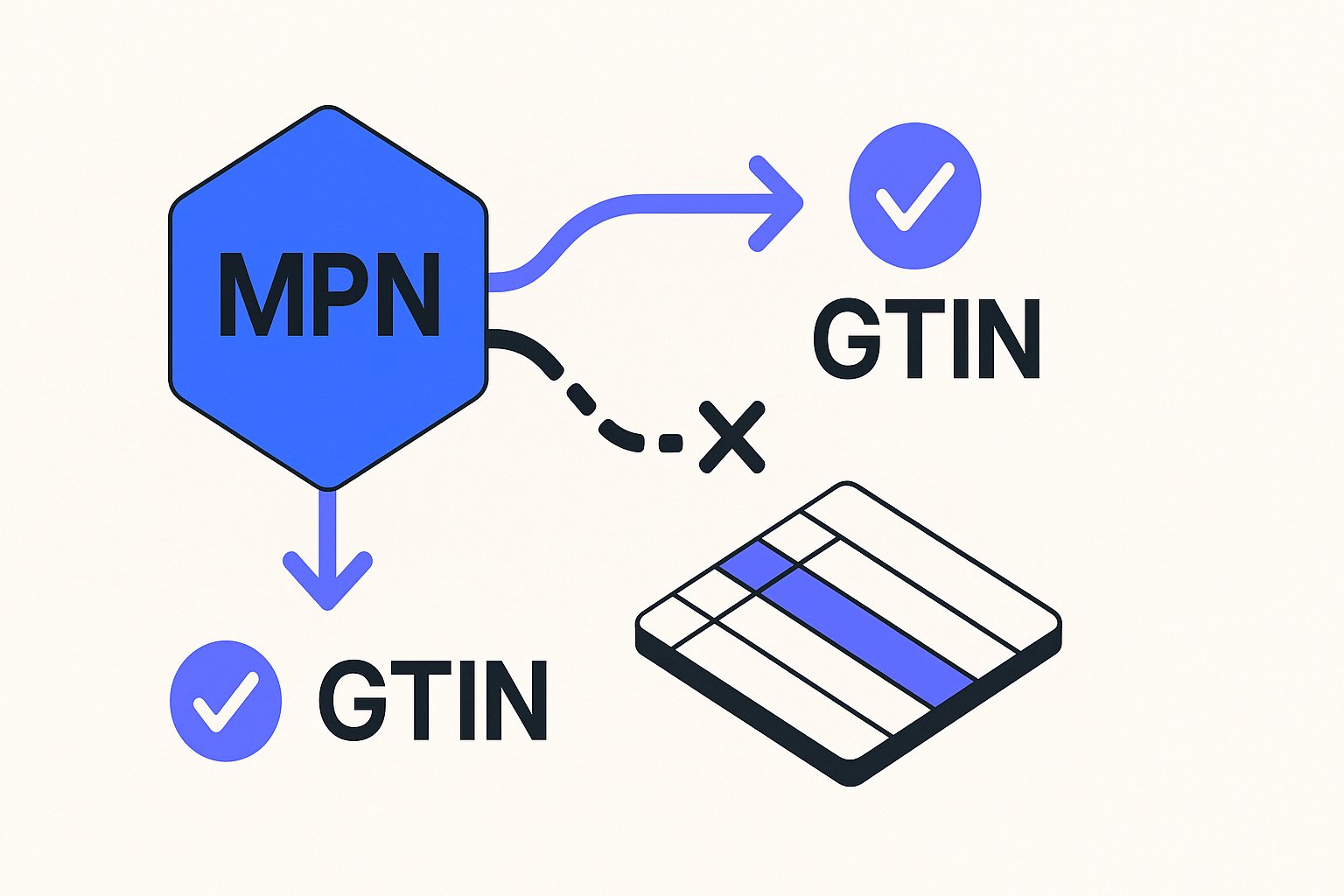
The mpn attribute sits at the centre of unique product identifier (UPI) logic in Google Merchant Center. When a product lacks a manufacturer-assigned GTIN, the rules around MPN become more important — and more frequently misunderstood. This article walks through the exact requirements, the edge cases that trip up feeds, and how to handle products that have no identifiers at all.
When the mpn Attribute Is Required
The trigger for a required MPN is straightforward: if a product does not have a GTIN, you must supply an MPN instead. Google documentation states that the attribute is "Required for all products without a manufacturer-assigned GTIN [gtin]." That requirement covers any catalogued, mass-produced product — electronics, auto parts, tools, consumables — where the manufacturer issues part numbers but a GTIN is not available in your data.
The requirement is conditional, not universal. If the product is custom-made — for example, bespoke art, personalised gifts, or handmade goods — the MPN is optional because no manufacturer has assigned one. The key rule from the documentation applies equally: "Only provide an MPN if you're sure it's correct. When in doubt do not provide an MPN."
Submitting a fabricated or guessed MPN is worse than submitting nothing. Google uses MPNs to match your listing against a specific product in its catalog. A wrong value can cause mismatches, suppressed listings, or disapprovals that are harder to diagnose than a simple missing-field warning.
Format and Character Limits for the mpn Attribute
The mpn field accepts a string of 1–70 characters. Google documentation specifies the type as "String (Alphanumeric, Unicode characters. Recommended: ASCII only)" with a limit of 1–70 characters. It is a non-repeated field, meaning you submit one value per product row.
Format examples by data source type:
| Data source | Example |
|---|---|
| Text (TSV/CSV) | GO12345OOGLE |
| XML | <g:mpn>GO12345OOGLE</g:mpn> |
The value must be the manufacturer-assigned part number exactly as issued. Do not pad it, shorten it, or translate it. If the manufacturer uses uppercase letters and hyphens, preserve that formatting.
MPN rules for variants, bundles, and multipacks
Variants. Different colour or size variants of a product often carry different MPNs. Submit the correct MPN for each individual variant. The documentation notes one exception: "different sizes of apparel products, where all sizes often have the same MPN." Do not apply this exception broadly — for non-apparel categories, assume distinct variants have distinct MPNs unless you have the manufacturer's data to confirm otherwise.
Bundles. If the manufacturer created the bundle, use the MPN of the bundle itself. If you created the bundle (for example, a camera body paired with a third-party lens), use the MPN of the main product — the camera body in that case.
Multipacks. The same logic applies. A manufacturer-created multipack has its own MPN; use it. A merchant-created multipack uses the MPN of the individual product inside it.
Compatible and refurbished products. Submit the MPN from the manufacturer who built the compatible product, not the original equipment manufacturer (OEM). Do not use OEM details to imply compatibility.
What to Submit When a Product Has Neither a GTIN Nor an MPN
Some products genuinely lack all standard identifiers: custom goods, vintage items, handmade products, and books published before GTINs were introduced. For these cases, Merchant Center provides the identifier_exists attribute.
Google documentation describes identifier_exists as the attribute to use to "indicate that unique product identifiers (UPIs) aren't available for your product." When a new product has no GTIN, MPN, or brand that meets the requirements, you should submit identifier_exists with a value of no or false. The value must be submitted in English.
Importantly, this attribute should only be set to no when you are certain no identifier exists. The documentation is explicit: "Products for which the identifier exists [identifier_exists] attribute is incorrectly set to no [no] or false [false] and for which there is evidence that a unique product identifier exists, will receive a warning."
Leave GTIN and MPN fields blank for products that genuinely have none — do not fill them with placeholder text or zeros.
Hypothetical Example: Electronics Accessory Without a GTIN
The following is a hypothetical example for illustration only. Product identifiers are invented and do not represent real products.
Suppose you sell a third-party replacement stylus tip that is catalogued by a peripheral manufacturer under part number STP-4400X. The manufacturer does not issue a GTIN for this component. Your feed row should look like this:
| Attribute | Value |
|---|---|
title | Replacement Stylus Tip - STP-4400X |
brand | PenTech |
mpn | STP-4400X |
gtin | (leave blank — no GTIN assigned) |
condition | new |
identifier_exists | (omit or leave as default — a valid MPN and brand are present) |
Because a valid MPN and brand are both present, you do not need to set identifier_exists to no. The MPN satisfies the requirement triggered by the absence of a GTIN.
Now contrast this with a hypothetical hand-tooled leather wallet sold by a craftsperson under their own brand. No manufacturer has assigned any part number:
| Attribute | Value |
|---|---|
title | Hand-tooled Leather Bifold Wallet - Brown |
brand | CraftCo |
mpn | (leave blank) |
gtin | (leave blank) |
condition | new |
identifier_exists | no |
In this case, identifier_exists: no tells Merchant Center that the absence of identifiers is deliberate and correct, not an oversight.
Practical Checks Before Submitting Your Feed
Before sending your feed to Merchant Center, run through these checks for every product row that lacks a GTIN:
- Confirm the MPN is manufacturer-assigned. If you sourced the value from the manufacturer's own documentation or packaging, it is safe to submit. If you derived or guessed it, leave the field blank.
- Check the character count. The field limit is 70 characters. Trim any internal system codes that exceed this.
- Apply the correct MPN per variant. For colour variants, each variant typically needs its own MPN. For apparel size variants, verify whether the manufacturer assigns a single MPN across sizes.
- Do not duplicate the MPN across unrelated products. MPNs are meant to uniquely identify a specific product from a specific manufacturer. Reusing one MPN across different products will produce incorrect catalog matches.
- Set
identifier_exists: noonly for true no-identifier products. Custom goods and pre-GTIN vintage items qualify; mass-produced products that simply lack a GTIN in your system do not.
Managing these rules across a large catalog is one of the more error-prone parts of feed maintenance. Tools like Magicfeedpro are built to help catalog operators map, validate, and maintain identifier fields at scale, reducing the manual review needed before each feed submission.
Related articles
google_product_category Taxonomy: How to Choose the Right Value
Learn when and how to set google_product_category correctly, avoid disapprovals, and handle override cases in your feed.
Merchant Center Price Mismatch Disapproval: Trace the Source Attribute
How to identify which price attribute caused a Merchant Center disapproval when your feed and landing page prices diverge.
Brand Attribute in Feeds: Private-Label and Unbranded Products
How to format the brand attribute for private-label or unbranded products, and how that choice interacts with identifier_exists and GTIN rules.