

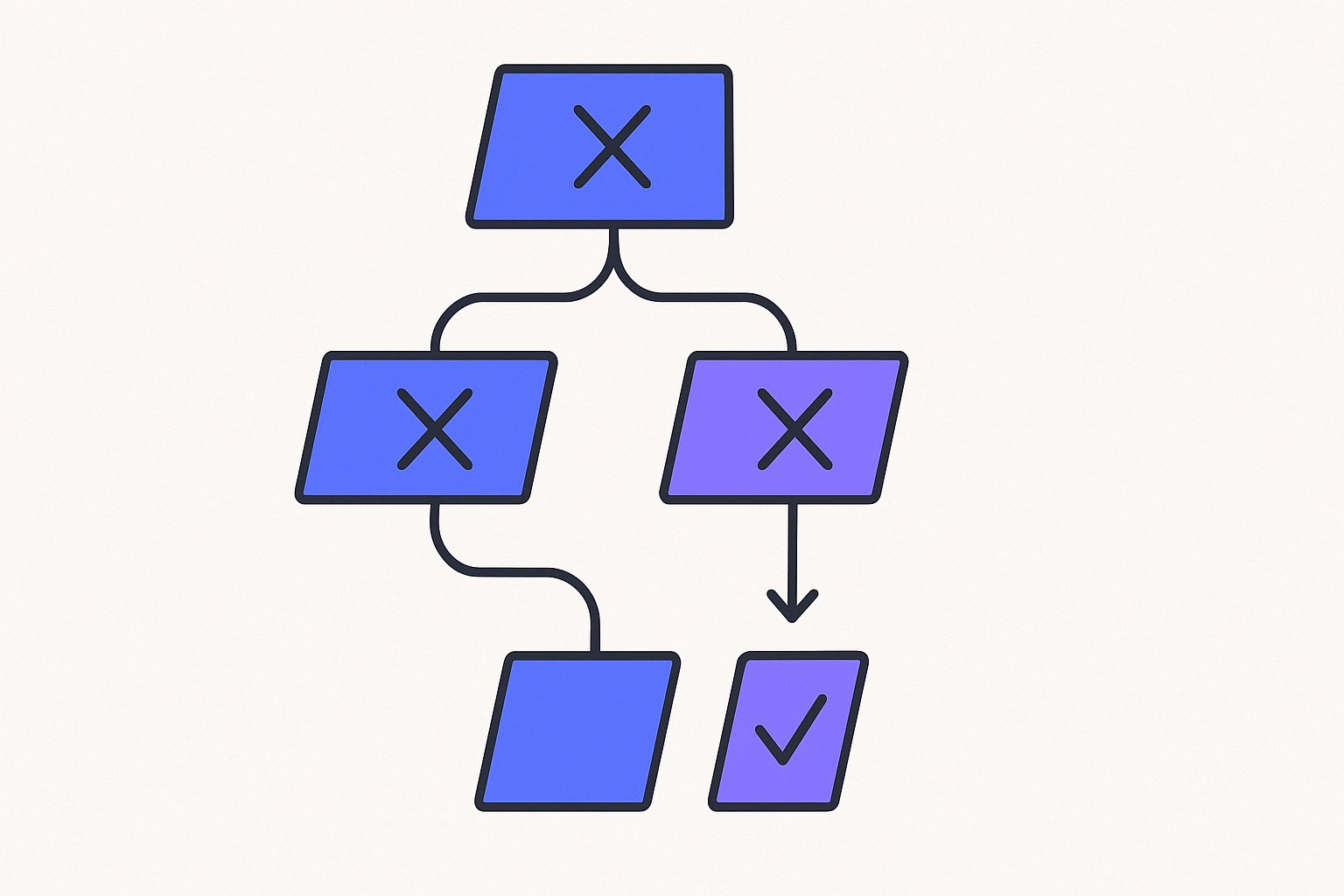
The google_product_category attribute is one of the most misunderstood fields in a product feed. Many merchants either leave it blank and rely entirely on Google's automatic assignment, or they submit a value that is too broad to be useful. This article explains how the taxonomy works, when you actually need to set it, and how to avoid the most common mistakes.
How Google's Product Taxonomy Works
Google automatically assigns every product a category using its taxonomy — a hierarchical tree that moves from broad to specific. According to Google documentation, the taxonomy "works by organizing your products from broad categories down to specific categories in a correct logical order," for example moving from Electronics down to Electronics > Communications > Telephony > Mobile Phones.
This means Google does not rely solely on your titles and descriptions to understand what you sell. The category assignment influences which attributes are required for your product, how your item fits into campaign structures, and whether certain policy rules (such as alcohol regulations) apply.
The key implication: if Google's automatic assignment is correct, you do not need to submit this attribute at all. It is optional for each product. Submitting an incorrect or overly generic value can actually create more problems than submitting nothing.
When You Should Submit a Category Override
Google only accepts a google_product_category value as an override in specific, documented situations. According to Google documentation, the accepted override cases are:
1. Enforcement of category-specific attribute requirements
Some categories impose extra required fields. Apparel & Accessories requires color, size, gender, and age_group. Mobile Phones and Software have their own additional requirements. If Google incorrectly auto-assigns your product into one of these categories, you can use google_product_category to override it and remove those additional requirements from your product.
Conversely, if your product should be in one of these categories but Google missed it, you can submit the correct category to ensure the right requirements apply.
2. Targeting Shopping Ads campaigns by category
If you have structured your Shopping or Performance Max campaigns around product category segments, you can use this attribute to control which campaign segment a product falls into.
3. Alcoholic beverages
Alcoholic beverages have a strict policy requirement. Google specifies exact categories that must be used — for example, Food, Beverages & Tobacco > Beverages > Alcoholic Beverages (ID: 499676) or Arts & Entertainment > Hobbies & Creative Arts > Homebrewing & Winemaking Supplies (ID: 3577). These specific numeric IDs are listed in Google documentation. If your product is incorrectly categorized and falls outside these paths, you must override it.
Outside of these three scenarios, submitting a google_product_category value is optional and only worth doing if you have a specific reason.
Format Rules and Submission Options
Google accepts two formats for this attribute: the numeric category ID or the full category path. You may submit either the ID or the full path, but not both in the same field. As stated in Google documentation, "You may submit either the ID or the full path, but not both."
Format examples from the specification:
| Data source type | Example |
|---|---|
| Text (TSV or CSV) | 2271 or Apparel & Accessories > Clothing > Dresses |
| XML | <g:google_product_category>2271</g:google_product_category> |
Only predefined values from Google's official taxonomy are accepted. You cannot invent your own category path for this attribute. If no official category fits your product, use the product_type attribute instead — that field is specifically designed for your own store taxonomy, as noted in Google documentation, which states the attribute "allows you to include your own internal product categorization system in your product data."
Language note: If the taxonomy is not available in your feed's language, you must use English values or the numeric ID.
google_product_category vs. product_type: A Clear Distinction
These two attributes are frequently confused. They serve different purposes:
google_product_category: Uses Google's predefined taxonomy. Controls system-level categorization, attribute requirements, and policy compliance. Only predefined values are accepted.product_type: Lets you define your own store hierarchy. Per Google documentation, it is "a key tool for managing your inventory organization, specifically for structuring bidding and reporting in your Google Ads Shopping campaigns."
For campaign segmentation and bidding organization, product_type is often more flexible because it reflects your actual store structure rather than a fixed Google taxonomy path. Importantly, product_type accepts up to 750 characters and can be submitted up to five times per product, though only the first value is used for bidding and reporting in Shopping campaigns — both limits come directly from Google documentation.
If you want to use your own category labels for bid management — for example, separating "Winter Jackets" from "Rainwear" when both fall under the same Google category — product_type is the correct tool, not google_product_category.
Hypothetical Example: Misclassified Fitness Tracker
This is a hypothetical example for illustration only.
Suppose a merchant sells a wrist-worn fitness tracker. Google automatically assigns the product to Apparel & Accessories > Jewelry > Watches. Because Watches is within the Apparel & Accessories top-level category, Google begins requiring color, size, gender, and age_group attributes. The merchant's feed does not include these fields, and the product is disapproved.
The merchant audits the auto-assigned category and determines it is incorrect. They submit:
google_product_category: Electronics > Electronics Accessories > Activity Trackers
This overrides the incorrect assignment, removes the Apparel & Accessories attribute requirements, and the product clears the disapproval. The merchant separately submits:
product_type: Fitness > Wearables > Fitness Trackers
This allows them to segment the product within their own campaign structure without affecting the Google taxonomy assignment. Using > to separate hierarchy levels with a space before and after the symbol follows the formatting guidance in Google documentation.
Practical Checks Before You Submit
-
Check the auto-assigned category first. In Merchant Center, review what Google has assigned before overriding. If it is accurate and no special attribute rules are triggered, there is no need to act.
-
Use numeric IDs for reliability. Path strings can contain special characters that cause parsing issues in XML feeds. A numeric ID like
2271is unambiguous. -
Download the current taxonomy file. Google's taxonomy evolves. Using an outdated category path can result in a disapproval. Always reference the current official list when setting values.
-
Don't use this attribute as a free-text field. The minimum requirement is explicit: use only a predefined Google product category. Custom paths or invented values will be rejected.
-
For bundles, use the main product's category. If a bundle has a dominant product — for example, a camera kit — use the category of that main item.
Managing these attribute checks across hundreds or thousands of SKUs is one of the core feed management tasks that Magicfeedpro is built to support, giving catalog operators a structured way to audit and update category assignments without editing each product individually.
Country Considerations for Campaign Organization
Not all countries can use google_product_category to organize Shopping campaign product groups. According to Google documentation, campaign organization by Google product category is available in Australia, Brazil, France, Germany, Italy, the Netherlands, Norway, Sweden, Turkey, the United Kingdom, and the United States. For all other countries, only product_type can be used to organize product groups for bidding in Shopping campaigns.
If you are running campaigns in markets outside this list, make sure your product_type values are structured and complete, since that will be your only tool for campaign segmentation.
Getting google_product_category right is less about optimization and more about accuracy. The attribute exists to correct Google's automatic classification in specific cases, not to replace good titles, descriptions, and identifiers. Focus on keeping your taxonomy values current, use numeric IDs when in doubt, and reserve overrides for the situations where they are actually needed.
Related articles
MPN Attribute in Product Feeds: Rules When There Is No GTIN
Learn when the mpn attribute is required, how to format it correctly, and what to submit when a product has no GTIN.
Merchant Center Price Mismatch Disapproval: Trace the Source Attribute
How to identify which price attribute caused a Merchant Center disapproval when your feed and landing page prices diverge.

Brand Attribute in Feeds: Private-Label and Unbranded Products
How to format the brand attribute for private-label or unbranded products, and how that choice interacts with identifier_exists and GTIN rules.