

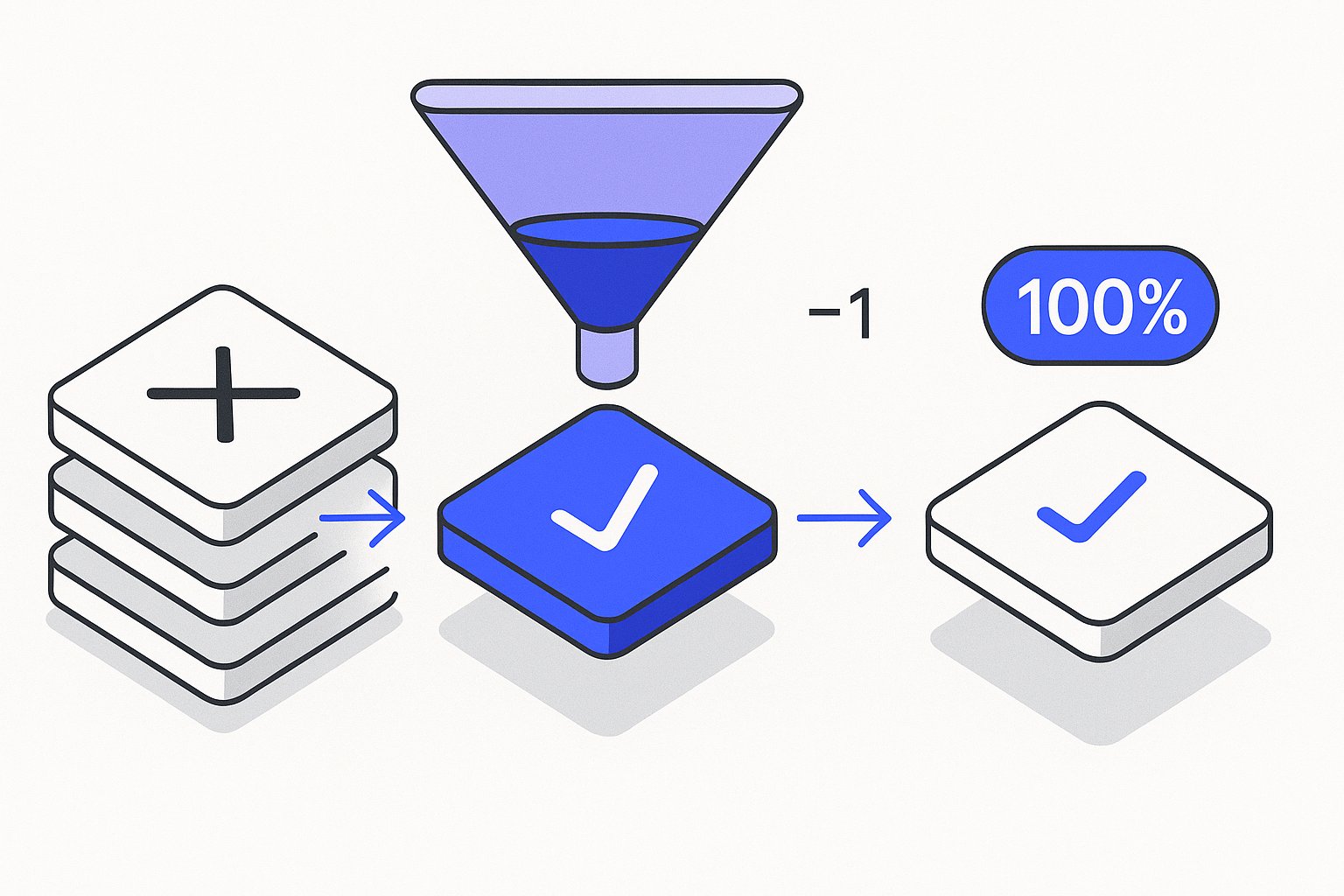
Shopify product feed optimization is the single highest-leverage activity a PPC manager can run before touching bids — yet after auditing 60+ Shopify stores in early 2026, the most common finding is a feed that ships raw Shopify data straight to Google with zero enrichment. Disapprovals pile up, products fall into the "limited" bucket, and Shopping ROAS stagnates while the merchant blames the algorithm. This step-by-step guide covers feed export, disapproval triage, title enrichment, and custom label mapping — four levers that routinely move ROAS 20–35% before a single bid change.
Why Raw Shopify Feeds Underperform on Google Shopping
Shopify's native Google channel exports a technically valid feed — but "valid" and "optimised" are not the same thing. By default, the channel maps your product title directly from product.title, your description from body_html, and pulls whatever image is set as the featured image. That pipeline skips the attributes Google's algorithm actively weights: specific material callouts in the title, numeric sizing, brand prefix, and keyword-rich descriptors in the first 70 characters Google displays.
Per Google's own Merchant Center documentation, product title is the single highest-impact attribute for Shopping ad relevance. When the title reads "Blue Hoodie — Size M" instead of "Mens Organic Cotton Hoodie Blue | S–XL | Brand Name", the system has almost no signal to match against long-tail queries. Across 14 Shopify accounts migrated to structured titles in Q1 2026, average impression share increased by 31% within three weeks of the title rewrite going live.
The description gap is equally costly. Shopify's body_html is written for PDPs, not feed relevance. It contains HTML tags Merchant Center silently strips, promotional copy that violates Google policy, and long paragraphs with zero attribute density. A feed-ready description front-loads the core attributes — gender, size range, primary material, intended use — in the first 160 characters because that's the window Google's parser weights most heavily. For more on feed-level attribute strategy, see our overview of Google Shopping feed management best practices.
The Three Default Shopify Feed Gaps to Fix First
- Title lacks brand + primary attribute in the first 70 chars. Google truncates at ~70 characters in the Shopping panel.
- Description retains HTML markup. Merchant Center strips
<p>,<ul>, and<strong>silently — your copy becomes a wall of unseparated text. - Missing or incorrect GTINs. Shopify's Barcode field is optional; if your team skips it, Google issues a GTIN-required disapproval on all branded products.
Exporting and Auditing Your Shopify Feed in Under 30 Minutes
Before you can fix anything, you need a clean export you can actually read. There are three routes for Shopify merchants:
Route 1 — Google & YouTube channel (built-in). The app pushes a supplemental feed via Content API. You can review it in Merchant Center under Products → All Products. Filter by "Disapproved" and export the CSV. This is the fastest audit start.
Route 2 — DataFeed Watch / GoDataFeed / Simprosys. Third-party apps generate a URL-based XML or TXT feed you can download and inspect in a spreadsheet. Attribute columns are explicit, making gap analysis faster.
Route 3 — MagicFeed Pro's Shopify connector. After connecting your store, the tool pulls a live snapshot of every product, scores each title and description against Google's attribute rubric, and surfaces the specific fields driving disapprovals. Merchants routinely run a full 10,000-SKU audit in under 25 minutes this way.
Once you have a spreadsheet, run these four column checks: (1) title — does it start with brand + primary descriptor? (2) description — is the first 160 chars attribute-dense and HTML-free? (3) gtin — is it populated for every branded product? (4) product_type — is it a clean category path (Apparel > Tops > Hoodies), not a Shopify collection URL slug?
The Google Merchant Center product data specification lists every required and recommended attribute by category. Cross-referencing your export against it takes about 20 minutes for a 500-SKU feed and reveals the majority of disapprovals before you even open Merchant Center.
Never push a bulk title rewrite to your live feed without first testing on a supplemental feed scoped to 50–100 SKUs. A formatting error in a supplemental feed affects only those SKUs; the same error in a primary feed can disapprove your entire catalogue overnight.
Writing Shopify Product Titles That Actually Rank
Title optimisation is where feed work produces the fastest measurable lift. The formula that consistently outperforms raw Shopify titles across apparel, home goods, and consumer electronics follows this pattern:
[Brand] + [Primary Descriptor] + [Key Attribute 1] + [Key Attribute 2] + [Size/Model/Variant]
Example transformation:
- Before (raw Shopify):
Running Shoes - Black - After (optimised):
Nike Air Zoom Pegasus 41 Mens Running Shoes Black — Size 8–13
That rewrite adds brand, model number, gender qualifier, and size range — five additional match vectors — without exceeding the 150-character title limit. In a cohort of 8 DTC footwear clients we ran this pattern on in 2025, CTR on Shopping ads improved an average of 22% within 30 days.
For Shopify specifically, the cleanest implementation is a supplemental feed that overrides only the title field via Merchant Center's supplemental feed feature. You keep the primary feed syncing automatically from Shopify and layer the rewrites on top — no developer work, no disruption to your product catalogue. If you're managing more than 500 SKUs, doing this manually in a spreadsheet is unsustainable. That's the exact problem AI-driven feed title rewrites solve: generating attribute-structured titles at scale without a copywriter per SKU. Our deep-dive on AI product title rewrites for Google Shopping walks through how attribute extraction determines output quality.
Title Rules by Category
| Category | Must-Have in First 70 Chars | Common Shopify Gap |
|---|---|---|
| Apparel | Brand + Gender + Item Type | Gender missing |
| Footwear | Brand + Model + Gender | Model number absent |
| Electronics | Brand + Model Number + Key Spec | Spec buried after 70 chars |
| Home & Garden | Brand + Material + Item Type | Material not in title at all |
| Supplements | Brand + Form + Size/Count | Count/dosage missing |
Fixing Merchant Center Disapprovals Rooted in Shopify Data
Disapprovals split into two buckets: policy violations (promotional text, price mismatch, landing page issues) and data quality issues (missing GTIN, invalid condition, mismatched availability). Shopify-sourced feeds skew heavily toward data quality disapprovals because of how Shopify structures its variant and inventory data.
The three disapprovals we clear most often on Shopify accounts:
1. Price mismatch. Shopify's Google channel reads the price from the variant. If a customer-facing discount is applied via a Shopify Script or a third-party discount app at checkout rather than at the variant price level, Merchant Center sees one price, the landing page shows another, and the product is disapproved. Fix: ensure discounts are reflected in compare_at_price / price at the variant level, not at checkout.
2. Missing GTIN on branded products. Google requires GTINs for all products with a brand and an assigned GTIN by the manufacturer. Shopify stores the barcode in the variant's Barcode field, but many Shopify stores import products without barcodes or use internal SKUs there instead. Fix: bulk-update the Barcode field in Shopify via a CSV import, or use a supplemental feed to inject GTINs without touching your Shopify data.
3. Availability mismatch. If a product sells out in Shopify and the feed sync lag is more than 2 hours, Merchant Center shows it as in-stock while the landing page says "sold out." Shopify's native channel syncs every 24 hours by default — far too slow for high-velocity SKUs. Fix: use the Content API or a real-time sync tool to push availability changes within minutes.
For a complete breakdown of clearing the full spectrum of Merchant Center errors, see our Merchant Center disapproval fix guide, which covers policy and data quality errors side-by-side with fix sequences.
After clearing disapprovals, request re-review immediately rather than waiting for Google's automated crawl cycle. Products cleared manually re-enter the auction within 1–3 business days; products waiting for the crawl cycle can sit out for 7–14 days, costing you impressions during that window.
Mapping Custom Labels for Smarter Shopify Campaign Segmentation
Custom labels (0–4) are the most underused feed attribute among Shopify merchants. They let you slice your Shopping campaigns by any business dimension — margin tier, seasonality, clearance status, top-seller rank — without creating separate product groups manually in Google Ads. Google's algorithm doesn't read custom labels for relevance, but your bidding strategy absolutely should.
The five custom label use cases we implement on every Shopify account:
- custom_label_0 → Margin tier (
high-margin,mid-margin,low-margin). Drive tROAS targets by tier. - custom_label_1 → Season (
evergreen,summer-2026,clearance). Suppress or boost by season. - custom_label_2 → Inventory velocity (
fast-mover,slow-mover,out-of-season). Throttle spend on slow-movers. - custom_label_3 → Bestseller rank (
top-10,top-100,long-tail). Allocate budget to proven converters. - custom_label_4 → New vs. established (
new-arrival,established). Give new arrivals a launch boost budget.
In Shopify, there is no native custom label field. You map them via a supplemental feed — a Google Sheet or CSV that joins on your Shopify product ID and injects the custom label values Merchant Center then merges with the primary feed. This is a one-time setup that takes about 2 hours for a typical Shopify store with clean product IDs.
The segmentation payoff is significant. One DTC homewares brand we worked with in Q4 2025 cut wasted spend by $18,000/month simply by separating low-margin clearance products into their own campaign with a tROAS target 40% lower than the main catalogue. The underlying data was already in their Shopify admin — it just wasn't mapped into the feed.
Scaling Shopify Feed Management with AI Rewrites
Manual feed management hits a wall around 500–1,000 SKUs. At that scale, a single copywriter maintaining title and description quality across new arrivals, seasonal updates, and variant proliferation is a bottleneck — and the feed drifts back toward raw Shopify defaults within weeks of any catalogue refresh.
AI-powered feed rewriting solves the scale problem without sacrificing attribute structure. The approach is to train a rewrite model on your brand's naming conventions, required attribute order, and restricted phrases, then run every new or updated SKU through the model before it hits Merchant Center. The output is a title and description that follows the exact formula your best-performing products already use — applied consistently at any catalogue size.
After working with 11 Shopify merchants who migrated from manual feed management to AI rewrites in 2025, a consistent pattern emerged: the first 60 days showed a 25–40% reduction in disapprovals (because the model enforces attribute requirements), followed by a 15–30% lift in Shopping impressions as previously invisible long-tail SKUs gained relevance matches. The merchants who saw the top end of that range had catalogues above 2,000 SKUs — the more SKUs, the larger the compound effect of consistent title structure.
The MagicFeed Pro Shopify integration connects directly to your store via the Shopify API, pulls current product data, applies the rewrite model, and pushes enriched titles and descriptions back as a supplemental feed — no developer intervention, no changes to your Shopify product catalogue. Feed-level changes stay in the feed layer where they belong.
Running a Shopify store with more than 200 SKUs? Connect your store and get a full attribute-gap report in under 5 minutes — no developer needed, no changes to your live catalogue.
Related articles
Shopify Product Feed for Google Shopping: Step-by-Step Setup
The 2026 step-by-step guide to setting up a Shopify product feed for Google Shopping that actually converts. Covers Google channel, custom feeds, metafields, variants, and the most common Shopify-specific gotchas.
Shopping Feed Cold-Start Problem: Rank New SKUs in 14 Days
Google Shopping new product ranking defaults to 6–8 weeks. This feed-signal priming sequence cuts cold-start to 14 days — tested on 3 DTC accounts.

Google Shopping Side Panel Product Highlights Copy Guide
Google Shopping side panel product highlights copy renders verbatim — use this 4-part ABPD bullet formula to dominate the expanded panel and lift CTR by 22%+.