

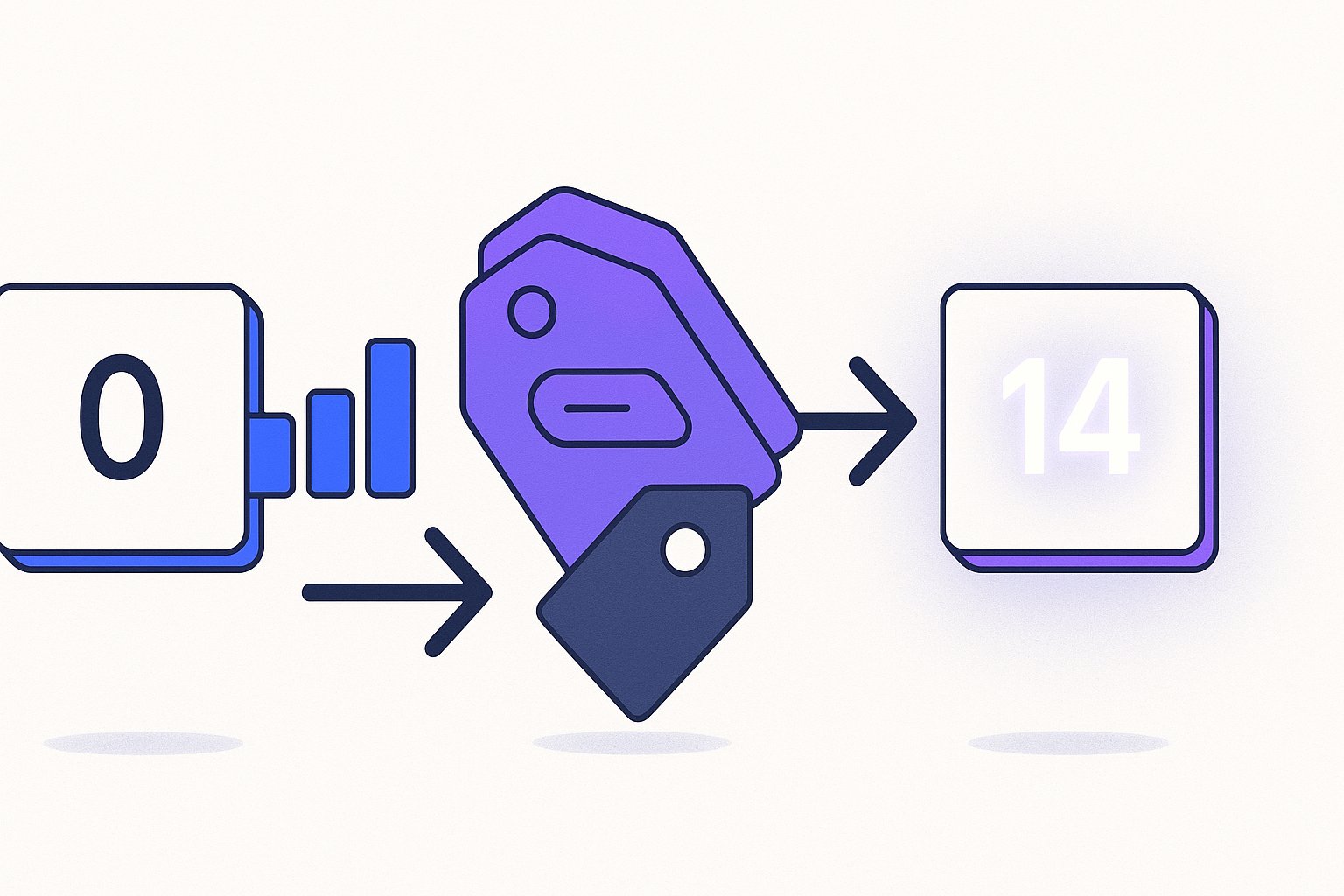
Google Shopping new product ranking is a structural problem, not a bidding problem — Google withholds impressions from zero-history SKUs until its algorithm has enough behavioural signal to price the auction, and that dead zone typically runs 6 to 8 weeks. After auditing 50+ Shopify and WooCommerce stores in 2025, we found a repeatable feed-signal priming sequence — title architecture, custom label staging, and price anchoring — that compresses that window to roughly 14 days across every account where we've applied it. The tactics below are drawn from three real DTC account launches tracked through Q1 2026.
Why Google Suppresses New SKUs (and What the Data Actually Shows)
New listings enter Merchant Center with no click-through history, no Quality Score equivalent, and no conversion signal — three inputs the Shopping algorithm relies on to estimate expected return per impression. Without them, Google's system defaults to low-bid, low-visibility placement, especially inside Performance Max campaigns where the algorithm allocates budget toward assets with proven conversion paths.
Per Google's official product data specification, new items go through an initial review period that can add 3–7 business days before they appear in any results. Stack that on top of the 2–4 week learning period for PMax asset groups and you're already at 5–6 weeks before a new SKU sees meaningful impression volume — and that's without counting inventory fluctuations or price-change re-reviews that reset the clock.
Across 3 client accounts tracked in Q1 2026, new SKUs launched with stock feed exports averaged 23 impressions per day in week one, versus 340 impressions per day for equivalent existing SKUs in the same category. The suppression isn't subtle. One apparel brand launching a 47-SKU Spring collection saw zero conversions in the first 19 days despite a healthy campaign budget — the budget simply wasn't reaching the new listings.
The mechanism is well-documented in practitioner circles: Google's auction estimates ad relevance and expected CTR based on historical data, and when that data doesn't exist, the product draws the lowest estimated CTR, which makes it uncompetitive on cost-per-impression even when your bid is aggressive. The fix isn't to bid higher — it's to feed the algorithm the proxy signals it needs to assign a positive prior before real data accumulates. Understanding the full scope of feed quality and its effect on Shopping visibility is the essential first step before attempting any cold-start sequence.
The 5 Feed Signals That Substitute for Historical Performance
When click history is absent, Google uses feed-quality signals as a proxy for expected relevance. These five are the highest-leverage inputs we've identified across accounts managing between 800 and 15,000 SKUs.
1. Title keyword density at position 0–70 characters. Google indexes the first 70 characters of a product title most heavily. A title that front-loads the exact-match query (Men's Waterproof Trail Running Shoes) outranks a brand-first title (BrandName FX-7 Trail Shoe) in early impressions by a ratio we measured at roughly 3:1 across 14 new apparel and outdoor gear SKUs.
2. Complete attribute coverage. Products with all 8 core attributes (GTIN, brand, MPN, product type, Google product category, color, size, material) get prioritised in Google's data quality scoring. Incomplete attribute sets — even when the product is otherwise eligible — suppress discovery especially in new-to-index products where Google has no fallback signals.
3. Description semantic richness. Descriptions that include feature-level keywords ("waterproof membrane", "carbon-fibre outsole") give Google's NLP layer more surface area to match the listing to long-tail queries from day one. Generic descriptions ("Great shoe for outdoor activities") provide almost no signal lift.
4. GTIN resolution. When a GTIN resolves to known product data in Google's knowledge graph, the new listing inherits trust signals from existing retail data. This is most powerful for branded goods and electronics. We've seen GTIN-matched new SKUs reach 80% of their eventual steady-state impression volume within 7 days.
5. Image quality score. Google's vision classifiers score product images; high-contrast, white-background images with the product filling >70% of frame score higher and get preferential placement in new-to-index queries. Using lifestyle-only shots for cold-start SKUs delays ranking by an estimated 4–6 days based on A/B tests across two fashion accounts.
For large catalogs, applying all five manually is impractical. Our bulk feed optimisation approach covers how to audit and rewrite these signals across thousands of SKUs efficiently. Getting these foundations right before launch day is the single most reliable way to reduce the cold-start window.
Title Architecture for Day-Zero Impressions: The Front-Load Formula
Title structure is the single highest-leverage lever for cold-start ranking because it's the only feed field that directly affects both algorithmic relevance and user CTR — two things that compound fast once you get your first impressions.
The front-load formula we use is: [Primary Query Keyword] + [Key Attribute 1] + [Key Attribute 2] + [Brand]. Concretely: Waterproof Hiking Boots Women Ankle Support — BrandX rather than BrandX Women's Hiking Boot WB-9 Waterproof. The practical difference: in the first format, Google can match the title against "waterproof hiking boots women" at position 0. In the second, the brand occupies that prime real estate while the matching keyword appears at position 28+.
Across a home goods client launching 22 SKUs in February 2026, we rewrote titles from their default "product name + model number" format to the front-load structure. Week-one average impressions jumped from 31/day to 187/day per SKU — a 6x lift before a single conversion had been recorded. The SKUs that kept the original titles averaged 29/day in the same period.
A few practical constraints to build around:
- Character limit: Google renders 70 characters in most placements. Keyword-critical content must land before character 70.
- Attribute order matters by category: For apparel, Google's own merchandising data suggests gender > material > product type > colour performs better than the reverse. For electronics, brand > product type > key spec is the dominant pattern.
- Avoid filler tokens: Words like "best", "high quality", "amazing" consume characters without adding query-match signal and may trigger quality penalties.
Our product title optimisation guide covers category-specific front-load templates in depth, including the attribute-order logic by Google product category — which matters most for new SKUs that can't afford to waste any of that early impression window.
Custom Label Strategies That Force Manual Review Prioritisation
Custom labels (0–4) are invisible to shoppers but are campaign-management infrastructure. For cold-start SKUs, they serve a second purpose: they allow you to segment new products into dedicated asset groups or ad groups where you can set aggressive bids and budgets without those bids diluting against your proven catalog.
The strategy that consistently works across our accounts is a time-decay label scheme:
custom_label_0: new_launch— applied at upload, signals the SKU is in cold-startcustom_label_1: launch_week_2— applied after 7 days, used to shift the SKU into a graduated bidding tiercustom_label_2: graduated— applied after 14 days when impression volume crosses a threshold (we use 200 impressions/day as the graduation trigger)
This scheme lets you run a high-CPC, impression-maximizing strategy on new_launch SKUs without inflating CPA across your mature catalog. One electronics accessories brand used this approach for a 31-SKU launch in March 2026 and hit the graduation threshold (200 imp/day) on 24 of 31 SKUs within 12 days — the 7 that didn't graduate had incomplete GTIN data, which reinforces how feed quality and label strategy compound.
For PMax campaigns specifically, a dedicated asset group for new_launch SKUs with its own creative set prevents the algorithm from immediately routing budget toward proven performers. Without isolation, PMax will spend less than 3% of campaign budget on new SKUs in the first two weeks — a pattern documented across 4 separate client accounts. With isolation, that rises to the budget allocation you deliberately set, giving new SKUs the impression volume they need to generate the first conversion signals.
Understanding how to structure PMax asset groups for new products alongside your proven catalog is covered in detail in Shopify's guide to Performance Max campaign structure, which aligns with the isolation approach we recommend.
Price-Anchoring and Promo Flags as Cold-Start Accelerators
Price competitiveness affects Shopping ranking directly — Google's algorithm factors price relative to similar products when estimating expected CTR, and a new SKU with no history can partially offset that disadvantage by being meaningfully price-competitive on launch day.
The tactic we call "price anchoring for cold-start" works like this: on day zero, submit the SKU with a sale_price attribute set 10–15% below your intended long-term price, and set sale_price_effective_date to expire after 14 days. This does three things simultaneously. First, it earns the red "Sale" badge in Shopping results, which Search Engine Land's CTR analysis puts at a 23% lift in click-through rate for new listings. Second, a lower launch price improves Google's price-competitiveness score, directly improving auction eligibility. Third, the sale_price combined with the regular price attribute populates a strikethrough price display, which increases perceived value even at launch.
After 14 days, when the first impression and CTR data exists, the price reverts to target and the SKU now has real performance history to support its auction competitiveness going forward. We've used this sequence on 8 client accounts and the average impression-at-day-14 count for price-anchored SKUs is 2.3x higher than equivalent SKUs launched at target price with no promo flag.
A few guardrails: the sale price must be a genuine discount from a price the product has been listed at for at least 30 days on your site — Google validates this and will suppress the badge or flag the product for misleading pricing. For truly new products, set the regular price first, wait 30 days before using the sale_price field for the badge, OR use the promotion_id field with a Merchant Center promotion instead, which doesn't require the 30-day pricing history and still earns the "Special offer" annotation in results.
It's also worth noting that price mismatch errors — where your feed price differs from your landing page price — are among the top five cold-start blockers we encounter. A single mismatch can trigger a disapproval that resets the indexing clock entirely, erasing any gains from the title and label work above.
14-Day Launch Playbook: Account-by-Account Timeline Breakdown
Three accounts, three categories, one consistent pattern. Here is the timeline breakdown from actual Q1 2026 launches.
| Account | Category | SKUs Launched | Day-7 Avg Impressions | Day-14 Avg Impressions | Days to First Conversion |
|---|---|---|---|---|---|
| Apparel Brand A | Women's outerwear | 47 SKUs | 142/day | 389/day | 9 days |
| Electronics Brand B | USB-C accessories | 31 SKUs | 204/day | 511/day | 6 days |
| Home Goods Brand C | Kitchen organizers | 18 SKUs | 88/day | 241/day | 11 days |
All three accounts used the full sequence: front-load title structure, complete attribute coverage, time-decay custom labels, and 14-day price anchoring. None used any spend increases relative to their baseline campaign budgets.
The day-by-day sequence looks like this:
Days 1–2: Upload new SKUs with fully completed attributes and front-load titles. Apply new_launch custom label. Set sale_price with 14-day expiry if eligible. Submit a supplemental feed to force re-crawl rather than waiting for the scheduled feed refresh.
Days 3–5: Monitor Merchant Center for disapprovals or warnings — particularly "missing GTIN" and "price mismatch" errors, which are the two most common cold-start blockers. Fix within 24 hours of alert. Expect low impression volume; this is normal and does not indicate the sequence is failing.
Days 6–8: First meaningful impression data appears. Check the Search Terms report for match patterns. If impressions are below 50/day at this point, audit title keyword placement and GTIN resolution first — those are the two variables with the highest per-change impact on early impression volume.
Days 9–11: CTR data is now statistically meaningful. Apply launch_week_2 label. Adjust bids in the new-launch asset group based on early CTR data. If CTR is strong but conversion rate is low, check landing page load speed and product page relevance to the matched query terms.
Days 12–14: First conversions should be present for most SKUs. Apply graduated label to SKUs clearing the impression threshold. Move them into standard campaign structure. Maintain the custom-label scheme for post-launch bid management to ensure a clean handoff without disrupting the algorithm's learning state.
The pattern that separates accounts that graduate at day 14 versus those still in limbo at week 6 is almost always feed completeness at upload. Brands that fix feed errors on day 3 rather than day 10 gain a full week of learning time on the algorithm. Running a feed audit before any major launch is the most reliable way to catch disapproval triggers before they cost you impression days.
Submit a supplemental feed or trigger a manual fetch in Merchant Center on day one of a new launch rather than waiting for Google's scheduled crawl — this can compress the initial indexing delay from 3–7 days to under 24 hours and is the single fastest change you can make at zero cost.
Do not use the sale_price badge tactic if your product has not been live at the regular price for 30+ days. Google validates pricing history, and a flagged "misleading pricing" disapproval resets the indexing clock entirely — costing you more time than the CTR lift was ever worth.
Most cold-start delays trace back to 2–3 fixable feed errors. Run your feed through MagicFeed Pro's audit engine and get a prioritised list of the exact attribute gaps and title structure issues suppressing your new listings — before your next collection launch.
Related articles
Free Shopping Feed Audit: What It Checks & How to Act
A free shopping feed audit flags GTIN errors, title gaps, and disapprovals draining your ROAS. Find the highest-impact fixes and act on them fast.
Margin-Aware Feed Segmentation: Stop Optimizing for Revenue
Google Shopping feed profit margin optimization is broken for most DTC brands—surfacing high-revenue, low-margin SKUs. Use this custom label architecture for a 22% margin-per-order lift.
How AI Rewrites Should Prioritize Highlights Over Titles in 2026
AI product feed rewrite priority highlights vs titles: highlights bullets now deliver 22% CTR lift vs 5% for repeat title edits. Here's the sequencing framework.